Creating a New Project
Kavia Chat also includes a dedicated flow for starting projects entirely from scratch—perfect for users who want to go from idea → live application in a few guided steps.
Using the Kavia Chat Builder, you can:
- Describe your project idea in natural language
- Customize the concept
- Start the no-code session
- Use one-click build to generate your full application
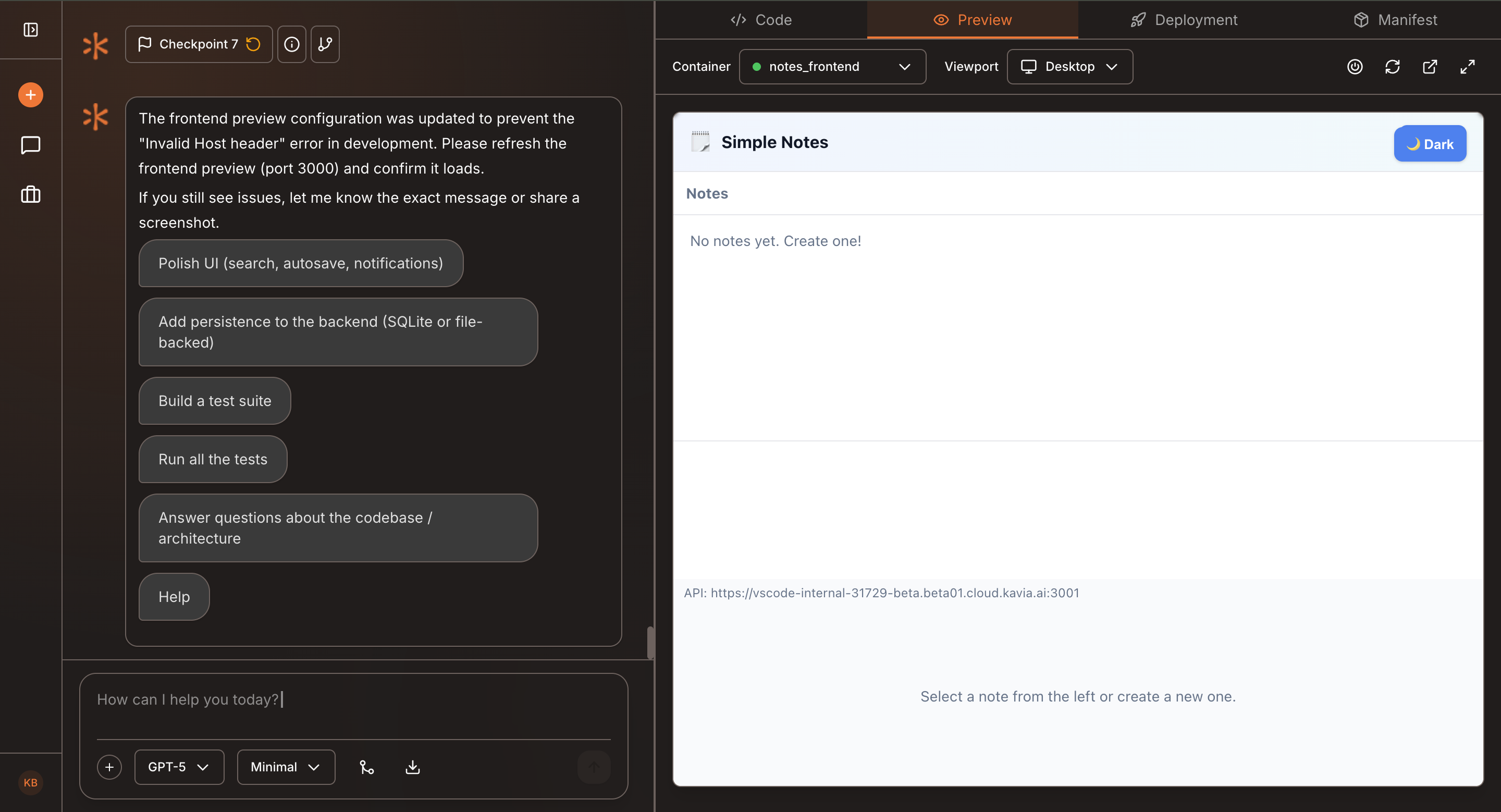
- Preview your app live & Test
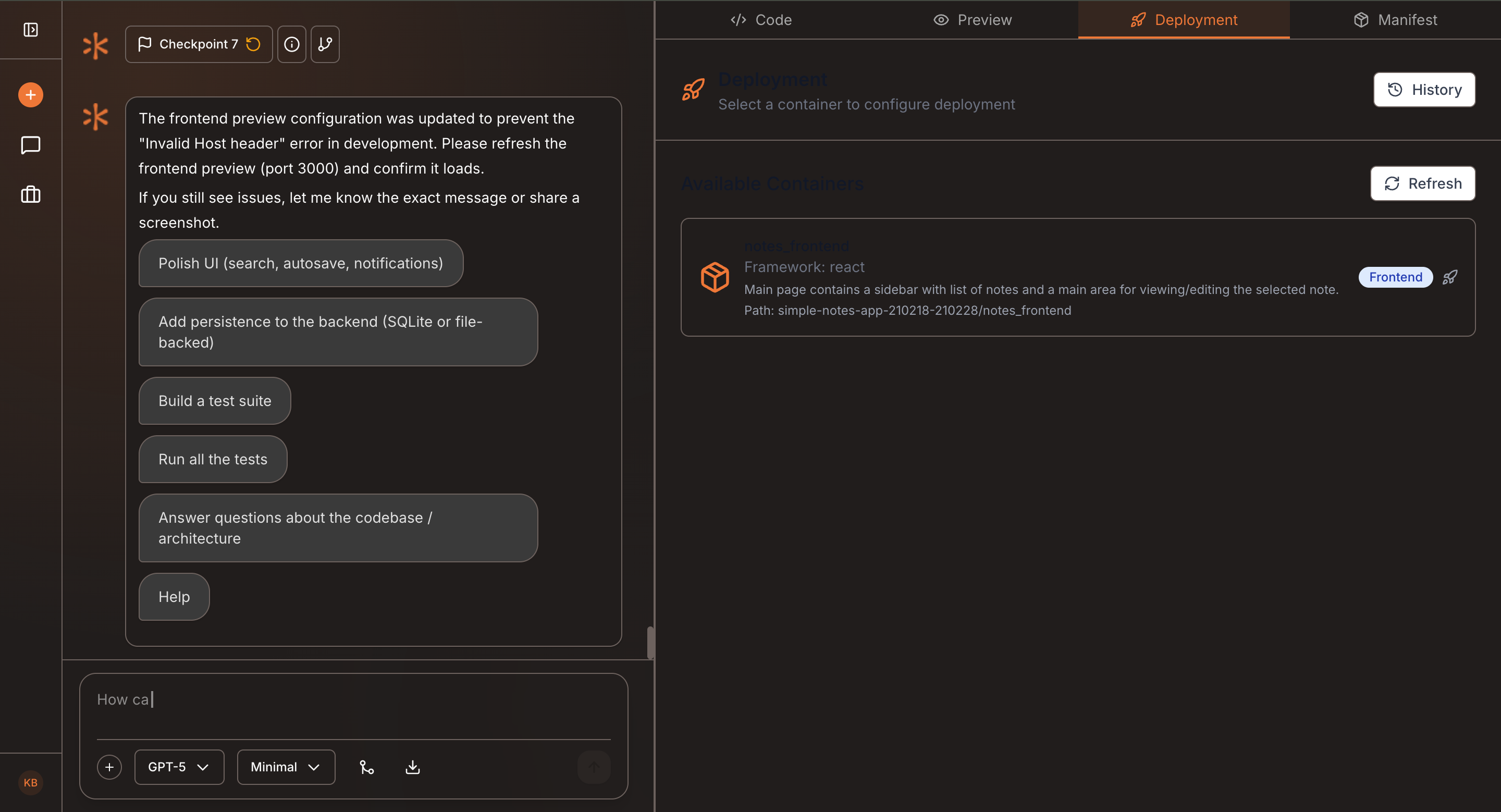
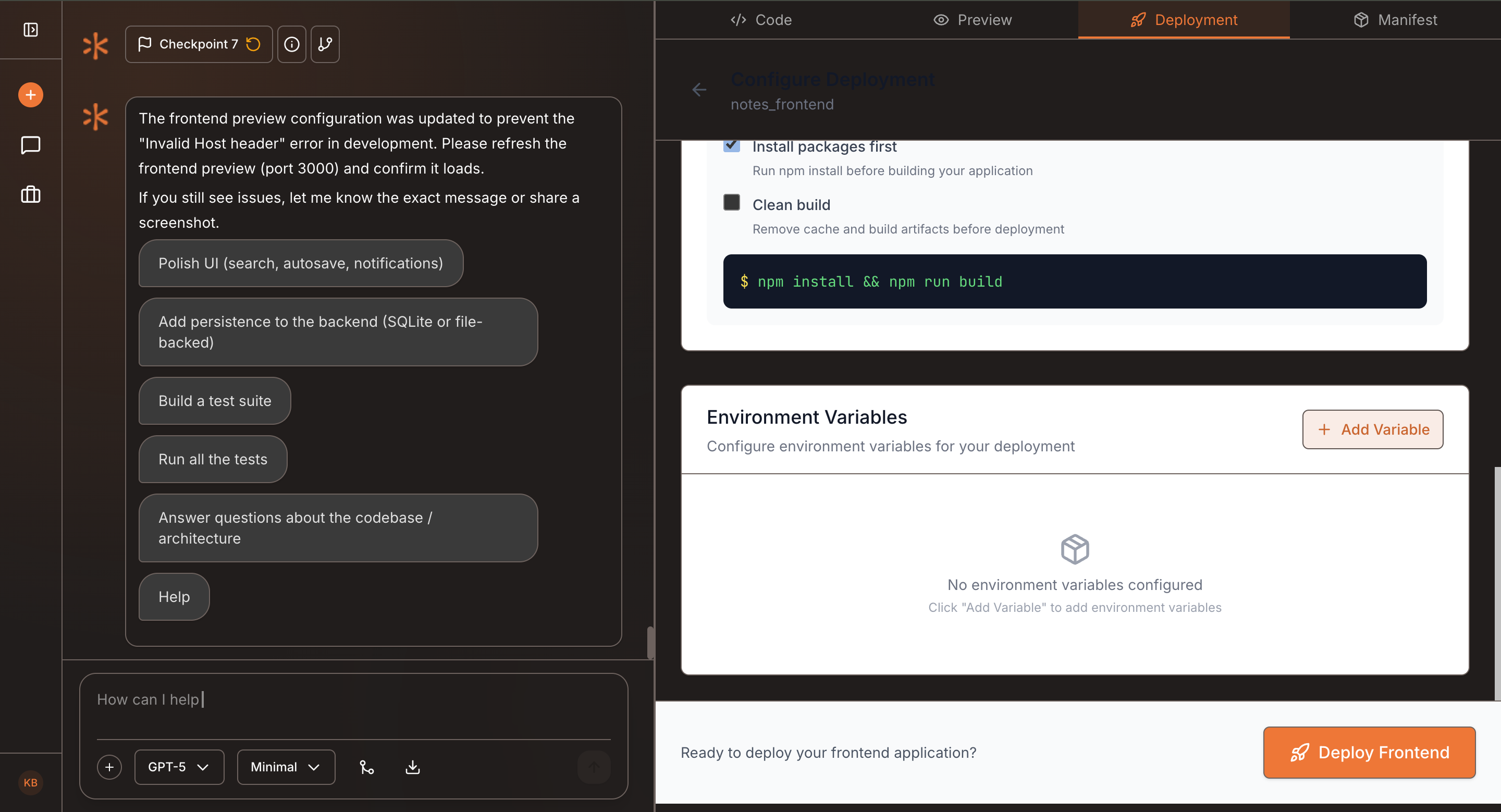
- Deploy your application
- This workflow is designed for fast experimentation, rapid prototyping, and quick deployment—all powered directly through Kavia Chat.
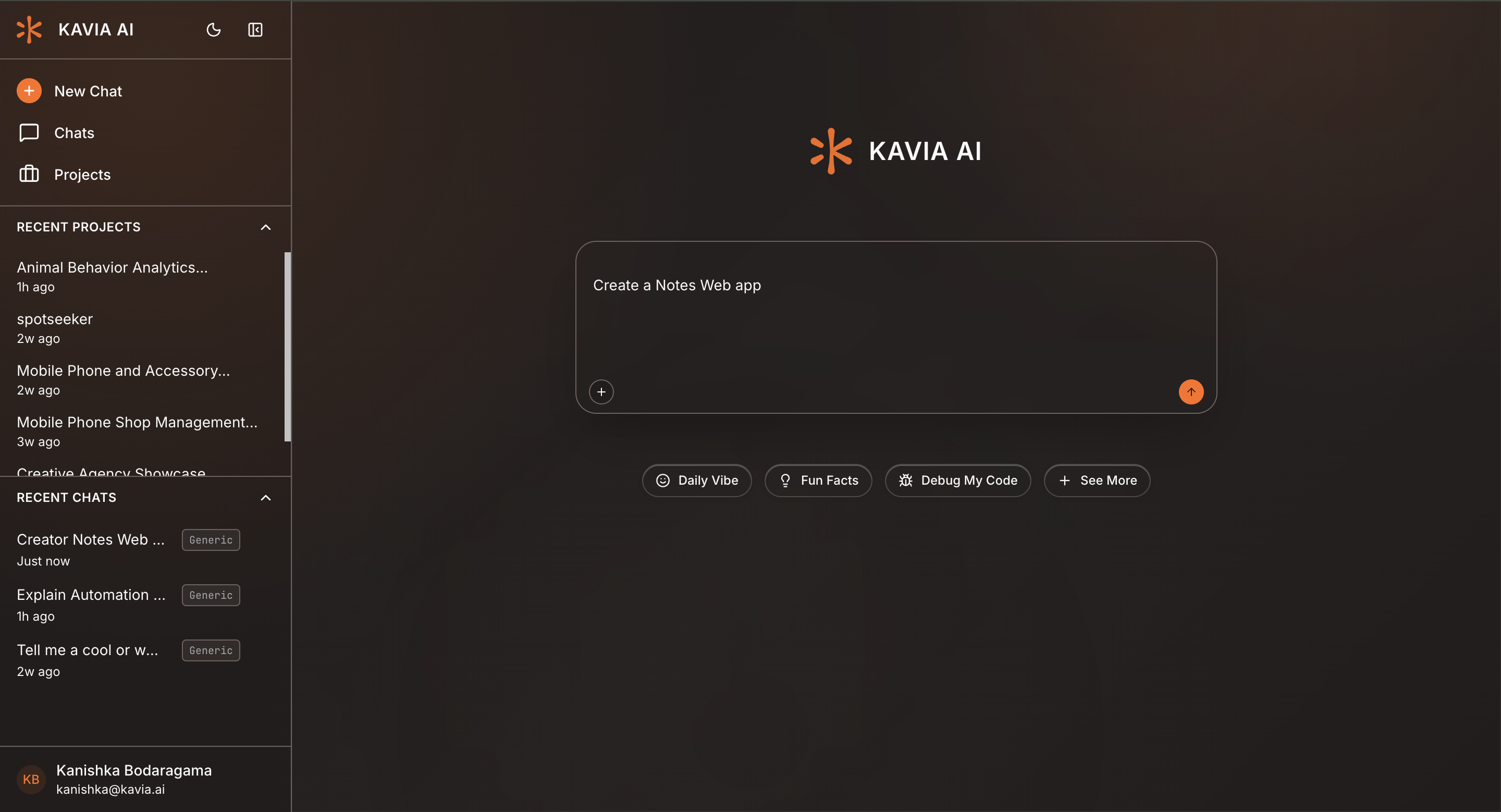
Example: “Create a Notes web app”
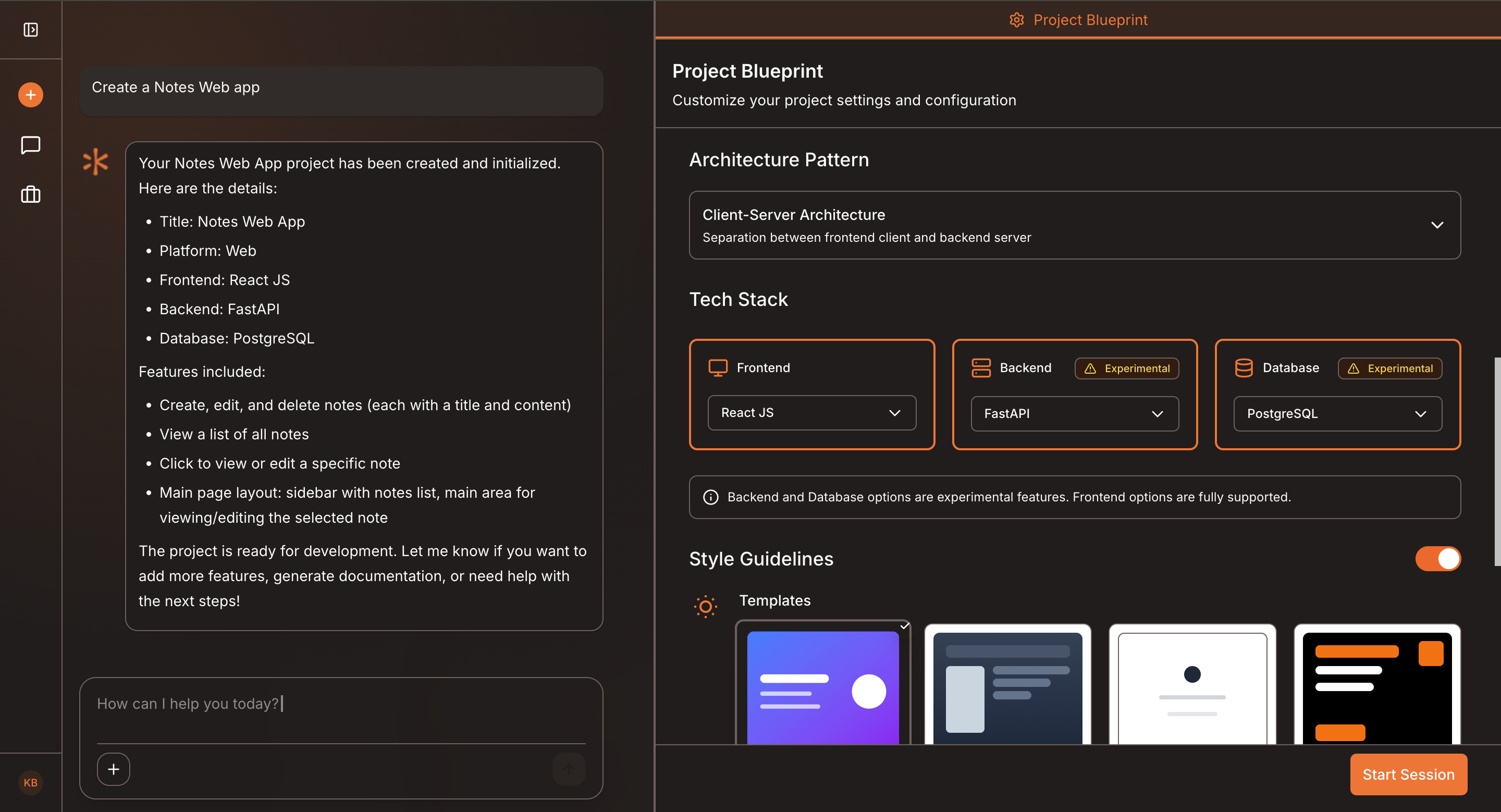
Kavia generates an app overview with core features, themes, and tech stack options.
Edit features, select UI themes, and choose the development stack.
Begin building your app directly from the chat interface.
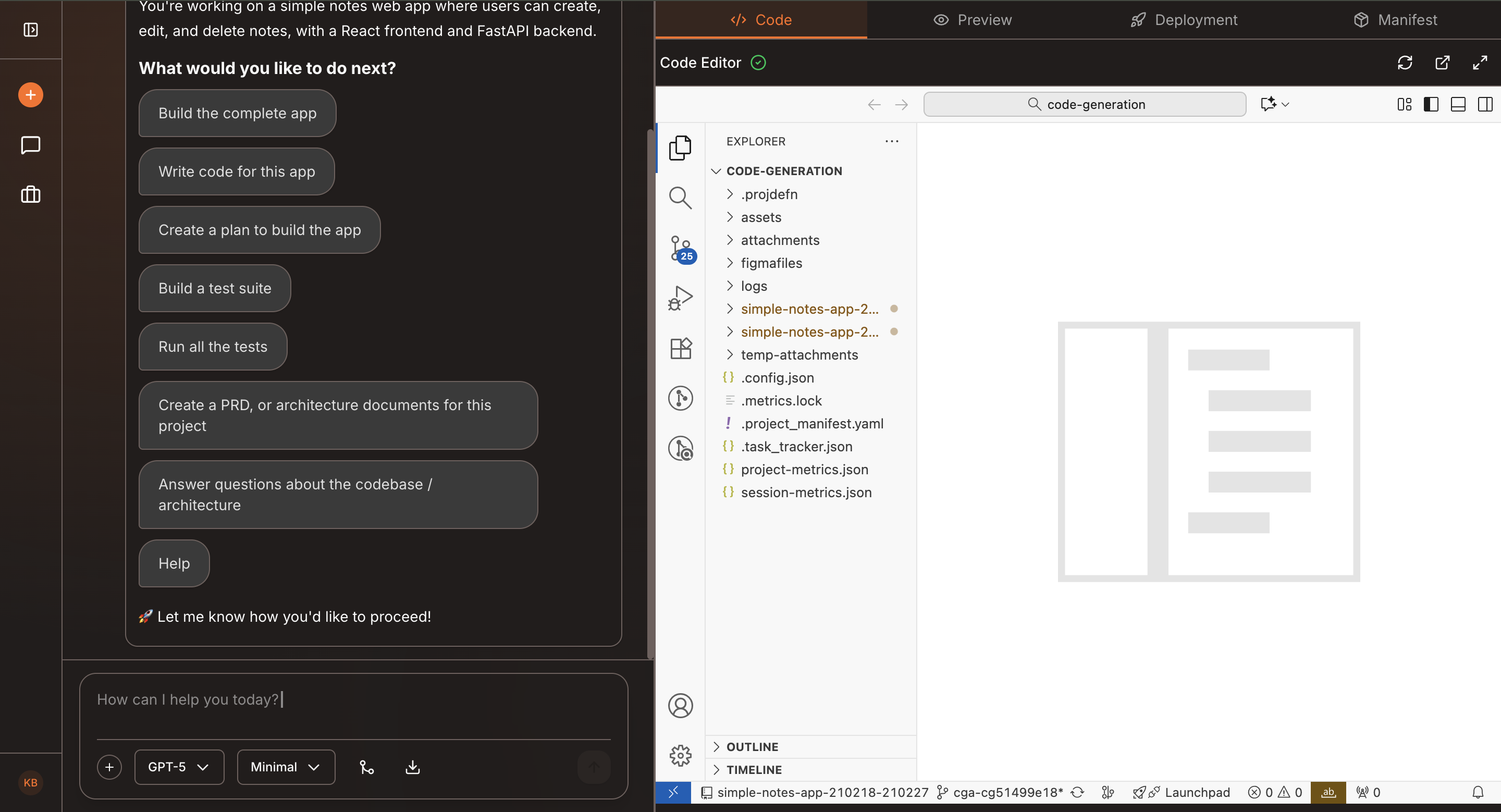
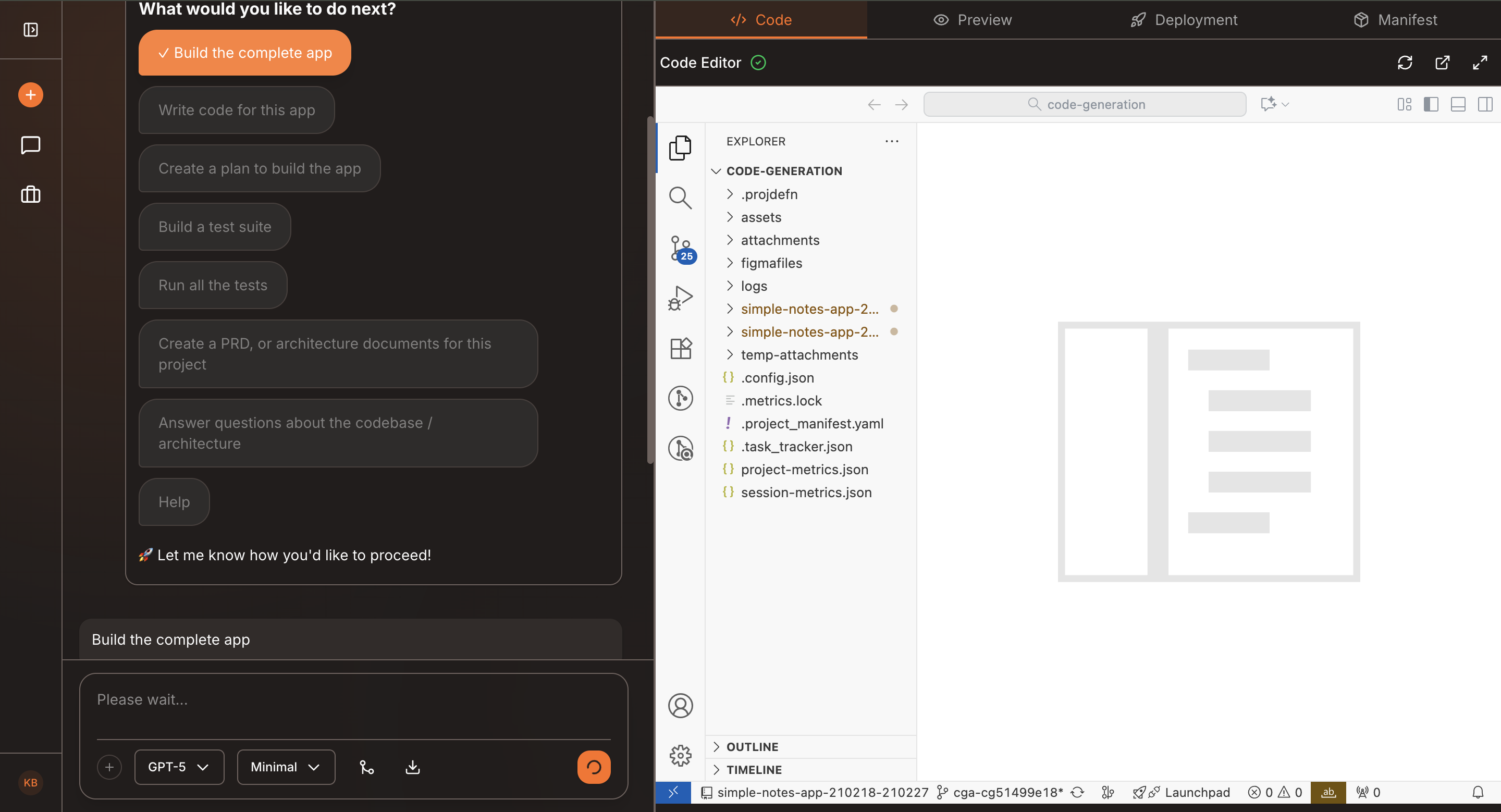
Kavia handles the setup, structure, and initial implementation.
See how it looks and functions in real time. Make adjustments through chat or quick-edit tools
Push your app live with one click, ready for your audience.
Previous
Working on an Existing ProjectNext
Project Planning