K-Diff
K-Diff enables you to compare branches within a repository and understand exactly what has changed between them. It helps developers and QA teams identify new features, code modifications, and potential causes of bugs—directly through Kavia Chat.
This feature is ideal for code reviews, debugging, release comparisons, and onboarding new developers.
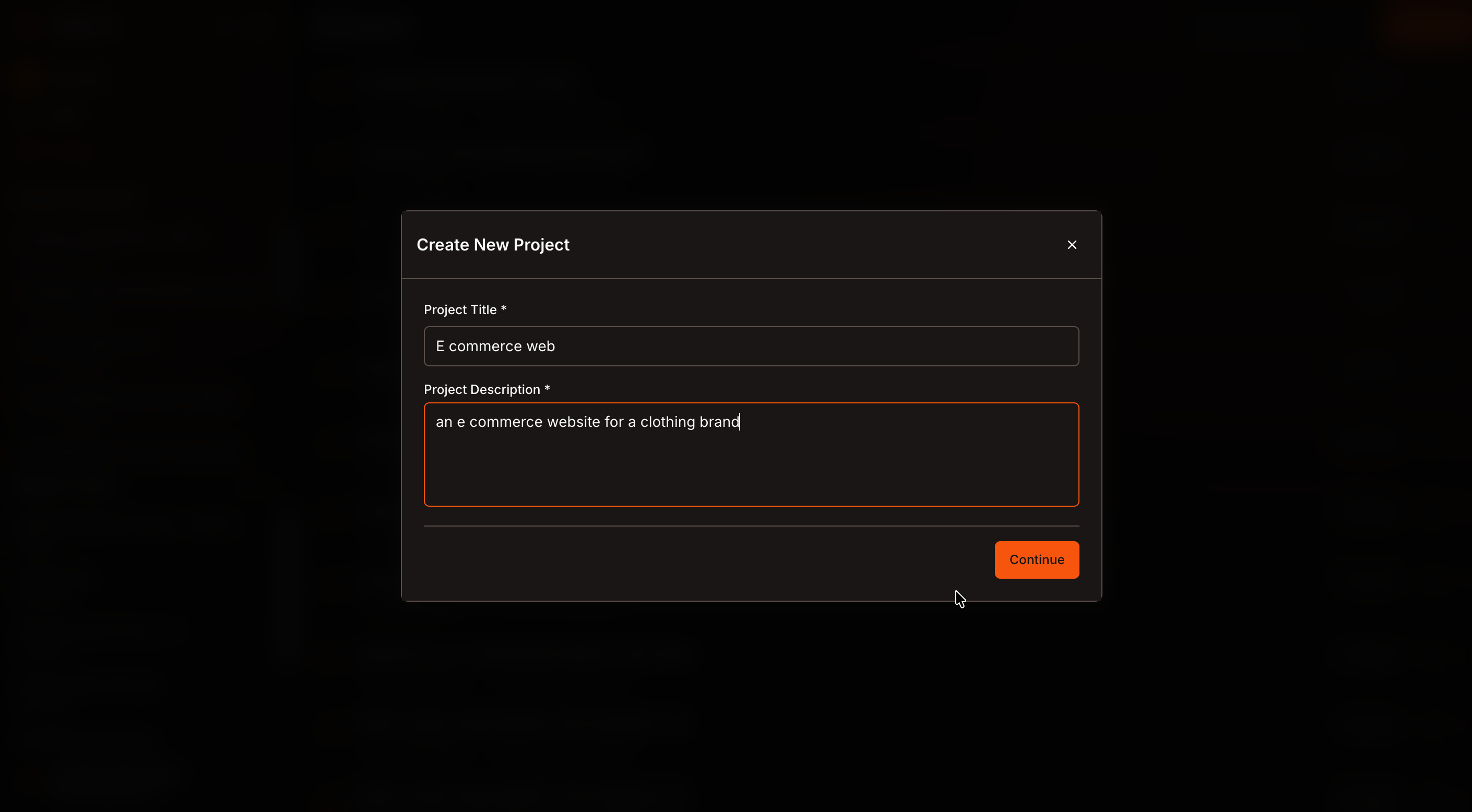
Open a Project
Navigate to Projects and open an existing project, or create a new one.
Ensure that at least one repository is already added to the project.
Add Your Repository
From the project tools, click Add Repository.
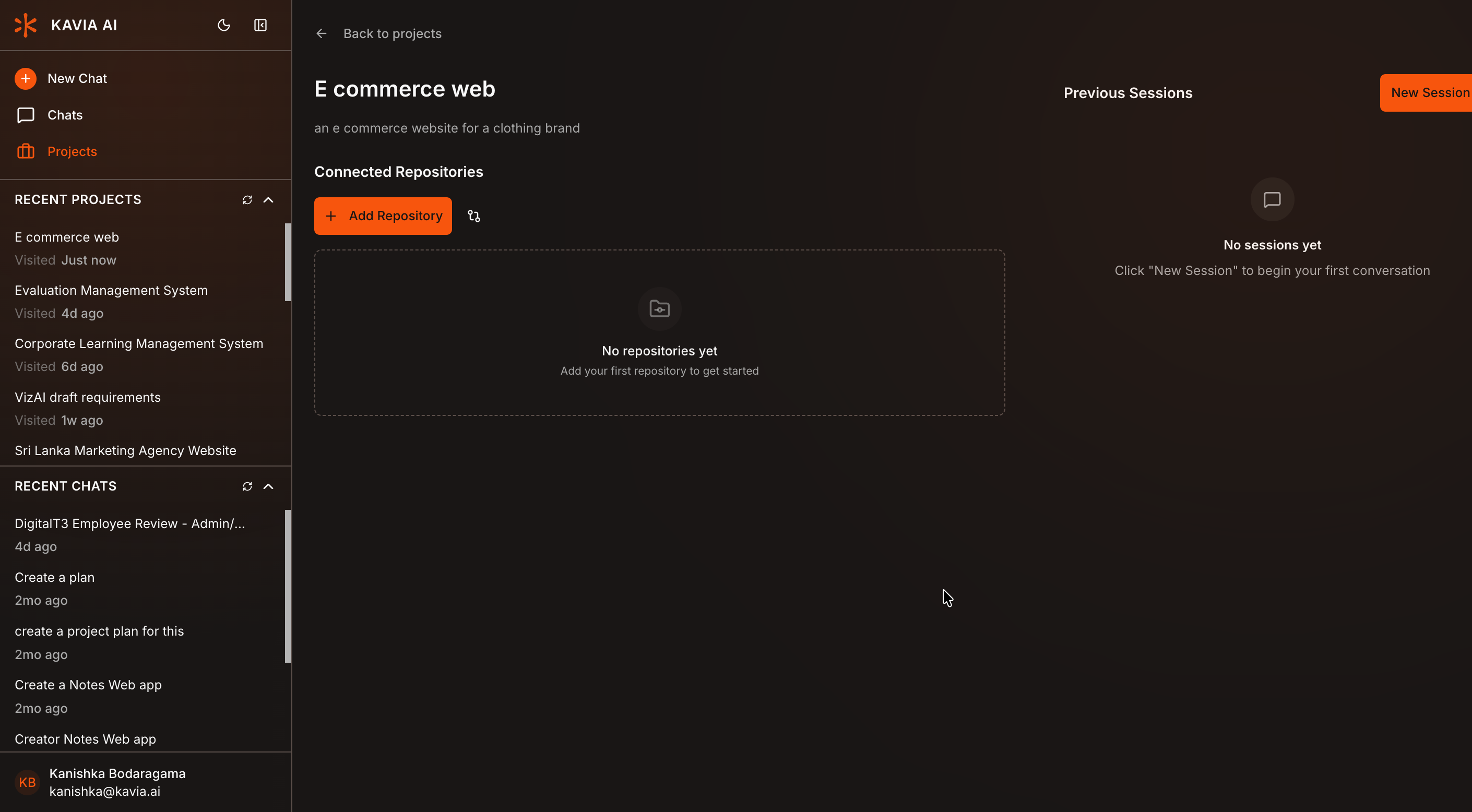
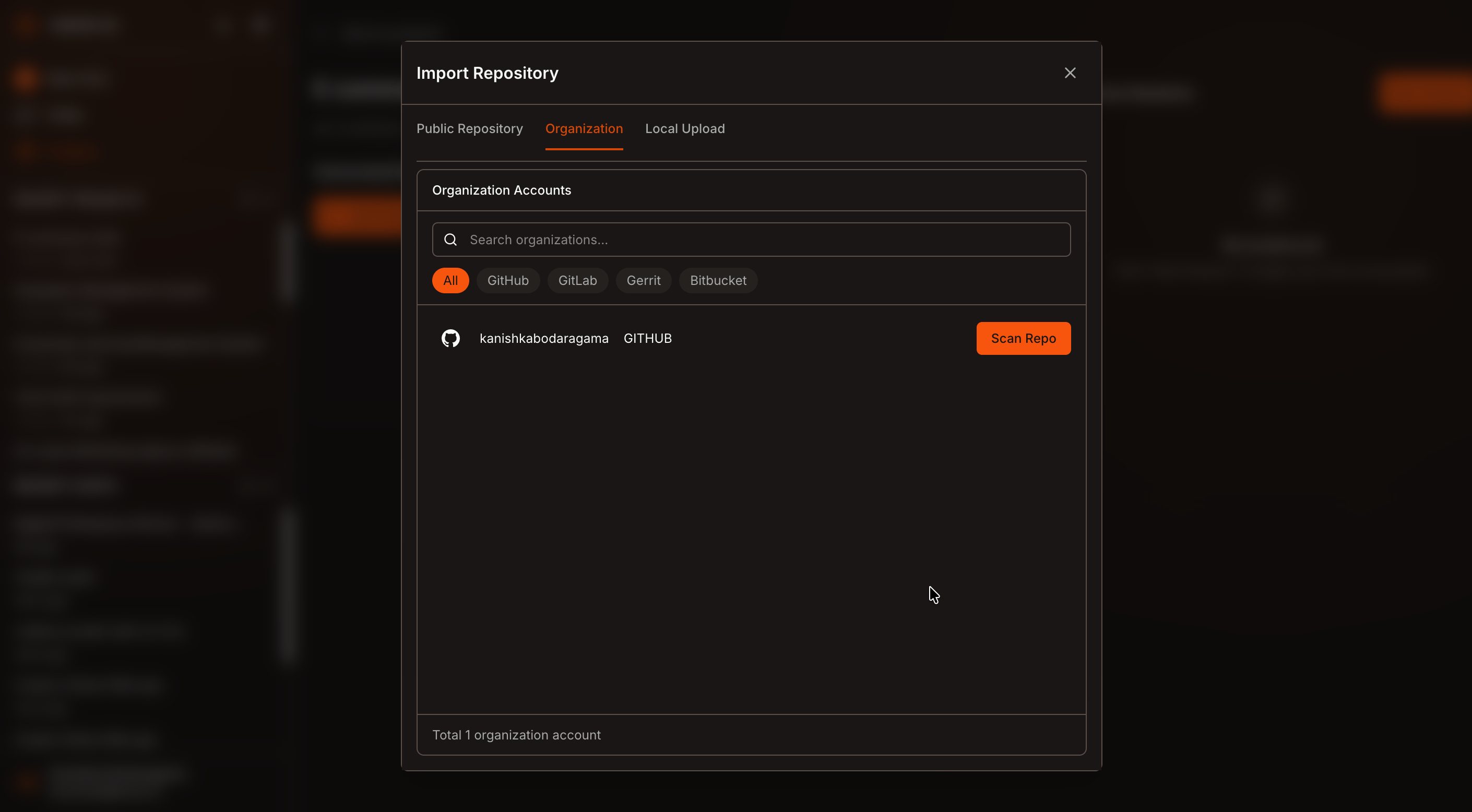
In the popup window, you can:
- Add a public repository using a repository URL
- Select an existing GitHub organization account
- Click Scan Repo to list all repositories under the selected GitHub account
- Search and select the repository you want to use
Select Branches for Comparison
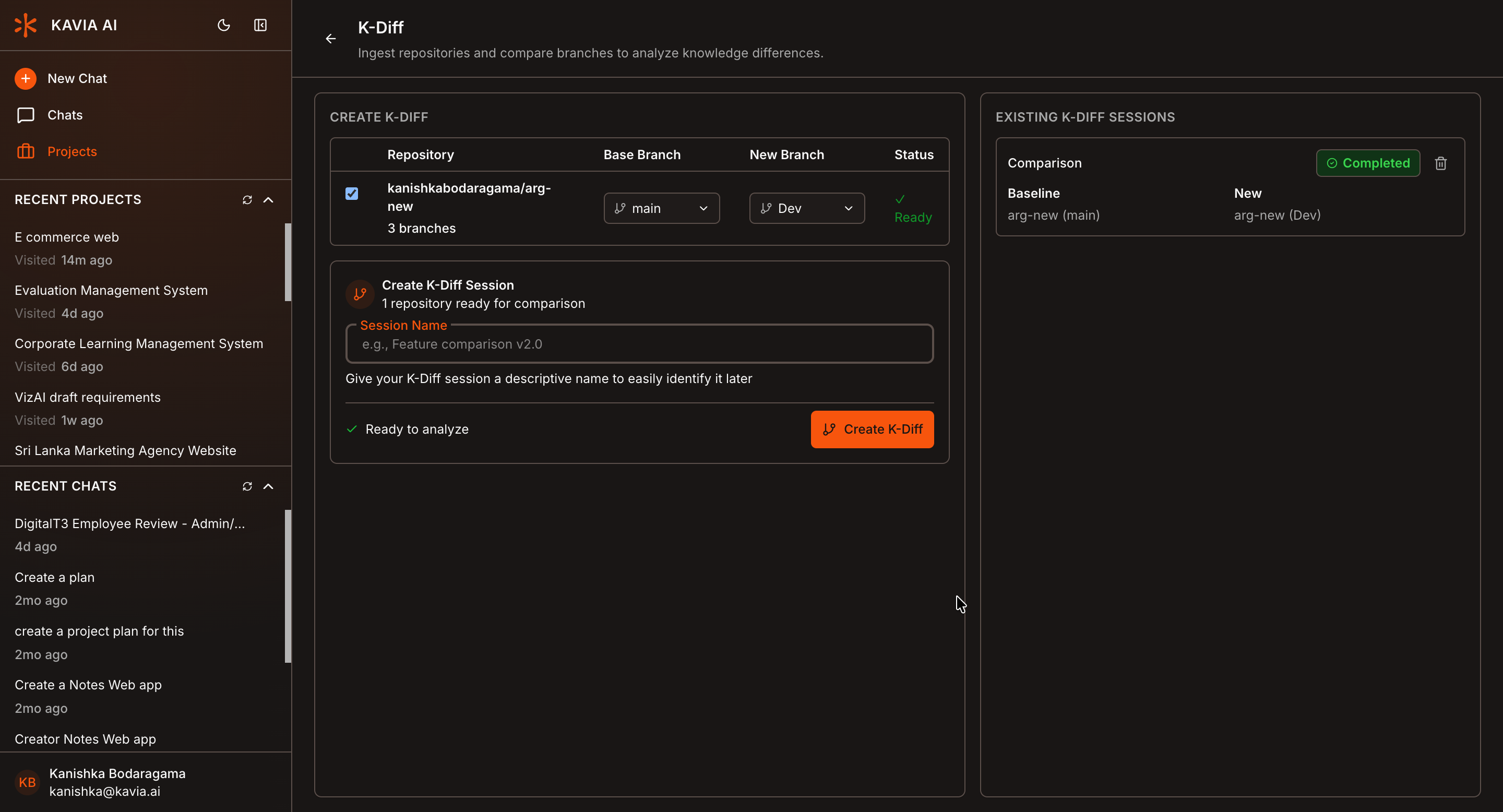
Open K-Diff from the project tools.
- Select a Base Branch, which acts as the main or reference branch
- Select a Compare Branch, which is the branch you want to analyze against the base
After selecting the branches:
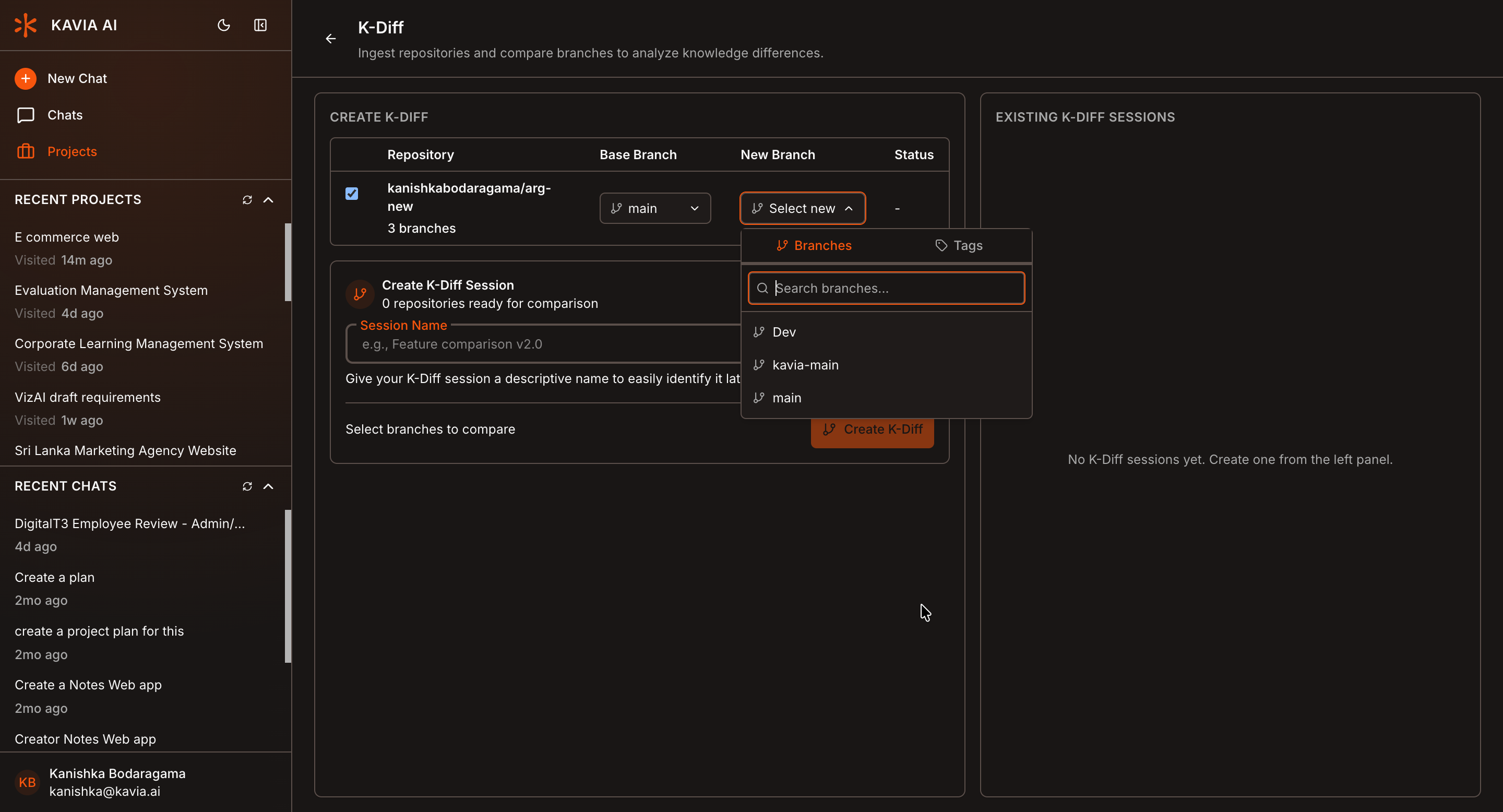
- Enter a name for the K-Diff session (use a meaningful name based on the use case)
- Click Create K-Diff
Once processing is complete, you will see a Completed status label.
Start a New Session
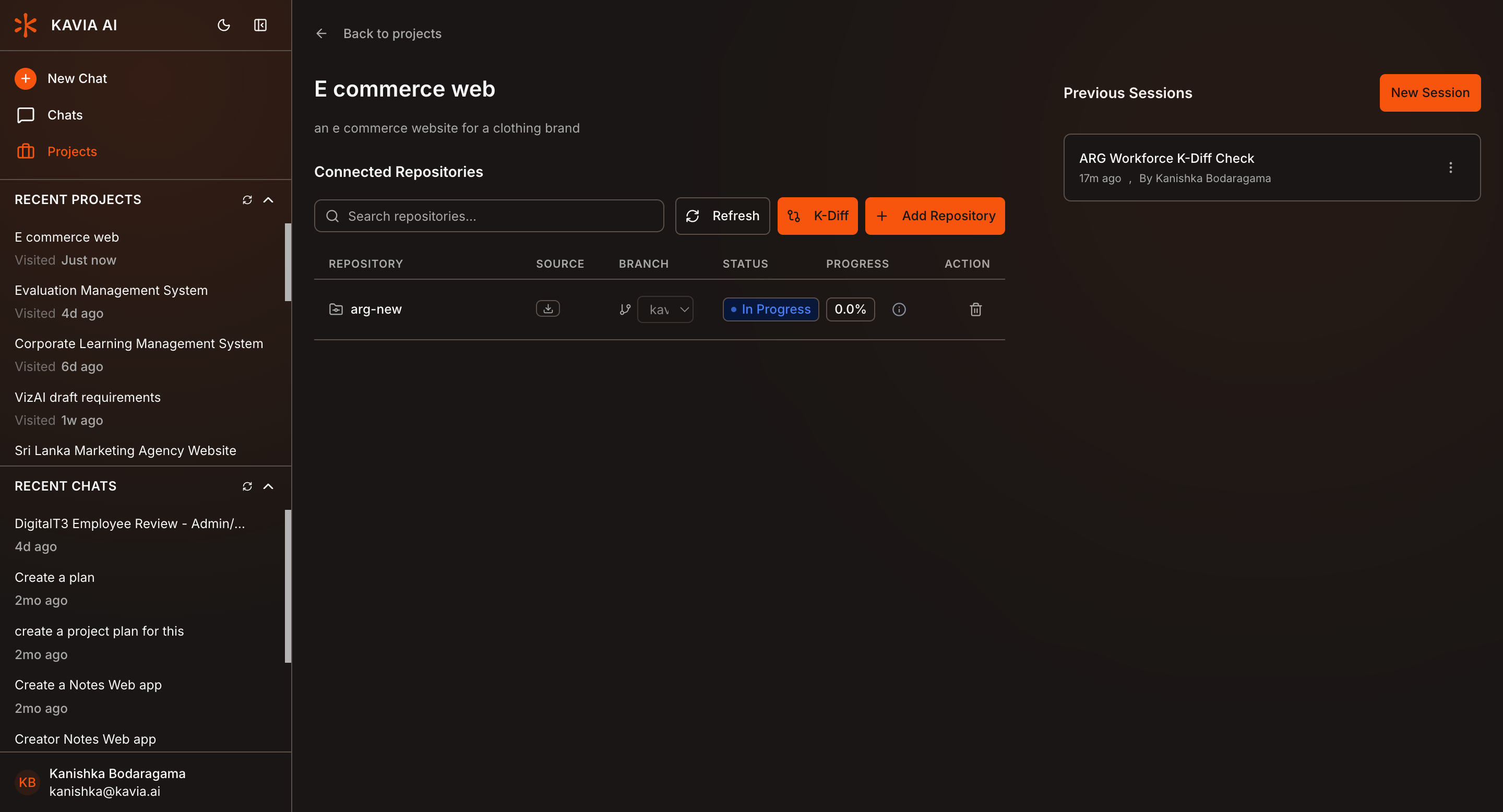
Click the arrow icon in the top-right corner to return to the project page.
Then click New Session to start a fresh chat session.
Load K-Diff in Chat
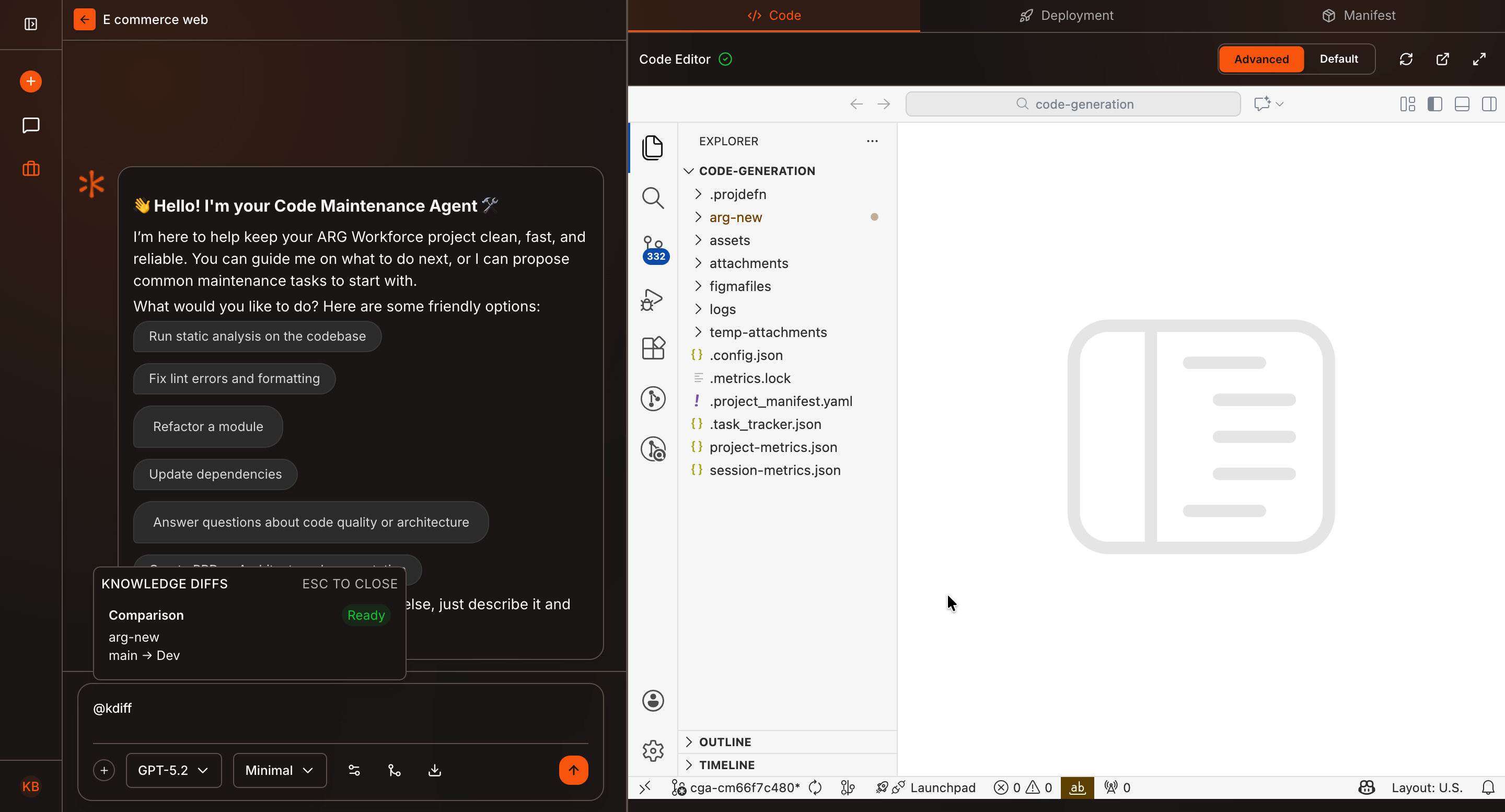
In the chat input box, type @kdiff.
A list of all available K-Diff sessions will appear.
Select the required K-Diff session from the list.
Ask Questions
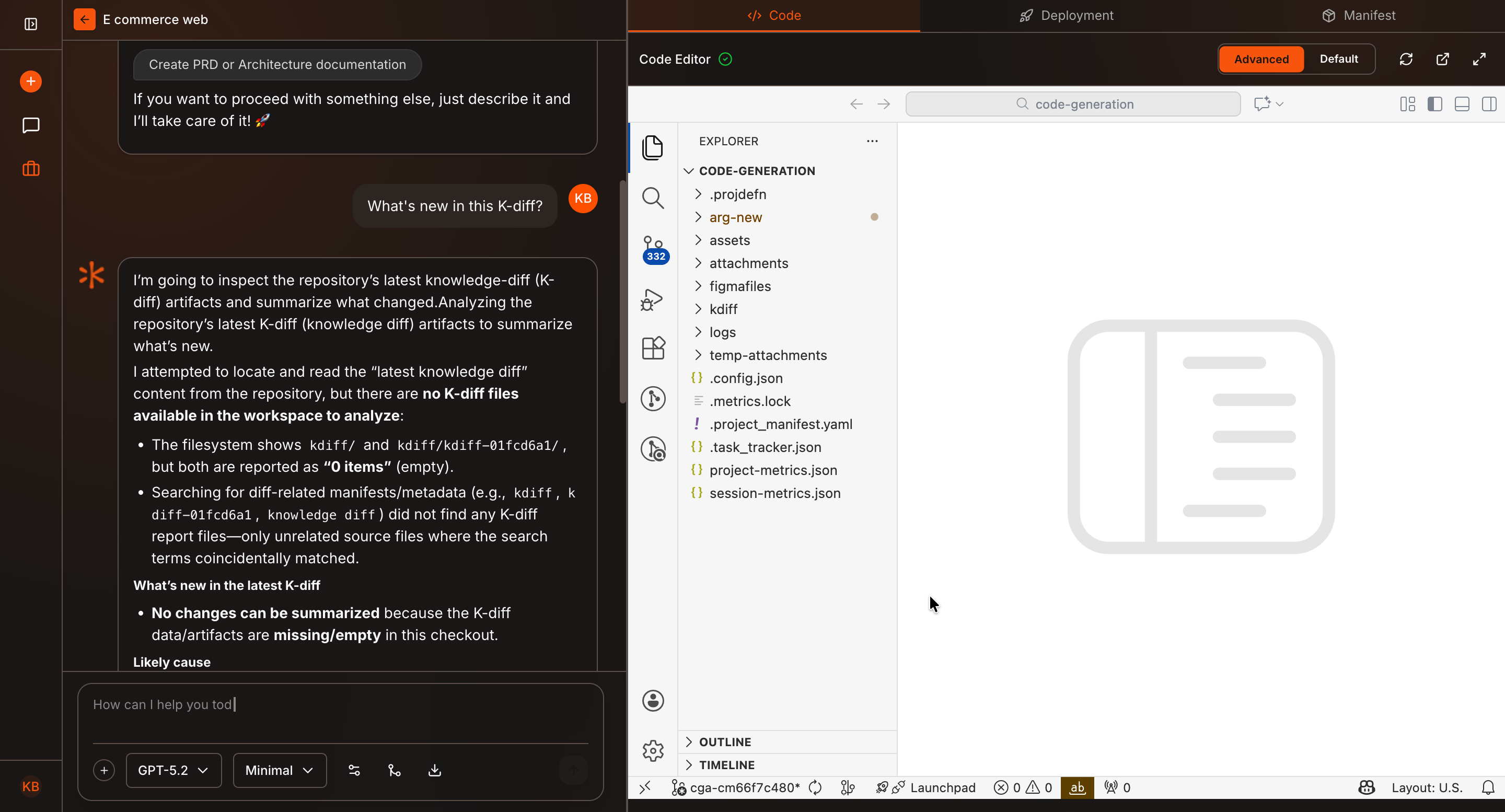
Once a K-Diff session is selected, you can ask questions such as:
- “What changes were introduced in this branch?”
- “Which files were modified?”
- “What code changes could have caused this bug?”
- “Summarize the differences between these branches”
Kavia will analyze the selected K-Diff and respond with structured, context-aware answers.
Why Use K-Diff?
- Compare branches before merging
- Identify root causes of bugs
- Review changes introduced in new releases
- Understand code changes quickly without manual diffing
K-Diff brings powerful branch comparison directly into Kavia Chat—making code analysis faster, clearer, and more collaborative.