CodeWiki
Code Wiki is a dynamic documentation feature in Kavia that allows you to build and maintain structured project documentation directly from Kavia Chat. Instead of manually managing documentation files, users can generate documents through chat and automatically sync them into Code Wiki.
This ensures your project documentation stays up to date and evolves alongside your application.
How Code Wiki Works
Code Wiki is updated through document generation.
Whenever you create or update a document in Kavia Chat, you can ask Kavia to update Code Wiki at the same time. Kavia will then organize and store the documentation in the Code Wiki section of your project.
This approach keeps documentation consistent, structured, and easy to maintain.
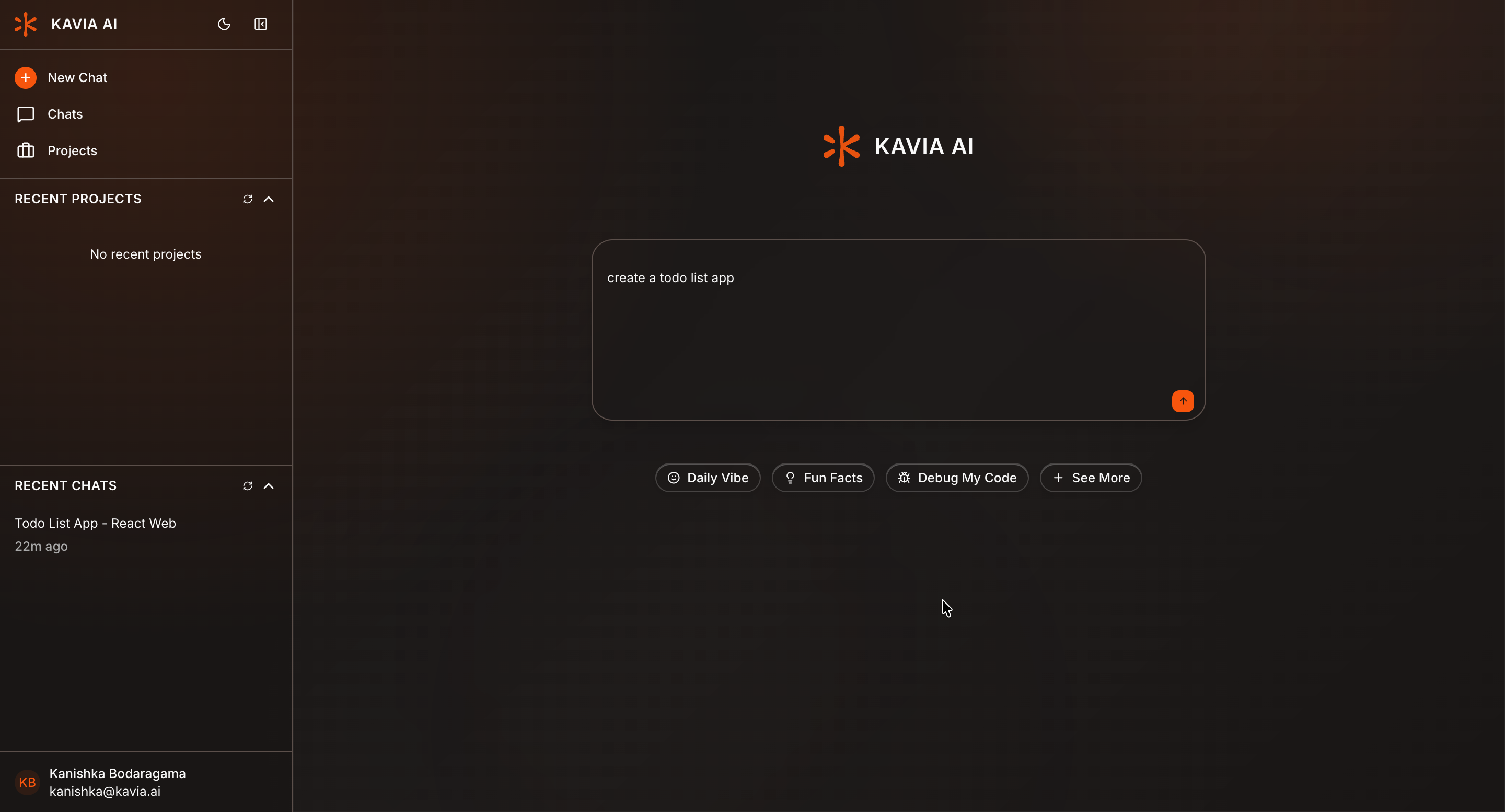
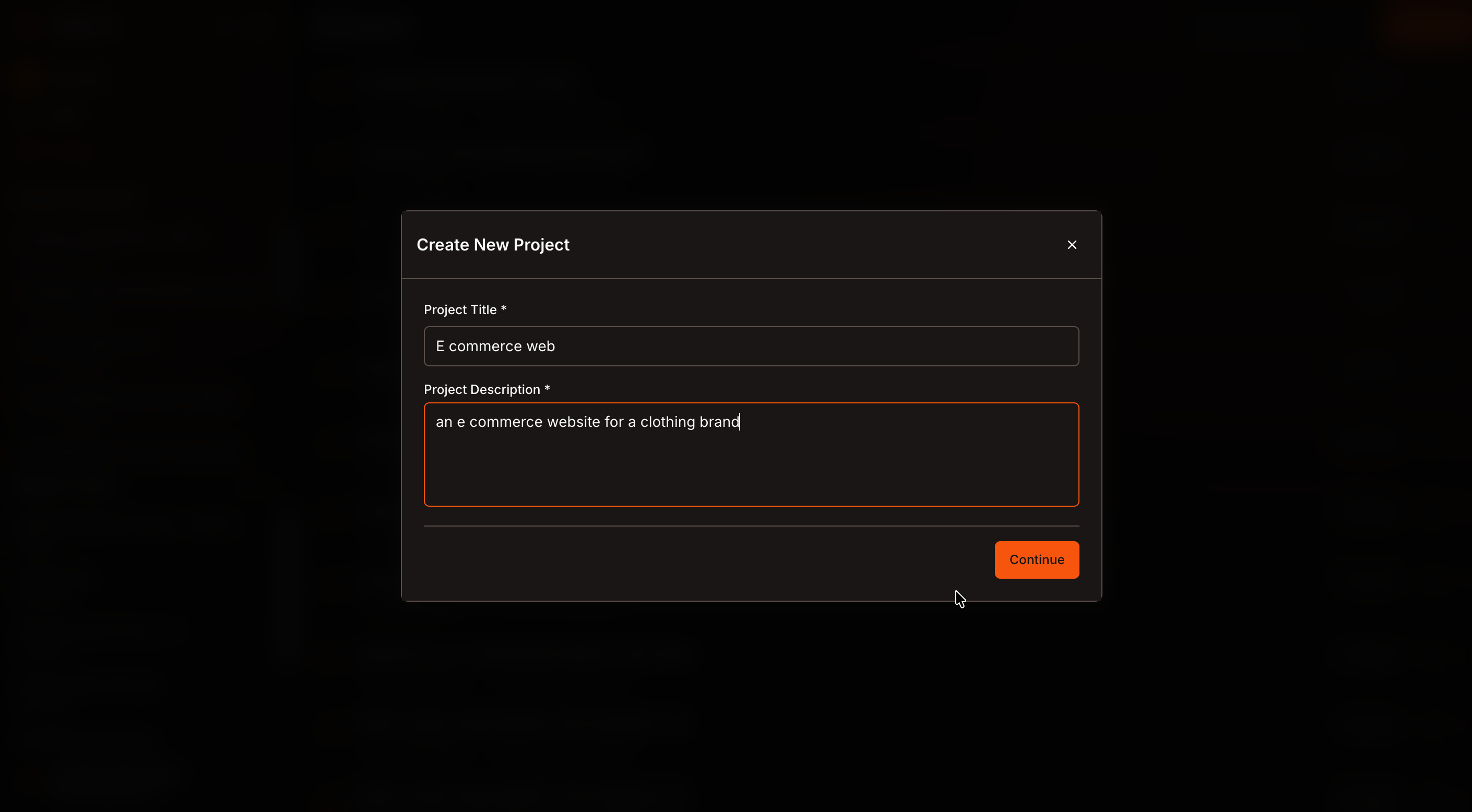
Open a Project
Create a new project or open an existing project in Kavia Chat.
Wait until the code editor and chat interface are fully loaded.
Ask Kavia to Create a Document
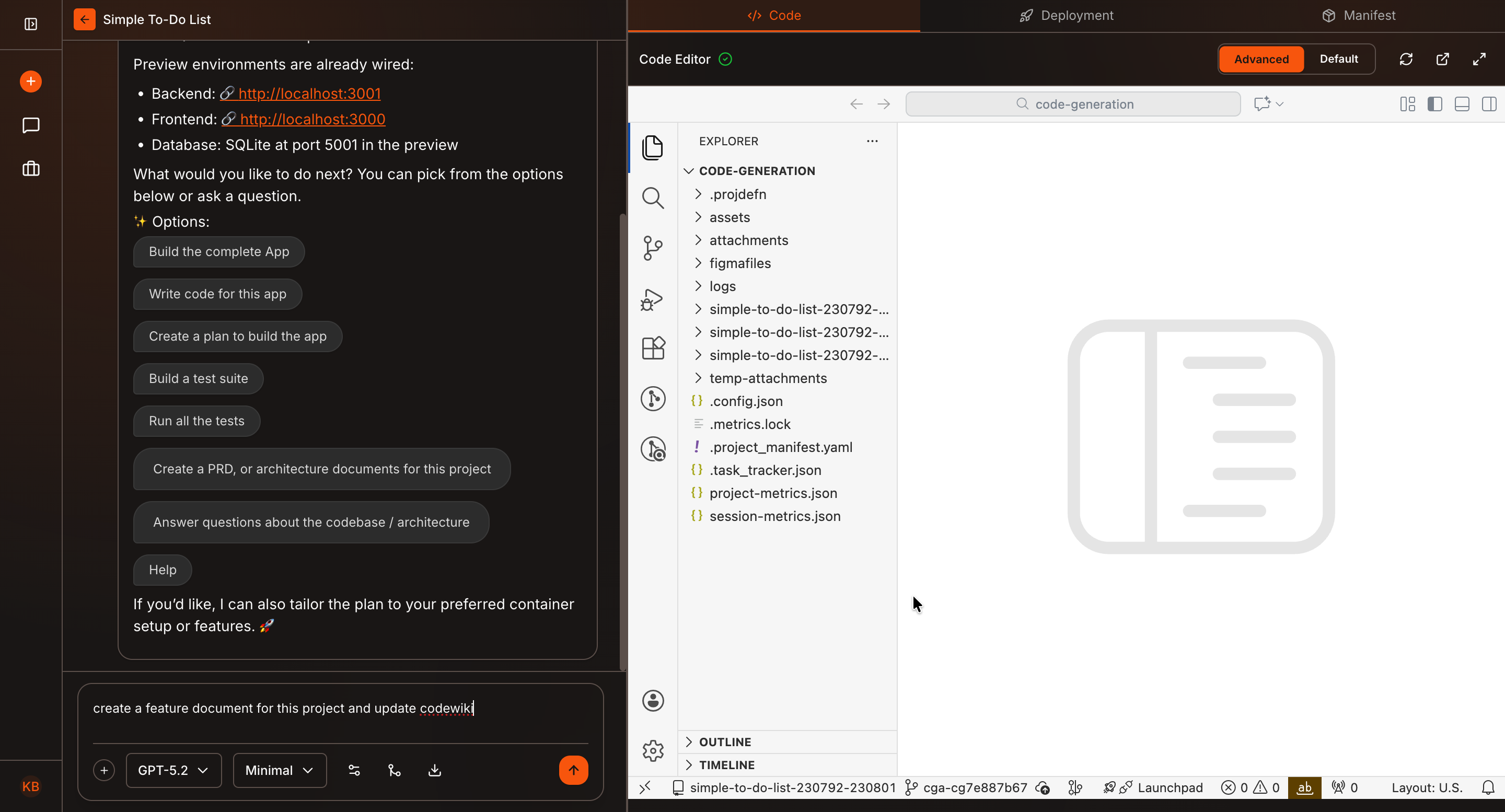
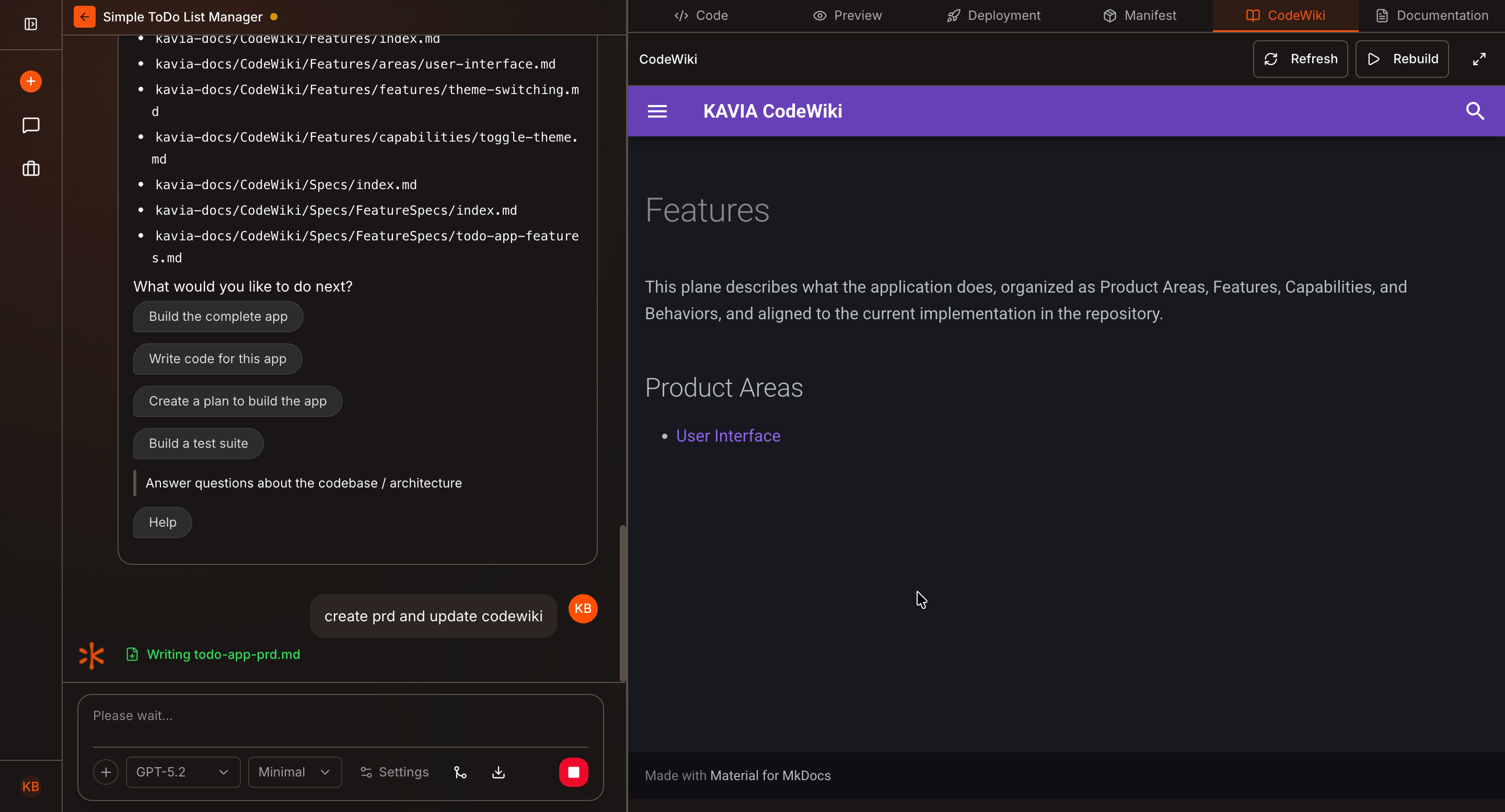
In the chat panel, ask Kavia to generate a document that should be part of your project documentation.
Example prompt:
“Create a feature document for the project and update Code Wiki.”
This tells Kavia to generate the document and prepare it for Code Wiki.
Review the Generated Document
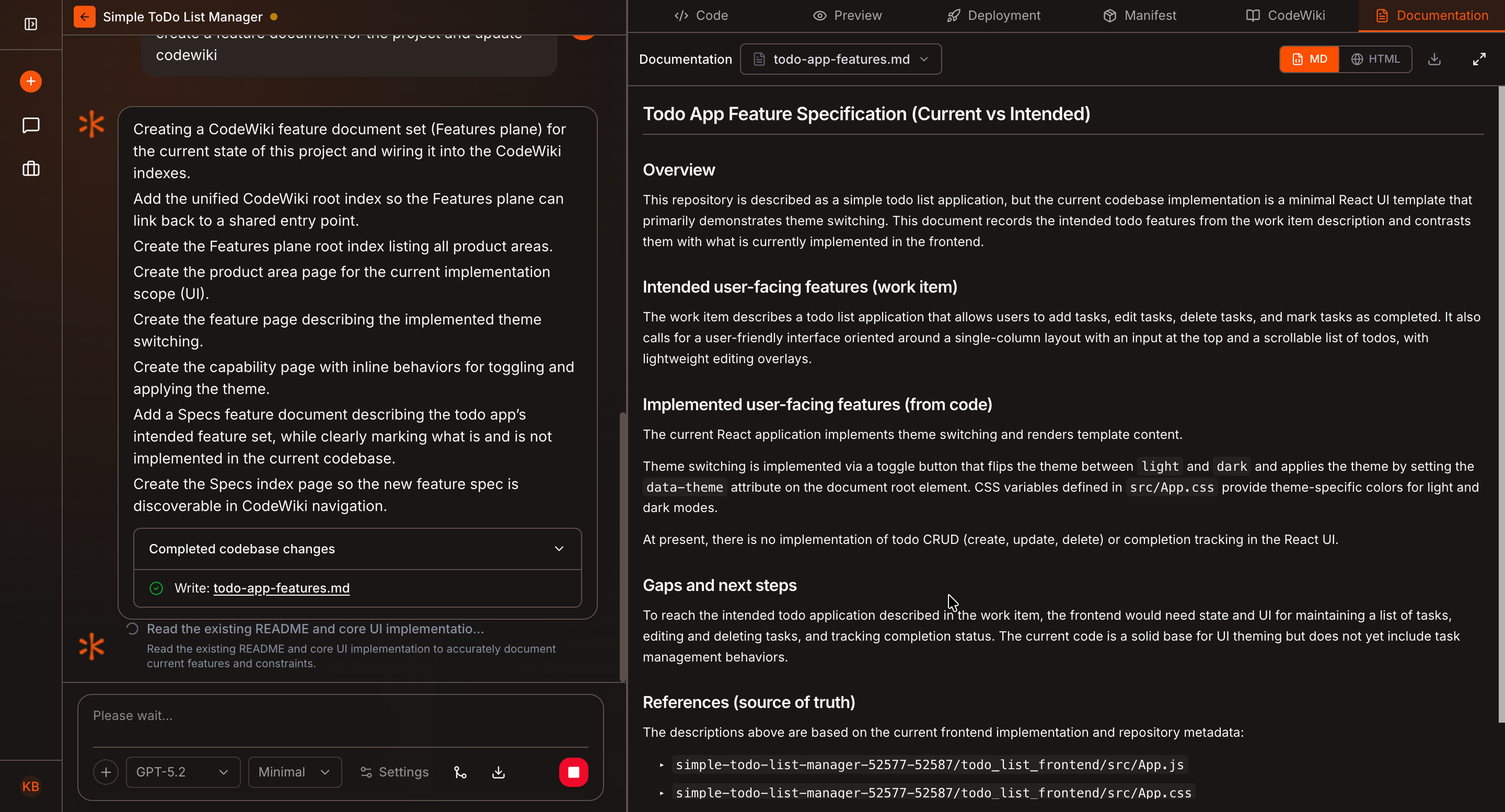
Wait for Kavia to finish creating the document.
You can navigate to the Documentation tab to view the generated content while it’s being created.
Review the document to ensure it meets your expectations.
View the Code Wiki
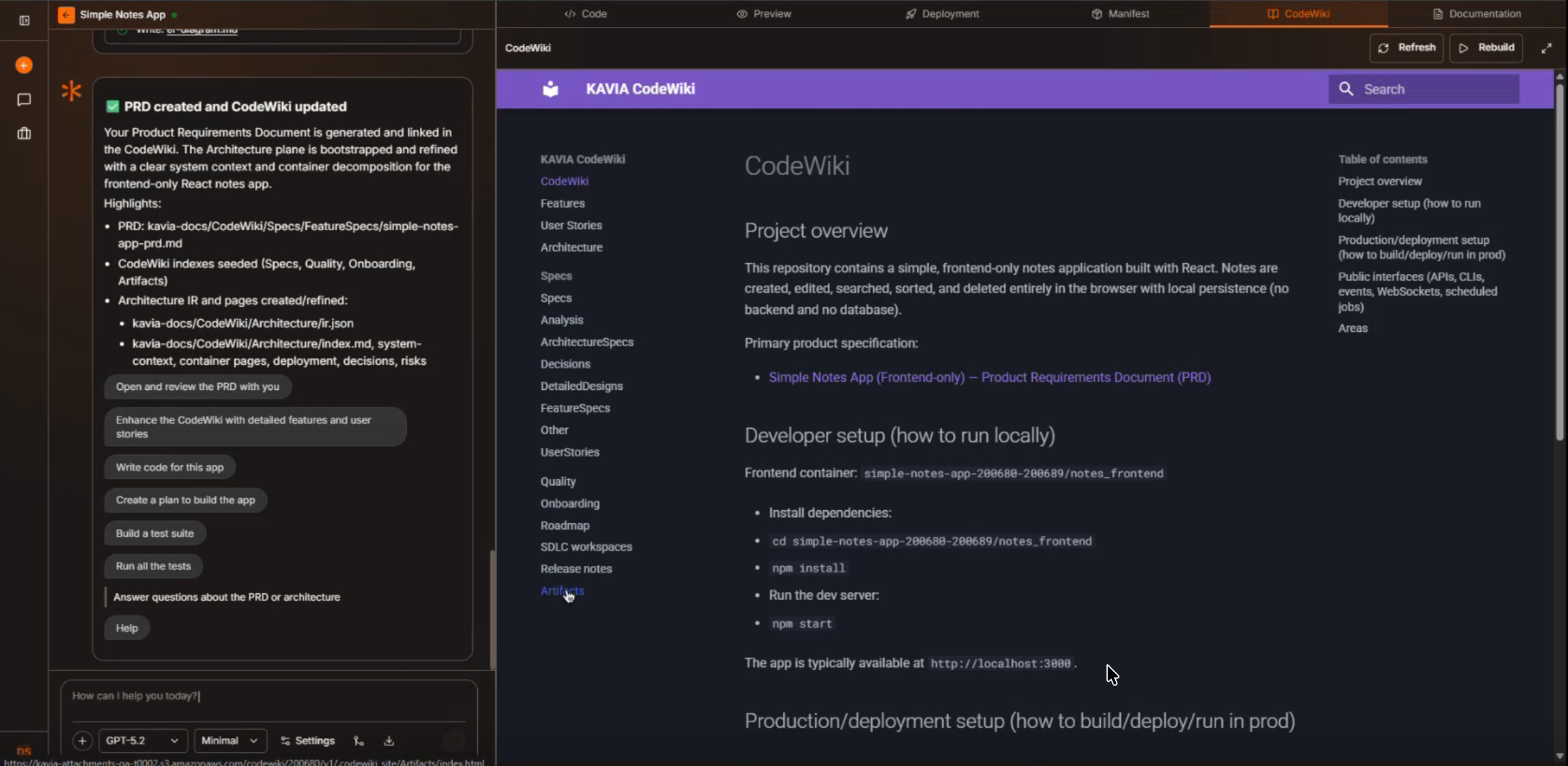
Once the document is complete, navigate to the Code Wiki tab.
You will see the documentation organized and added to the Code Wiki for the project.
You can continue generating additional documents and ask Kavia to update Code Wiki each time to expand or refine your project documentation.
Best Practices for Using Code Wiki
- Always mention “update Code Wiki” when creating documentation
- Break documentation into logical documents (PRD, feature docs, architecture docs)
- Review documents in the Documentation tab before expanding further
- Incrementally build your Code Wiki as the project evolves
Why Use Code Wiki?
- Keeps documentation synchronized with your project
- Eliminates manual documentation maintenance
- Enables structured, searchable project documentation
- Supports continuous updates as features evolve
- Useful for both technical and non-technical stakeholders