Attach Files
Kavia allows you to attach images and documents directly to your project, helping you provide important resources such as logos, reference documents, or design assets.
How to Attach Files
1
Start a Project
Click the '+' Icon & Select 'Attach Files'
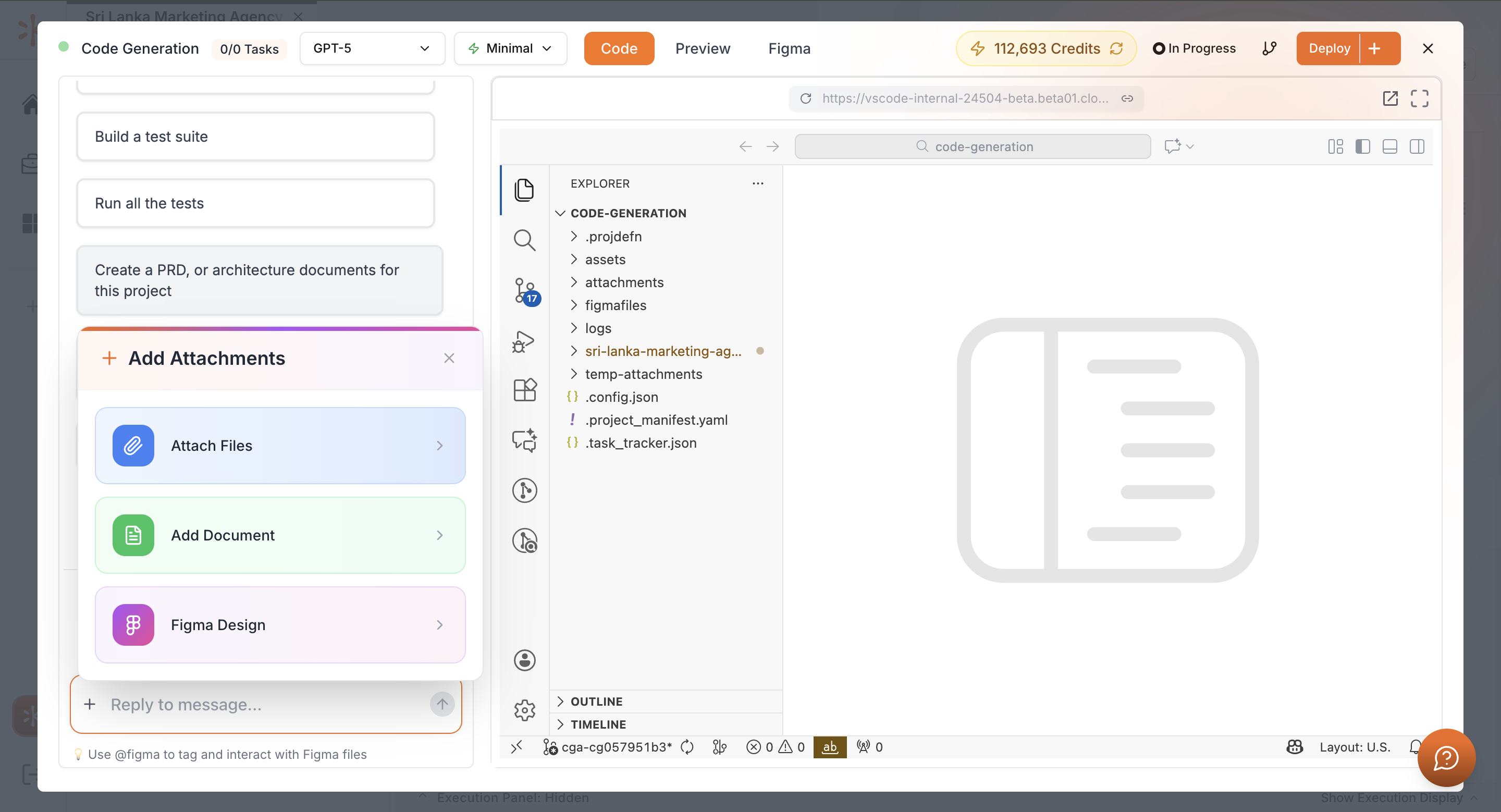
2
Choose Your Files
Select the “Add Document” to upload the documentations that you have.
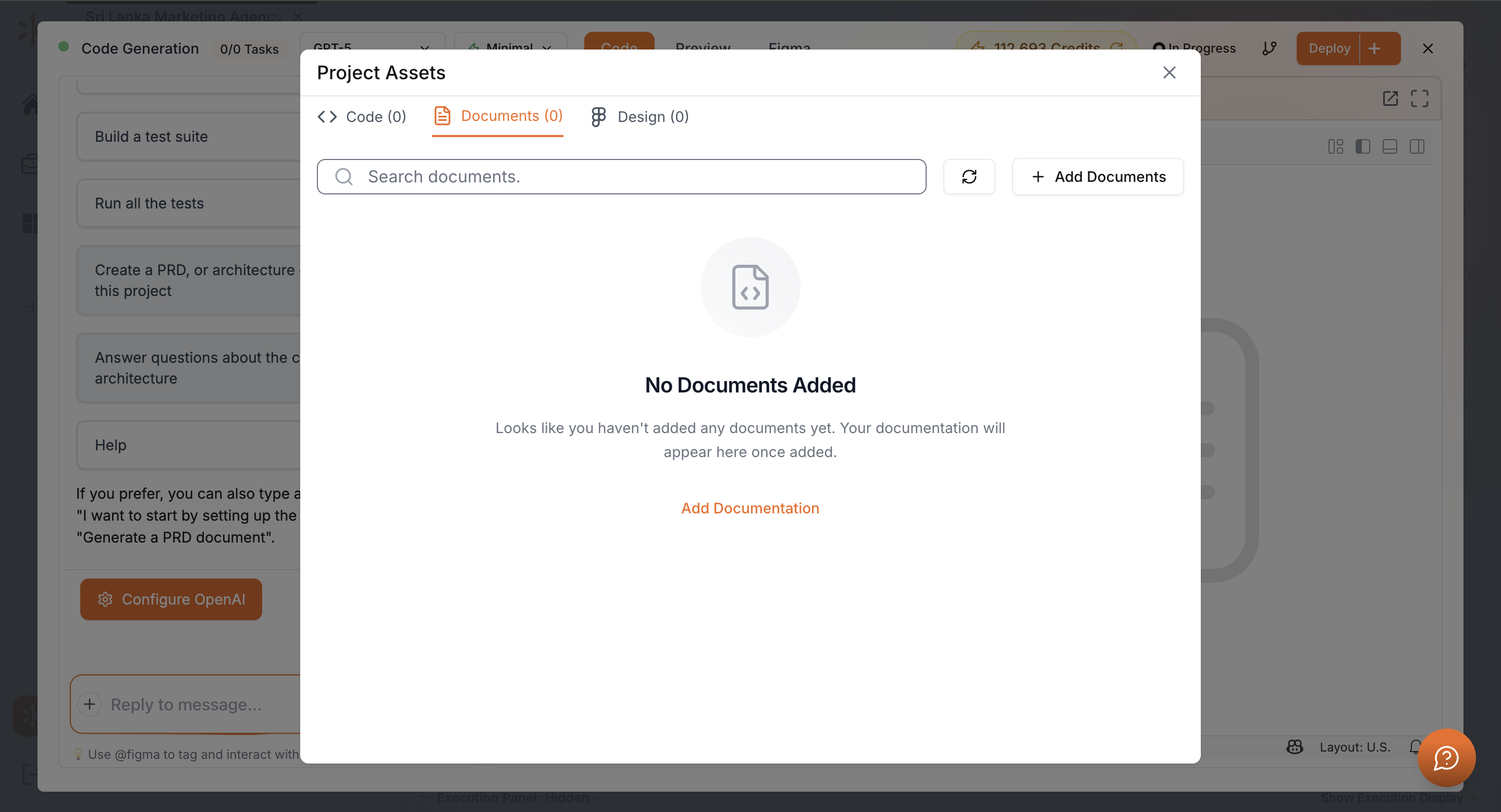
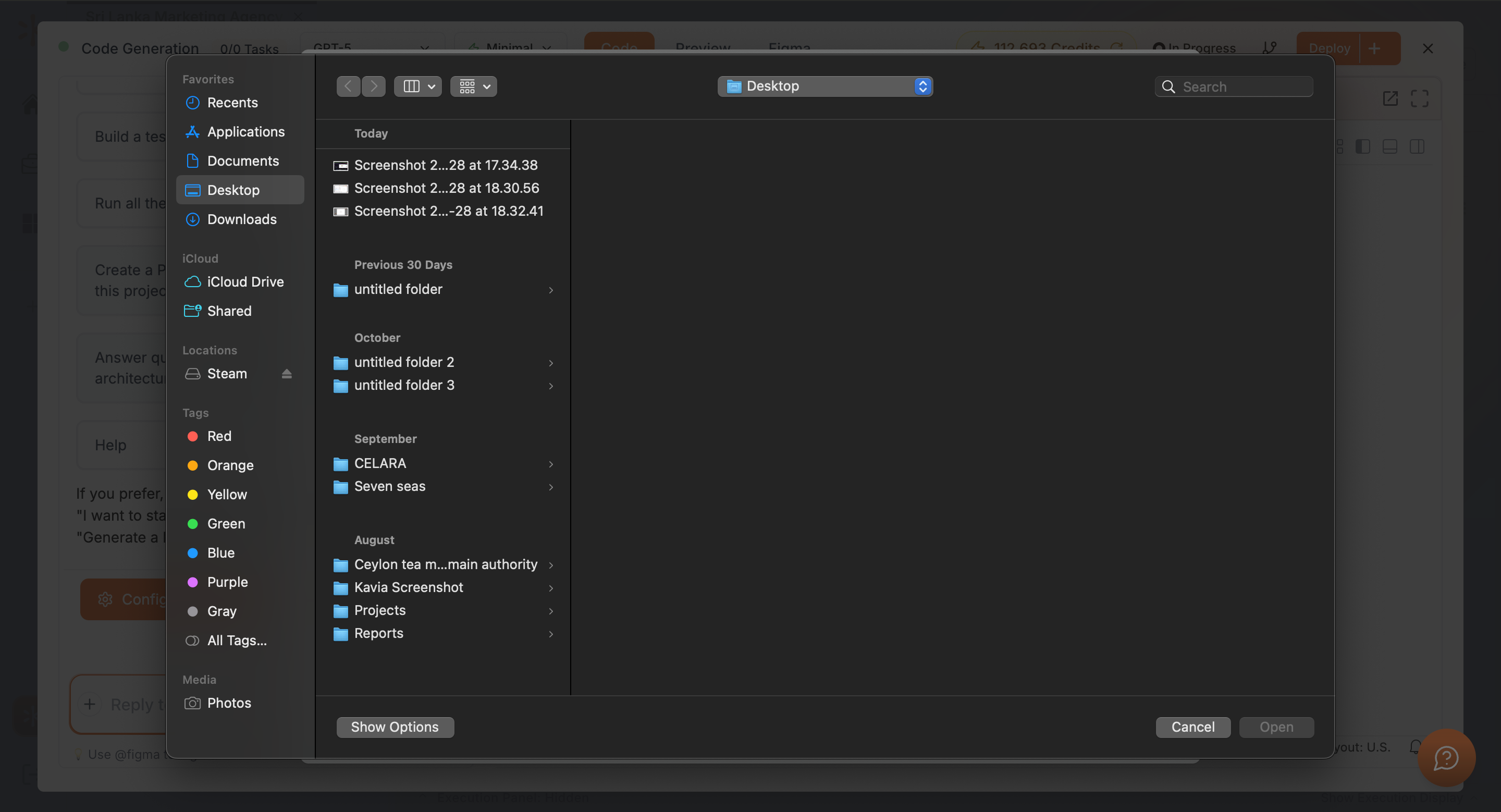
Then click on “Add Documentation” and select the documents that you need to upload to kavia.
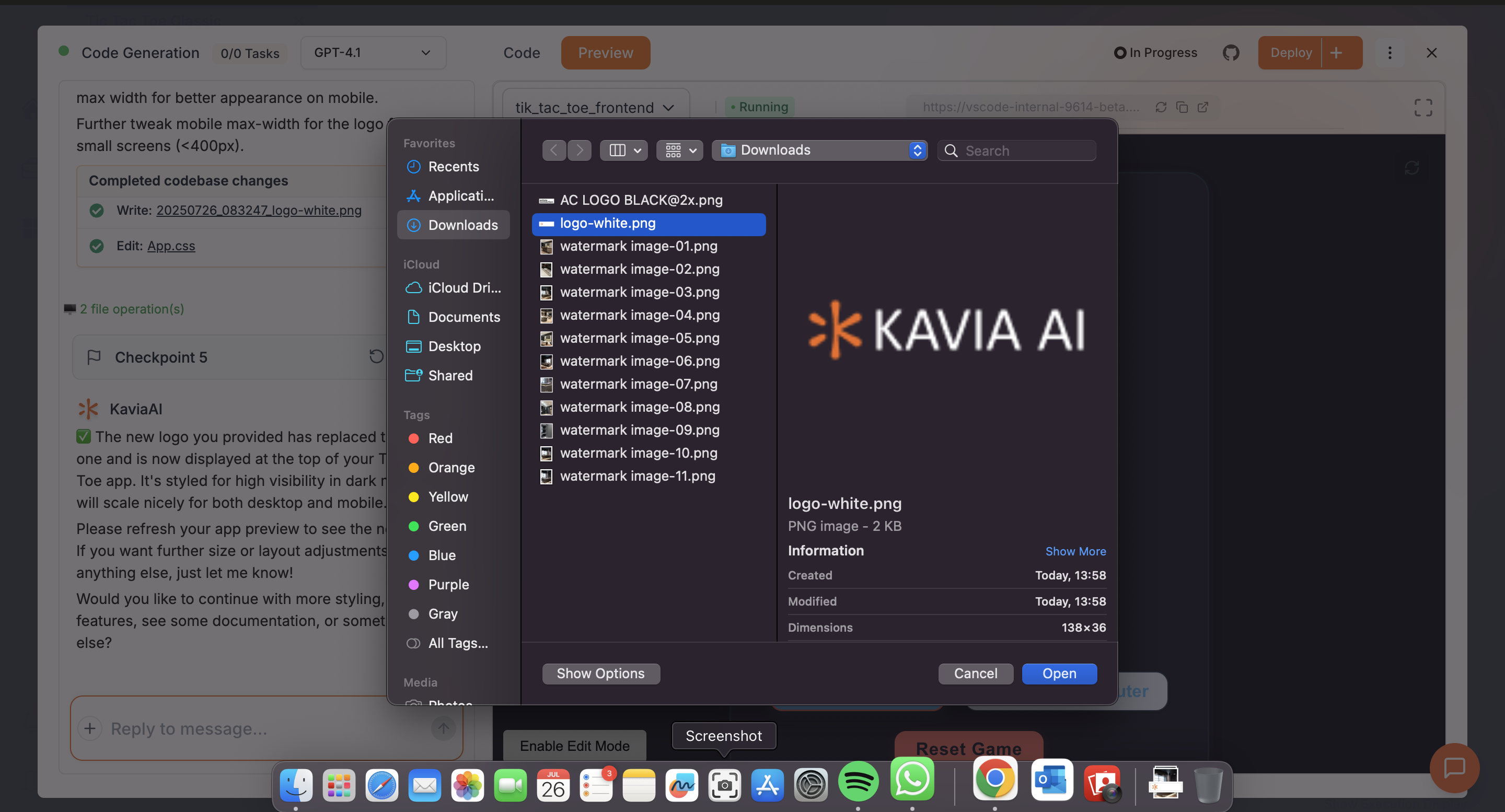
If you want to add images and other files you can click on “Attach Files” and then select the files you need to upload.
3
Add Context for Kavia
After uploading, you can send a message along with the files to tell Kavia what to do with them. For example:
- “Use this image as the logo in the header.”
- “Reference this document for the user roles.”
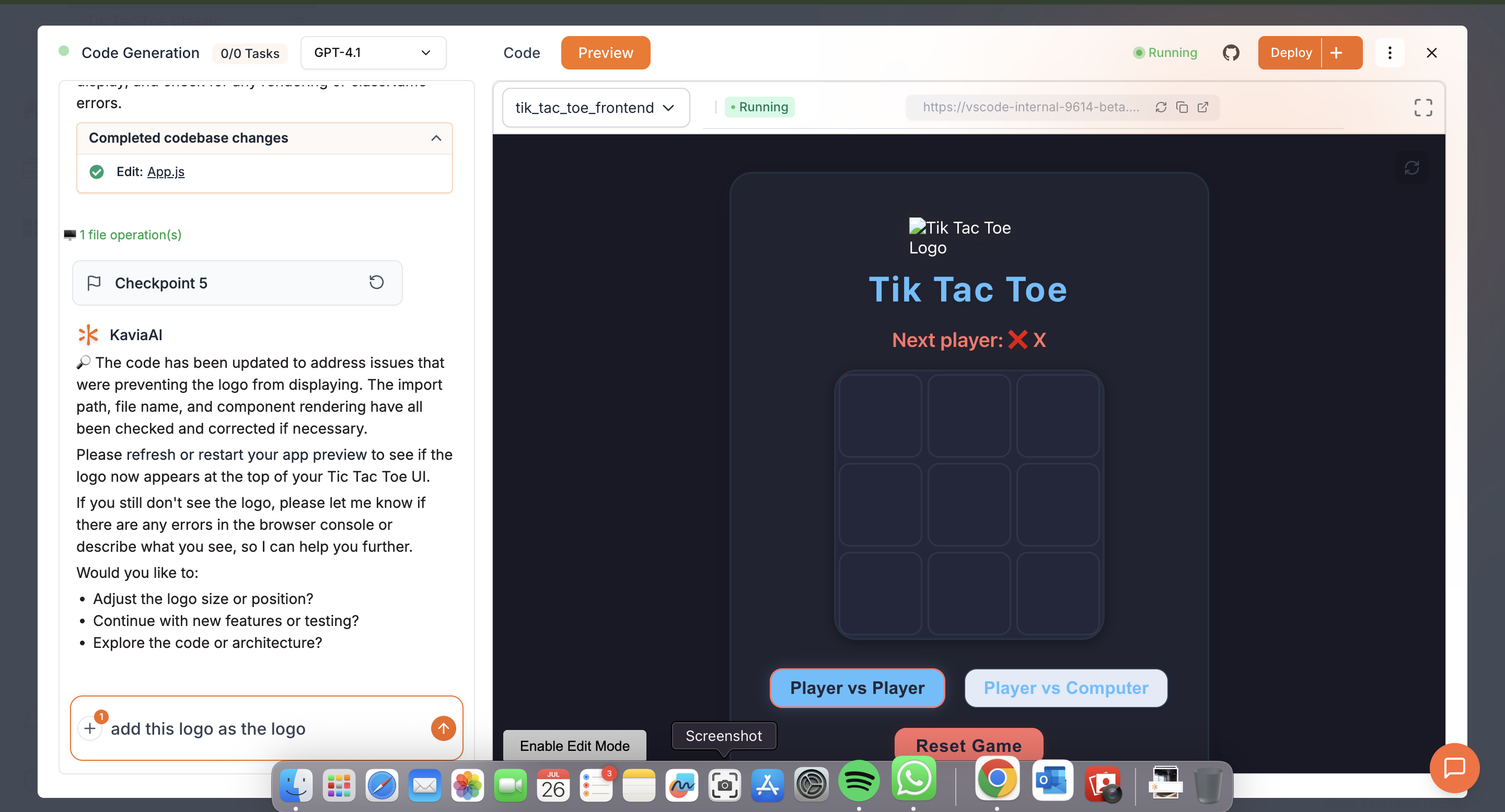
Once uploaded, Kavia will incorporate your assets into the project according to your instructions.
Previous
Project Welcome ScreenNext
Figma to Kavia