Project Welcome Screen
The Project Welcome Screen is a powerful feature in Kavia that acts as a launchpad for your entire application. Immediately after entering a prompt, Kavia generates a complete and editable project setup—allowing you to review and refine every key aspect before starting implementation. This ensures that even a basic or unclear prompt results in a structured, production-ready foundation.
Project Overview & Core Features
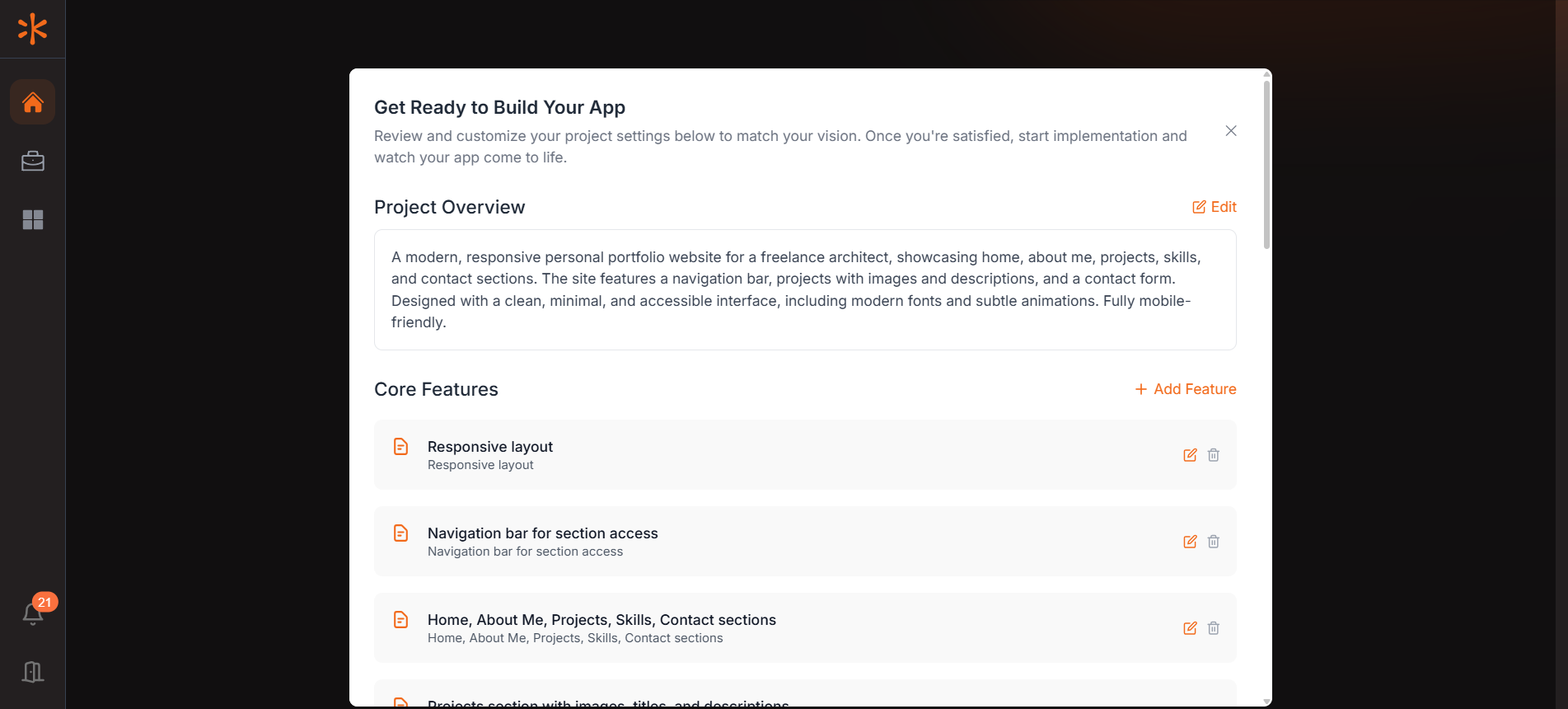
- Kavia automatically generates a clear summary of your application based on the prompt you provide. This overview helps you validate the direction of the project. If needed, you can make quick adjustments using the Edit option to better align it with your goals.
- Based on your prompt, Kavia breaks down your app into a list of core features. These are fully editable—you can add, remove, or modify them according to your specific requirements. Finalizing this feature list ensures the app is built with precision and in line with your expectations.
Stack, Style & Layout
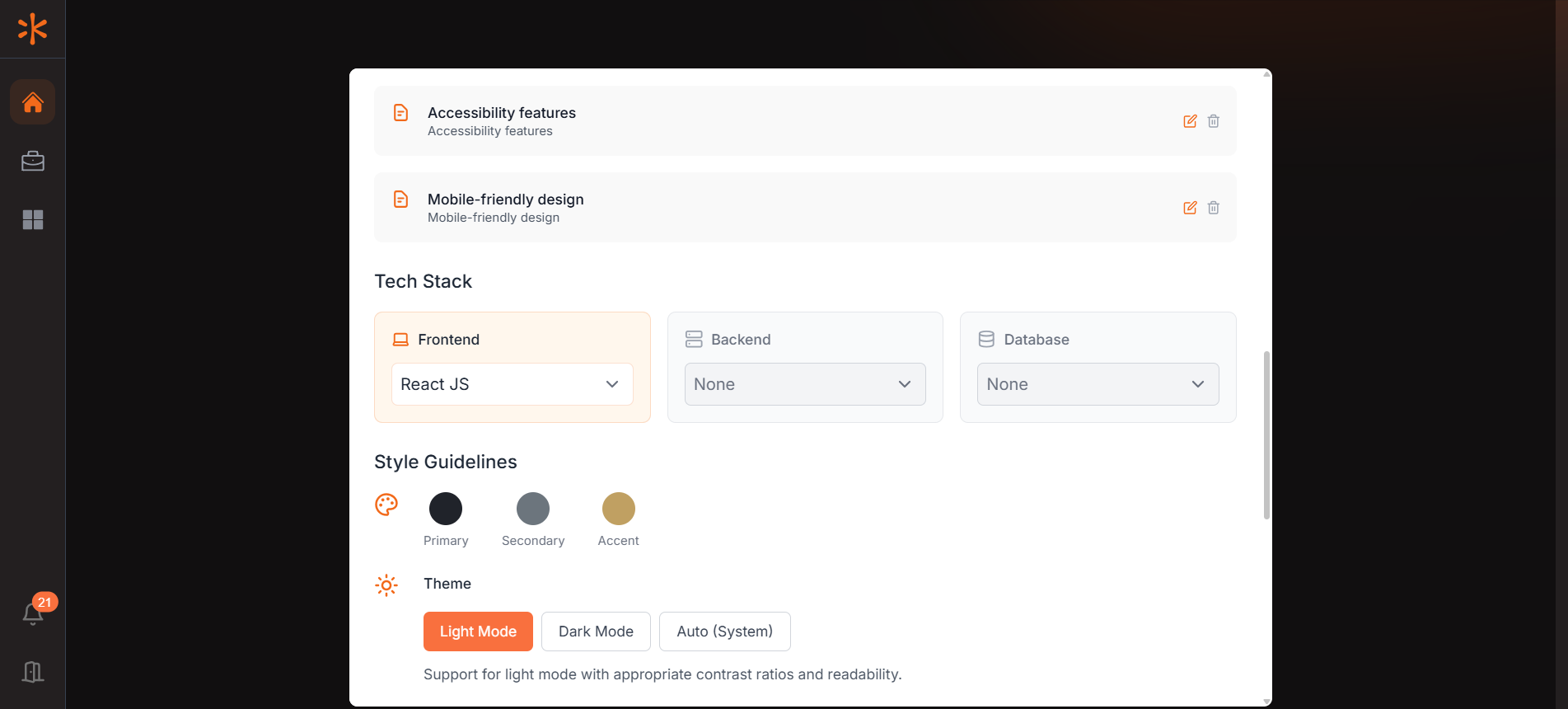
This section allows you to customize the technology stack by choosing frameworks, libraries, and databases. Kavia provides a smart default configuration, but you can tailor it to fit your project. You can also define the app’s primary colors, theme, and page layout to match your design vision or brand guidelines.
Third-Party Integrations & Start Implementation
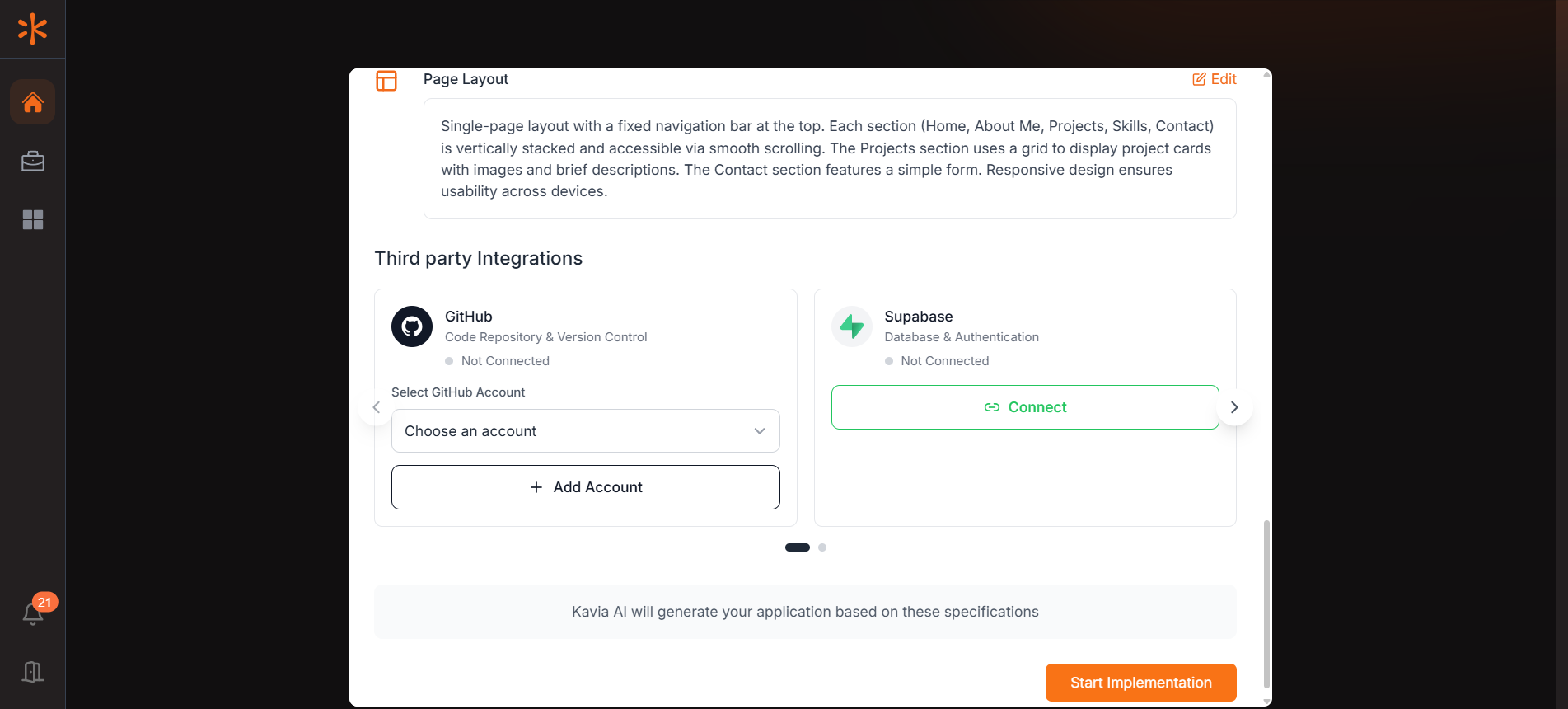
Here, you can connect services such as GitHub, Supabase, Stripe, and others. If your desired account isn’t listed, use the Add Account button to link it. Once all setup details are reviewed and confirmed, clicking Start Implementation begins the actual build process in Kavia.