Kavia vs Cursor — Comparative Analysis
A comprehensive comparison between Kavia and Cursor, two AI-driven developer tools that take fundamentally different approaches to software development.
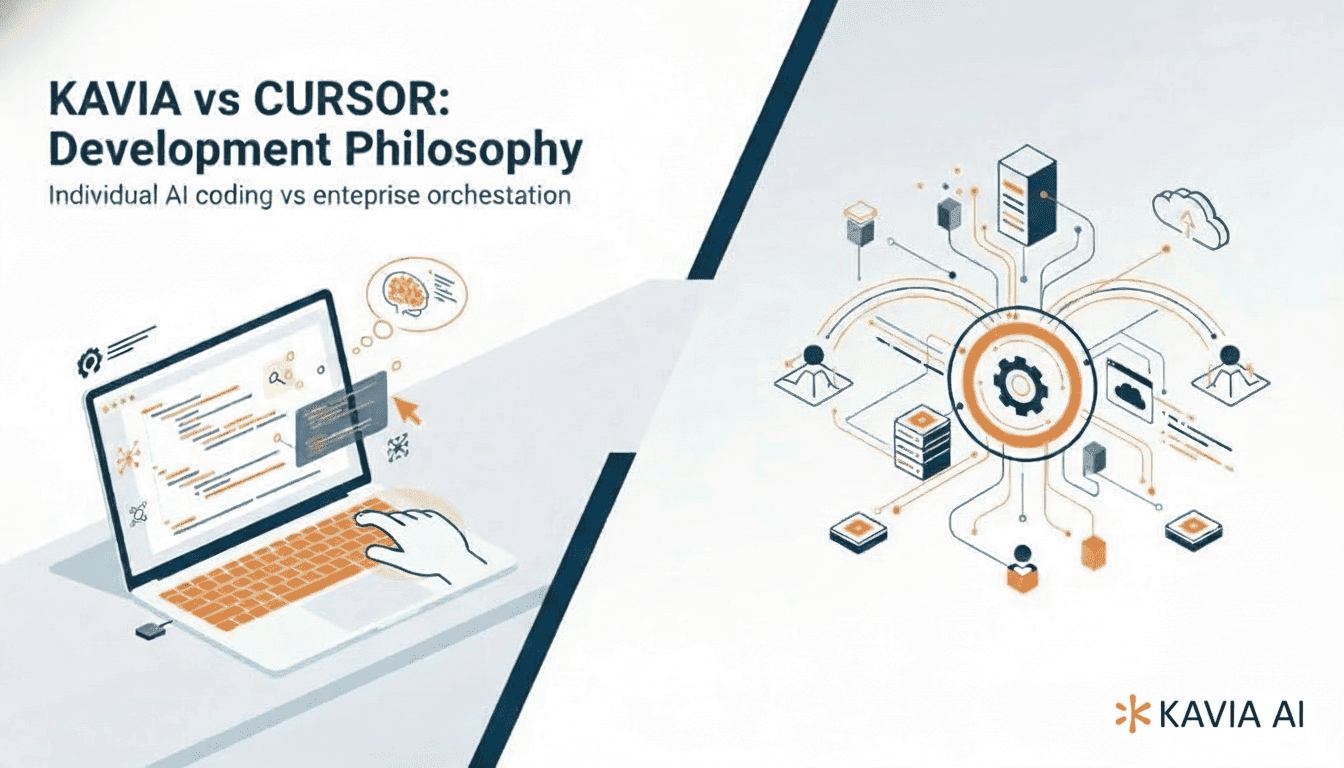
Kavia vs Cursor — Comparative Analysis
Overview
Kavia and Cursor are both AI-driven developer tools but take fundamentally different approaches.
Kavia is a cloud-native, enterprise-focused development platform designed to accelerate full product delivery through intelligent workflows, orchestration, and collaboration.
Cursor is an AI-powered code editor (a fork of VS Code) with built-in AI assistance, focusing on augmenting the local developer experience with inline code generation, refactoring, and natural language commands.
Core Interface & User Experience
Kavia: Primarily cloud-based with integrations and orchestration capabilities. Also supports a Visual Studio Code extension for local development.
Cursor: A local-first desktop application, mirroring VS Code's interface while embedding AI chat, inline edits, and natural language tooling.
Workflow & Task Delegation
Kavia: Designed around higher-level planning and orchestration. Automates across multiple phases of development, from code generation to testing and deployment.
Cursor: Offers an "Agent" mode, where developers can assign tasks to the AI (e.g., bug fixes or feature development) while maintaining human control.
Context Awareness & Project Understanding
Kavia: Maintains session context across cloud and local environments. Provides continuity in source code, build states, and project dependencies.
Cursor: Indexes the local codebase to allow intelligent querying, code navigation, and rewriting across multiple files.
Sessions & Collaboration
Kavia:
- Session management through the Visual Studio Extension, maintaining histories and restoring code automatically.
- Session cloning for independent modifications, rollbacks, or continuations.
- Continue sessions seamlessly between local and cloud environments.
- Share sessions with collaborators for continuation or PR review.
Cursor:
- Primarily single-developer use, though recent agent/web features allow sessions to be resumed in the browser.
- Sharing is not a primary focus, though code changes can be distributed through Git.
Security & Privacy
Kavia: Enterprise-grade, with governance, permissions, and integration into secure workflows.
Cursor: Includes a Privacy Mode (ensuring no code leaves the local environment) and SOC 2 certification.
Debugging & Error Checking
Kavia: Integrated with test automation, CI/CD pipelines, and build verification.
Cursor: Provides Bugbot, which automatically reviews AI-generated code and highlights likely errors.
Flexibility & Portability
Kavia: Sessions can be migrated across local and cloud environments, supporting enterprise workflows.
Cursor: Primarily desktop-based, but includes a browser-accessible agent for partial portability.
Extensibility & Integrations
Kavia: Built for deep integration with CI/CD, source control, and enterprise dev tools.
Cursor: Fully compatible with VS Code extensions, keybindings, and theming, enabling a familiar experience.
Strengths
Kavia: Strong orchestration, collaboration, and governance. Tailored to enterprise-scale product development.
Cursor: Lightweight, local-first, responsive. Ideal for fast iterations, code editing, and developer productivity.
Limitations
Kavia: May involve higher setup/learning curve; cloud-first nature may introduce latency concerns.
Cursor: Limited to individual developer workflows; less suited for enterprise governance and cross-team collaboration.