Preview the App
Once the initial build is ready, use the Preview function to review both the frontend and backend environments.
- Mobile Front end
- Mobile Back end
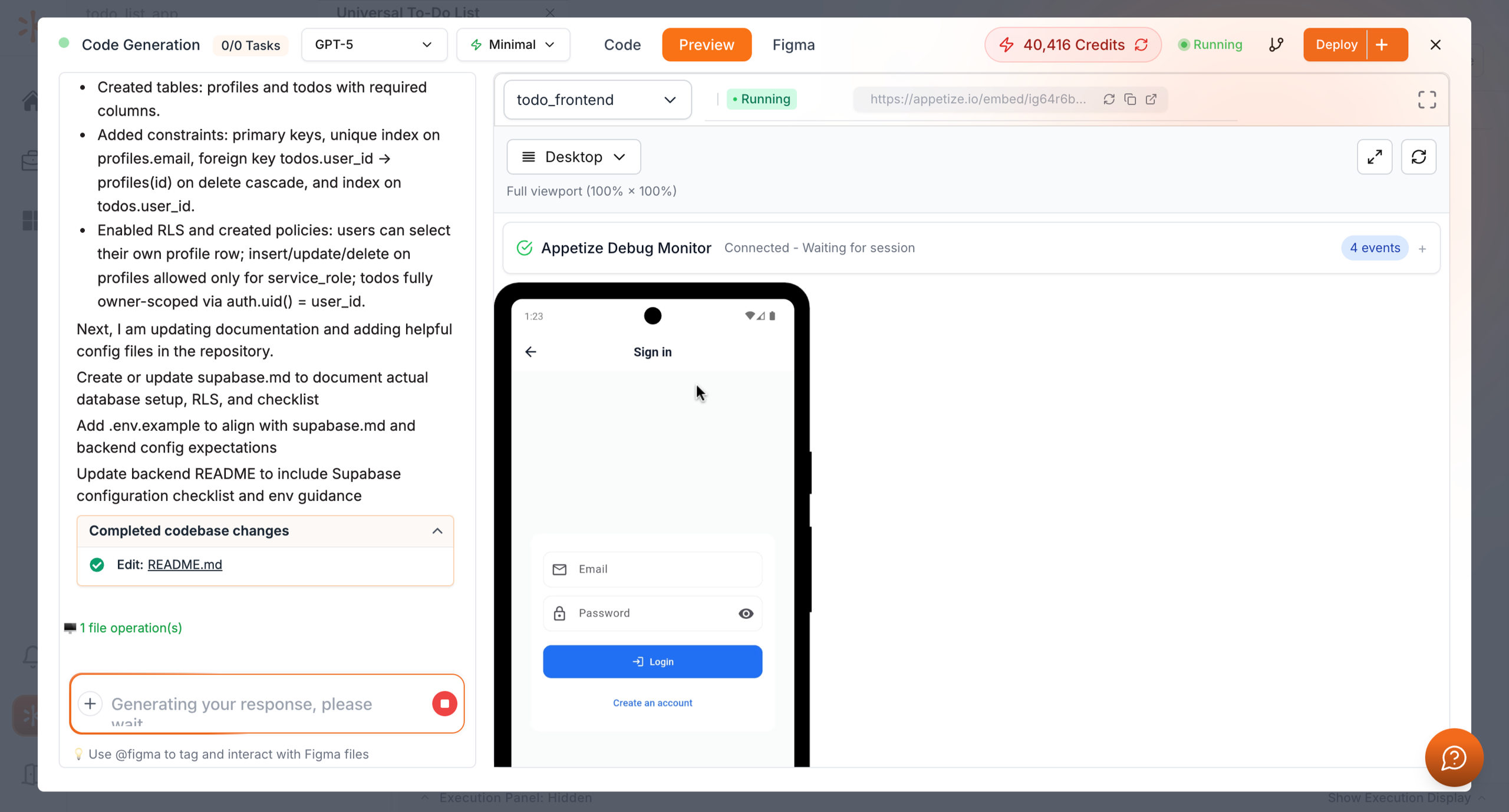
Click Preview and select Frontend from the dropdown. Then, select Tap to Start to test and interact with the mobile UI.
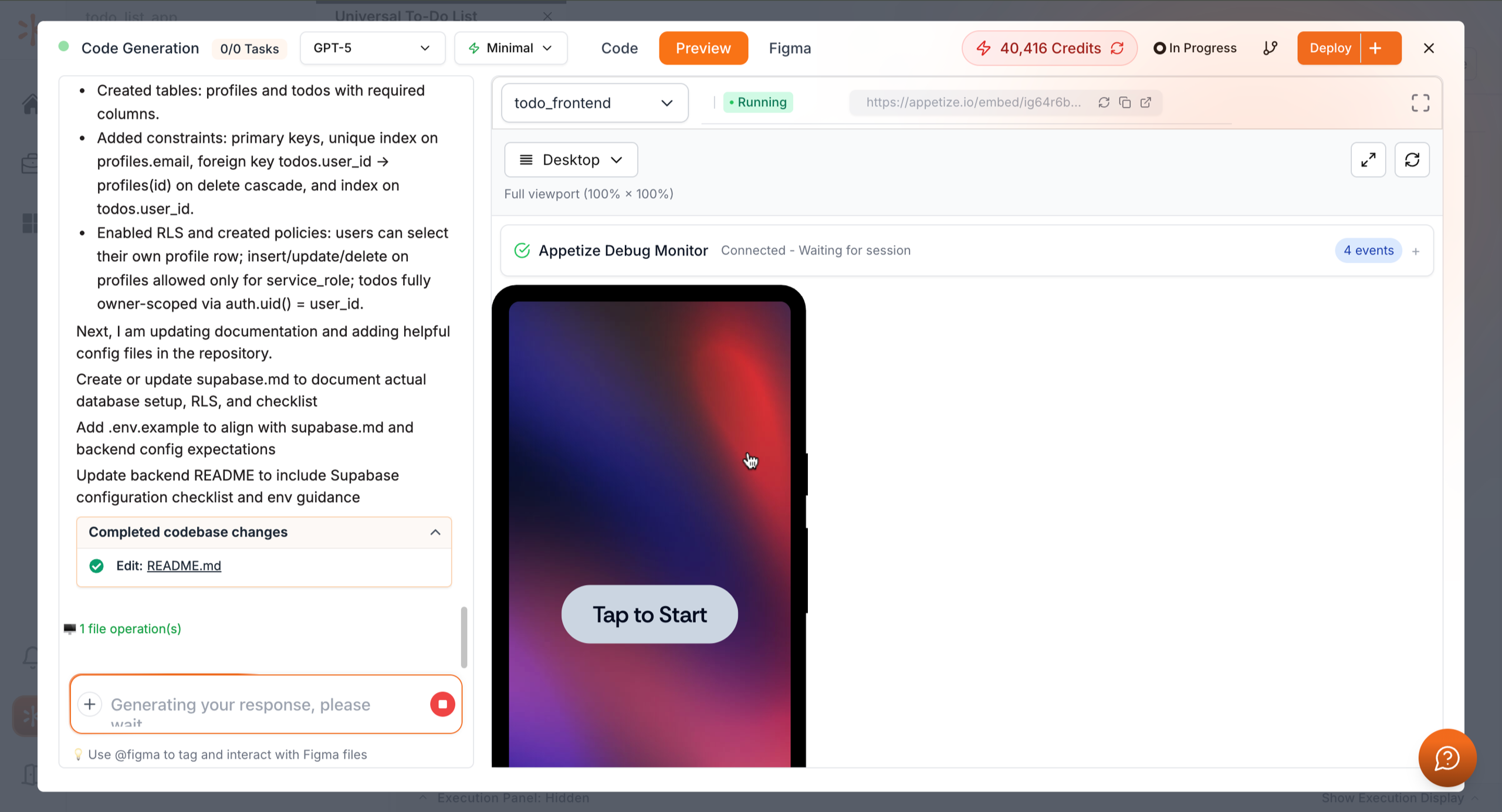
Then click Tap to Start to test it.
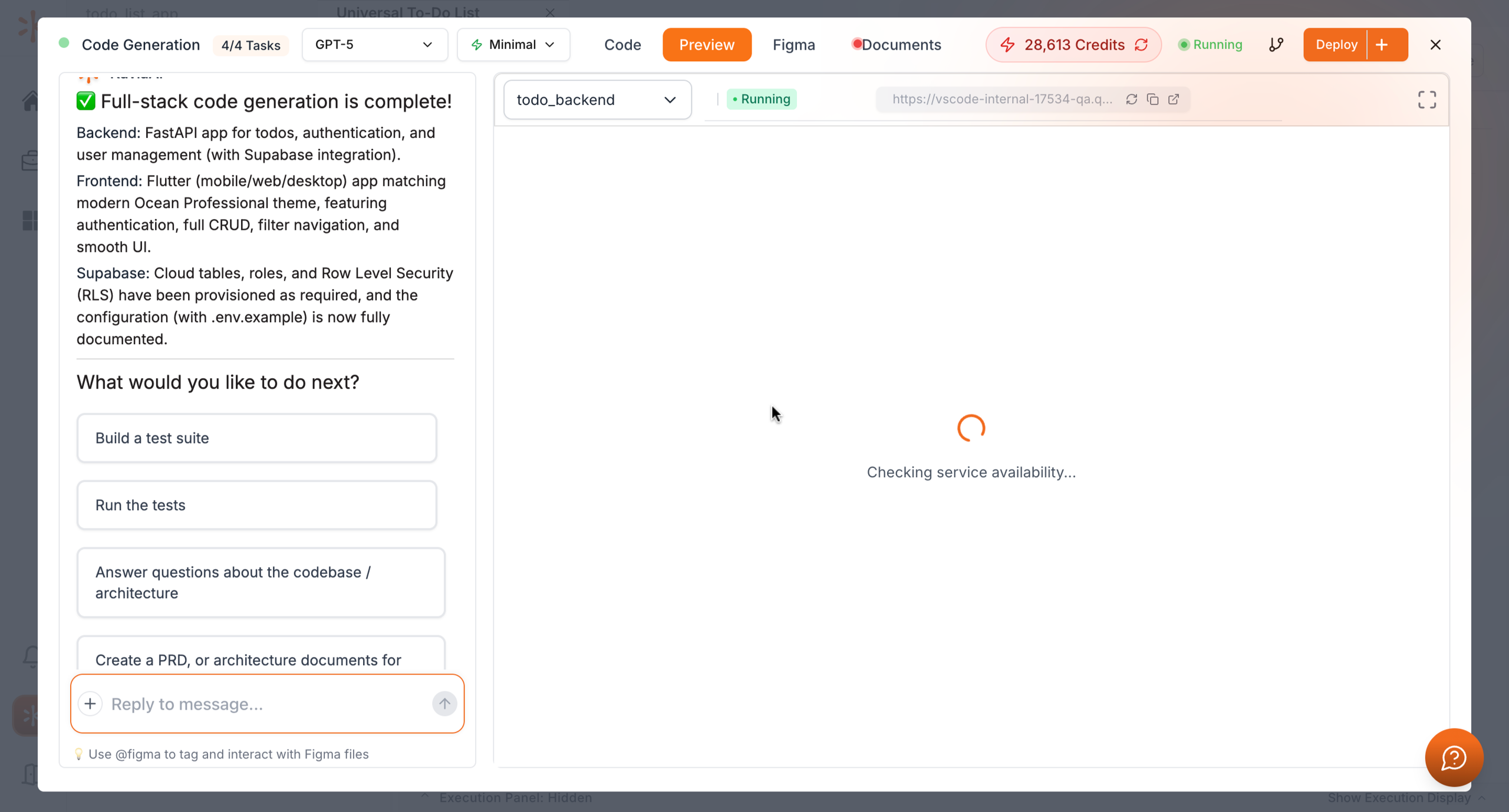
In the same Preview section, select Backend from the dropdown to explore the generated backend environment, APIs, and configurations.
Previous
Collaborate via Chat