Build With the Chat and See the Preview
In the chat panel, Kavia suggests options like coding, planning, testing, or answering questions. Reply with “Yes, please start the implementation” to continue.
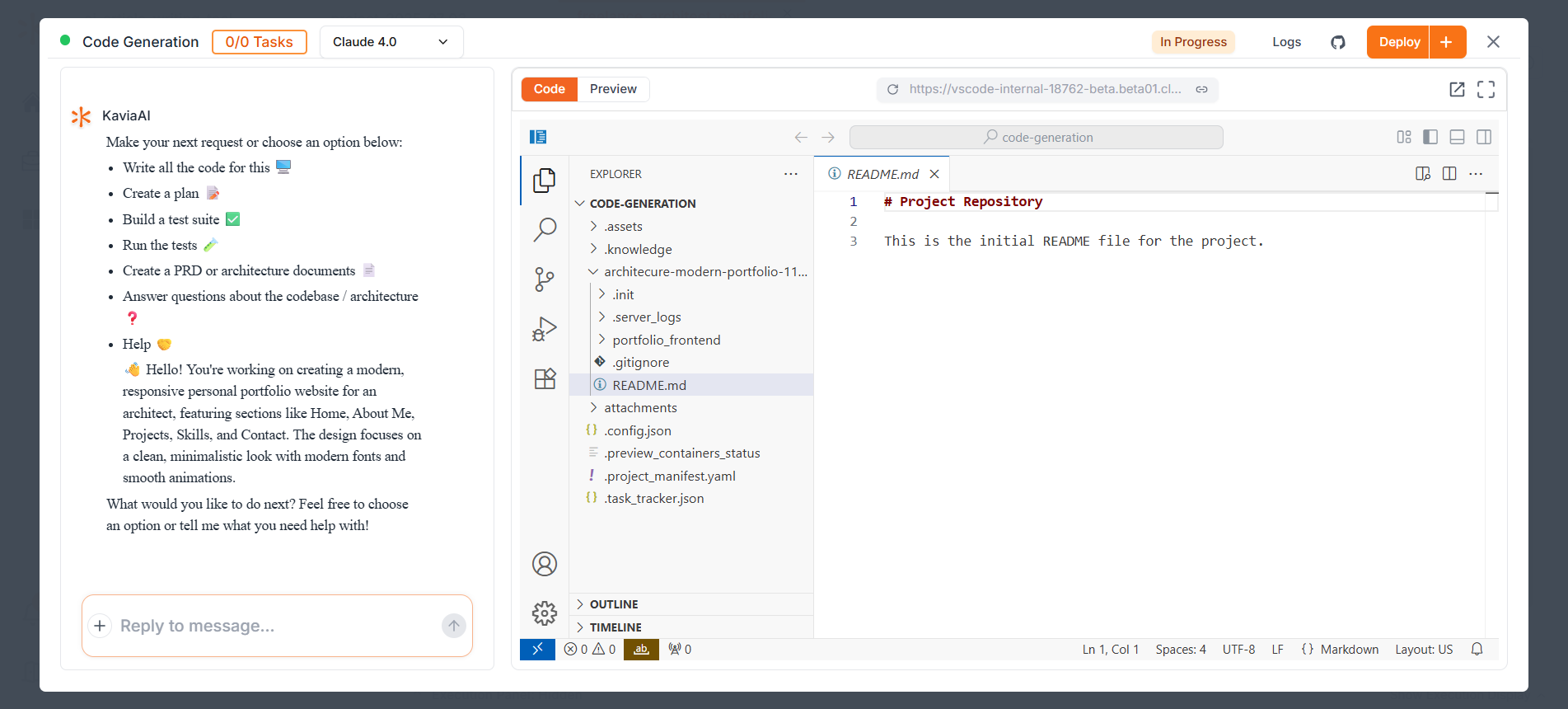
Kavia will proceed step-by-step. When it asks if it should move on to the next development stage (e.g., Step Two and Step Three), respond accordingly:
Please proceed to step two
Yes, please proceed (for the next step)
This step-by-step chat guidance helps you stay in control of the development process while letting Kavia handle the heavy lifting.
Preview
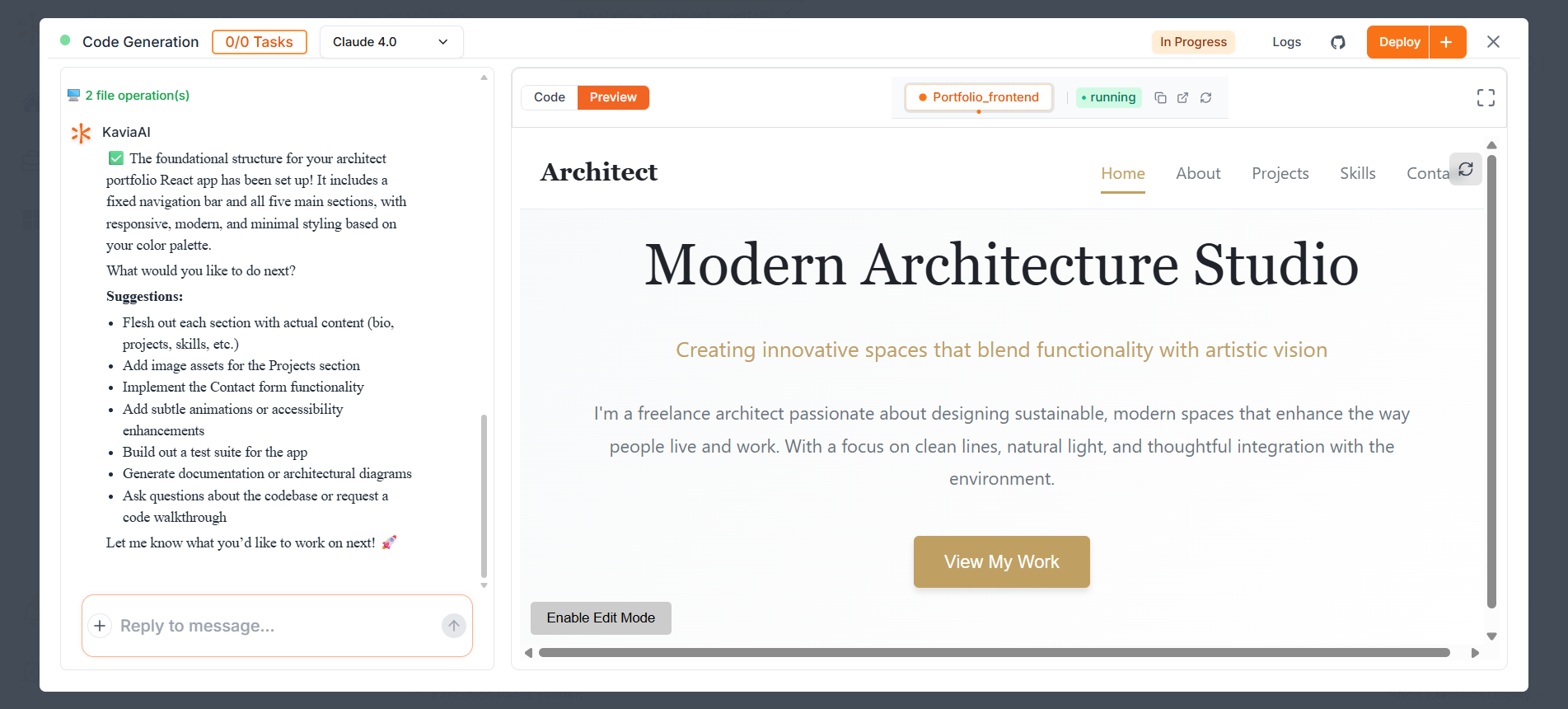
To preview the app you're building, simply click the Preview button located at the top-left corner of the right panel. This will open a live preview of your application so you can see the current state of your build.
Next
Enable Edit Mode