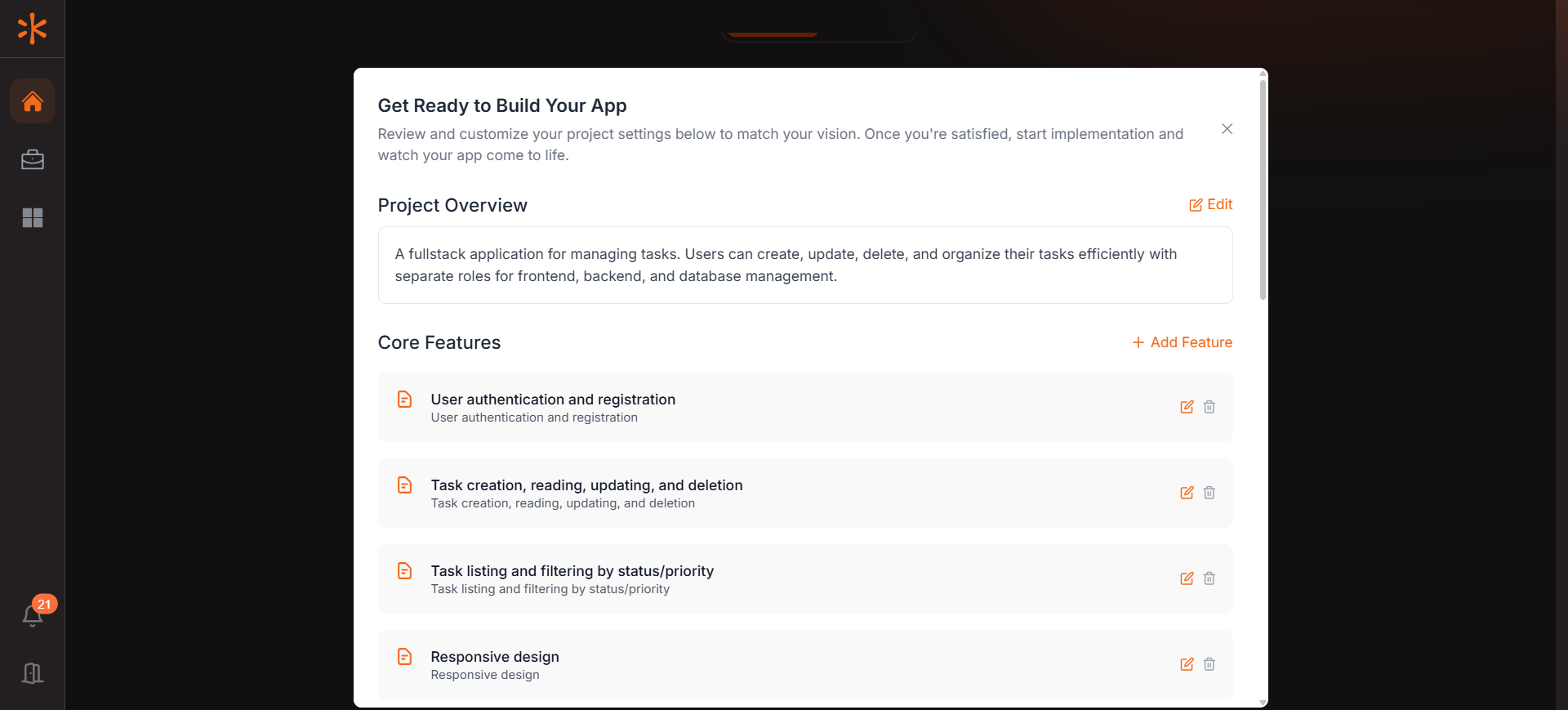
Review Project Overview
Kavia shows a summary of your app based on your prompt. Review it carefully, and use Edit to update or correct any details.
Configure Core Features
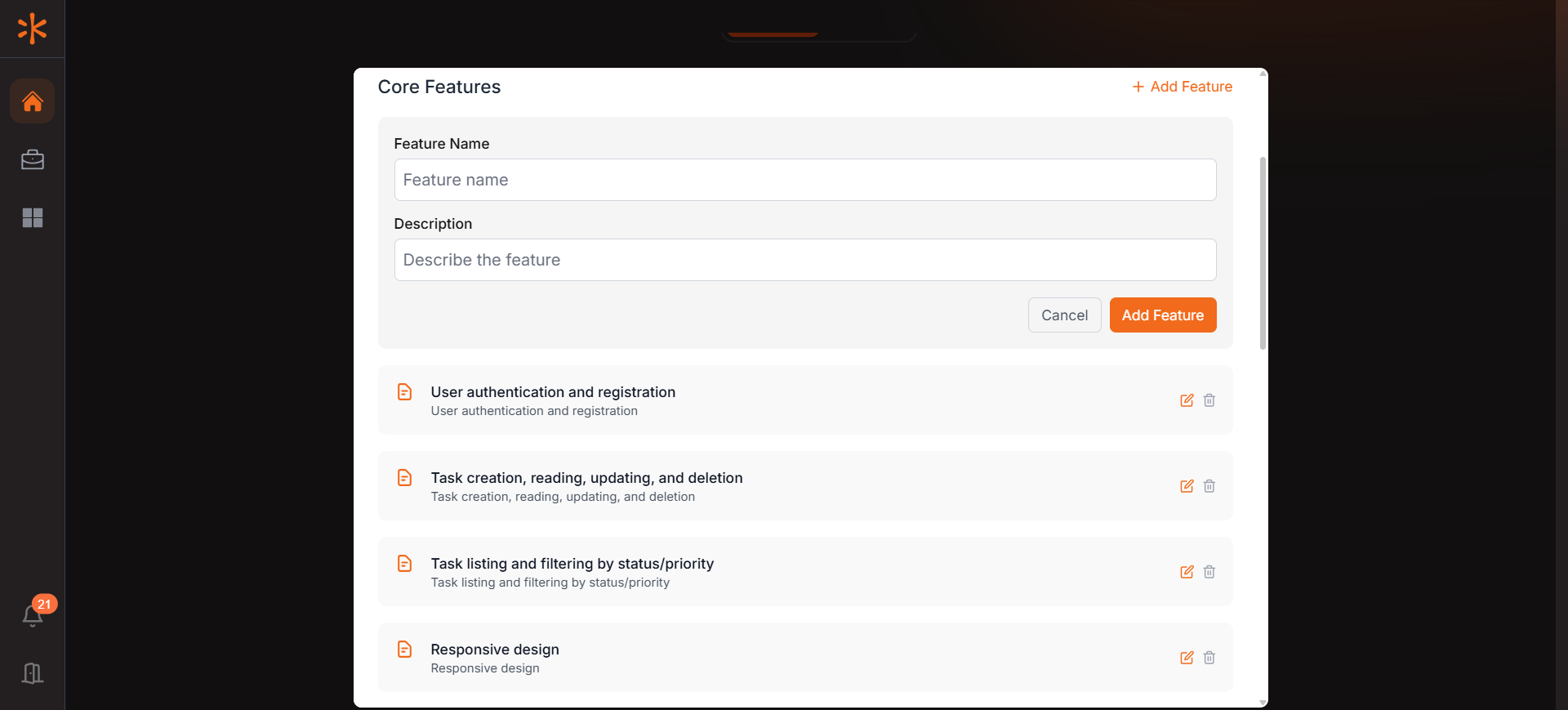
In the Core Features section, Kavia breaks down your requirements into individual features.
Review all the listed features thoroughly.
You can edit, delete, or add new features using the provided controls.
Note: It is highly recommended to validate and finalize your feature list at this stage. Later development relies on prompt-based commands. Ensuring your requirements are clear now helps Kavia build a more accurate and complete application.
Select Your Tech Stack and Style
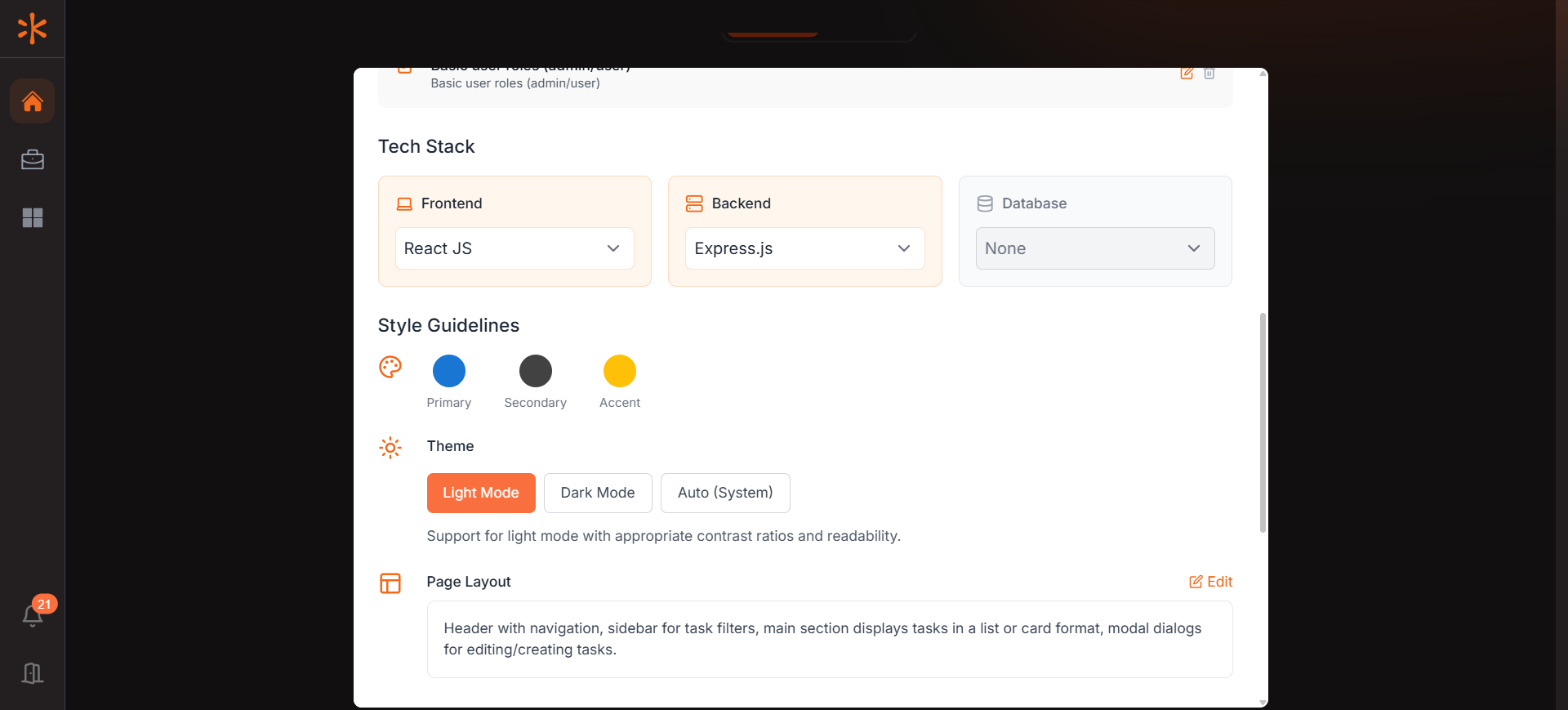
In the Tech Stack section, you can customize the technologies Kavia will use to build your app.
Choose your preferred frameworks and libraries.
Under Style Guidelines, define your app's primary colors, theme, and page layout to match your brand or design preferences.
Connect Your GitHub Account
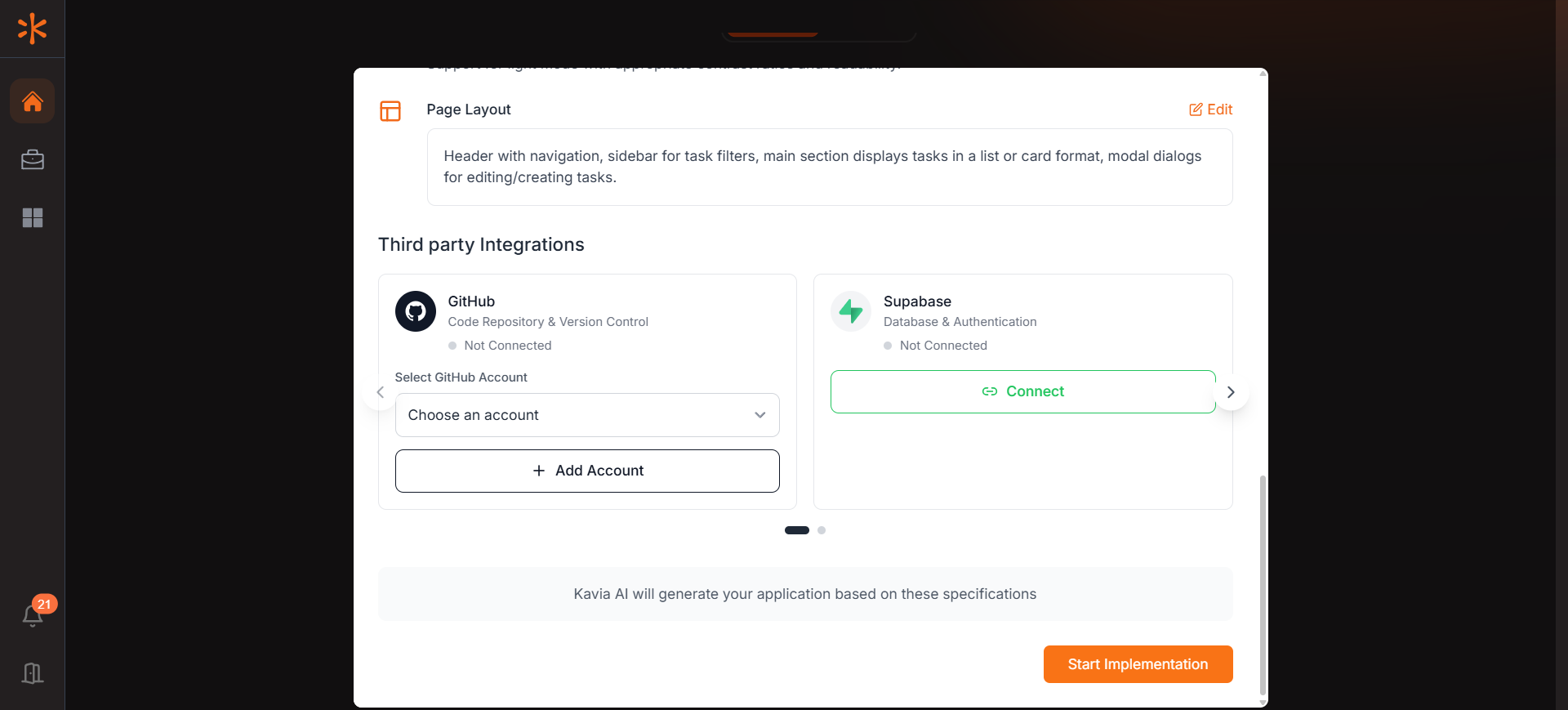
In the Third-Party Integrations section:
Select your GitHub account from the dropdown.
If your account is not listed, click “Add Account” to connect it.
Once connected, select the account before proceeding with project implementation.
Connect Your Supabase Account
Supabase will be used to provision the database for your application.
To connect Supabase:
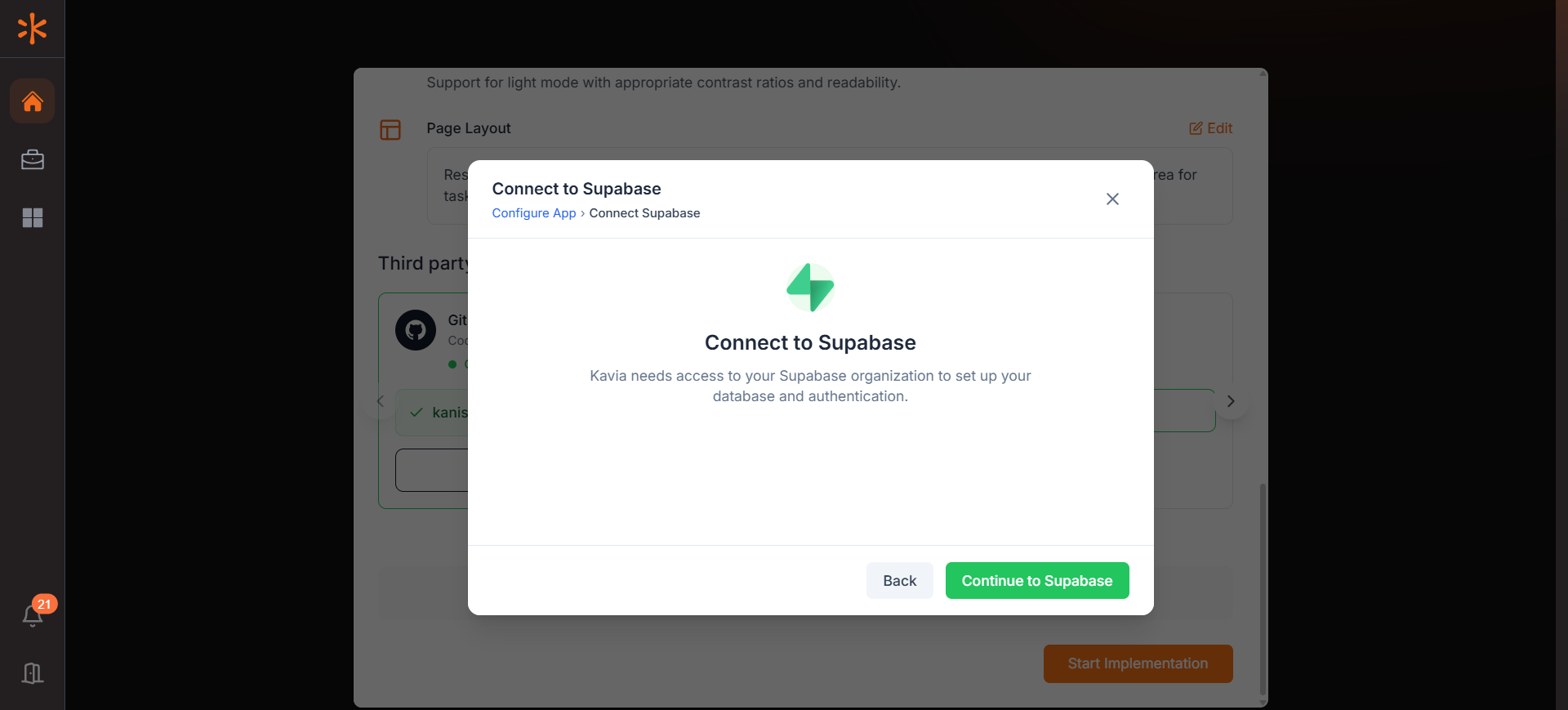
Click “Connect” in the Supabase section.
A popup will appear—click “Continue to Supabase” and complete the authentication process.
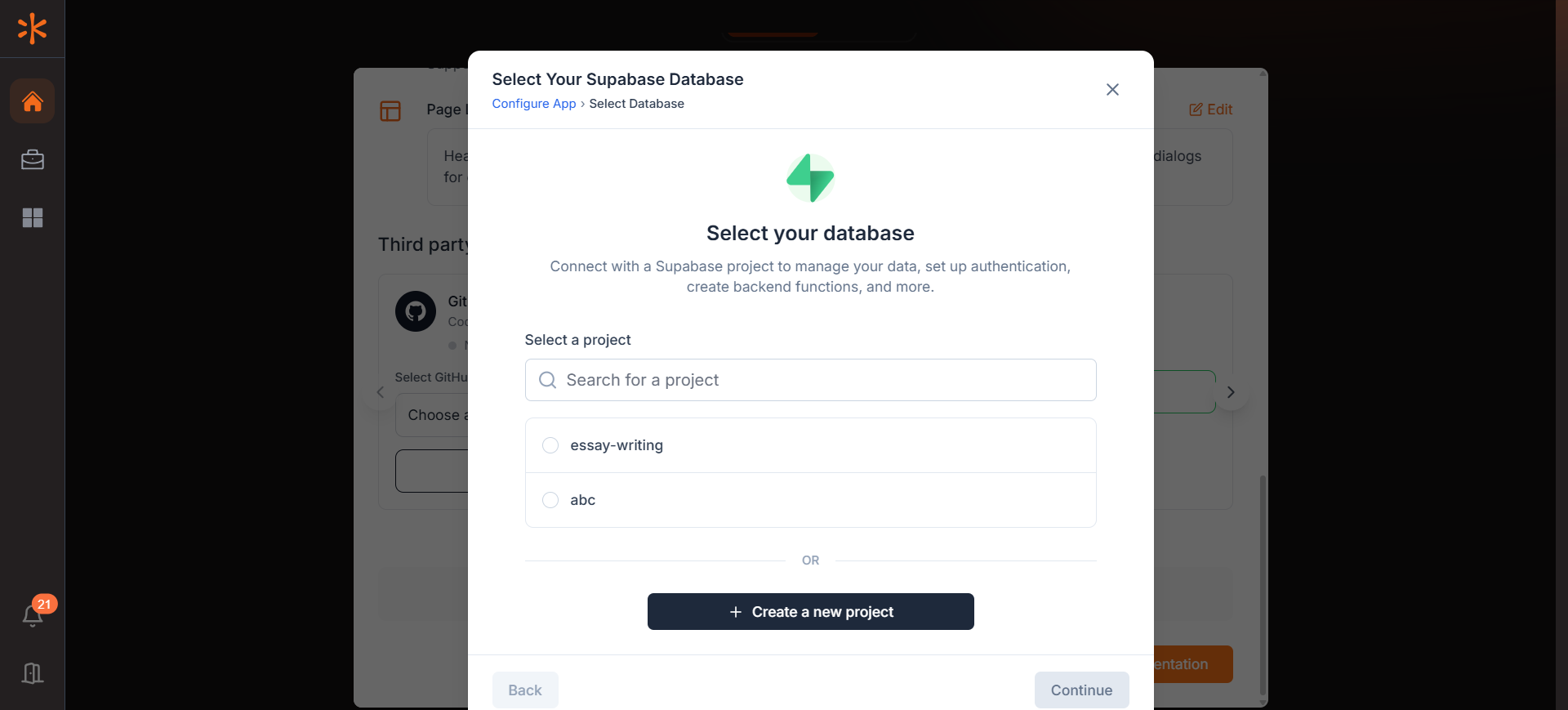
Once connected, create a Supabase project by assigning a name and password.
Start Implementation
After connecting both your GitHub and Supabase accounts, click Start Implementation to begin building your application with Kavia.