Start Implementation and Workspace Setup
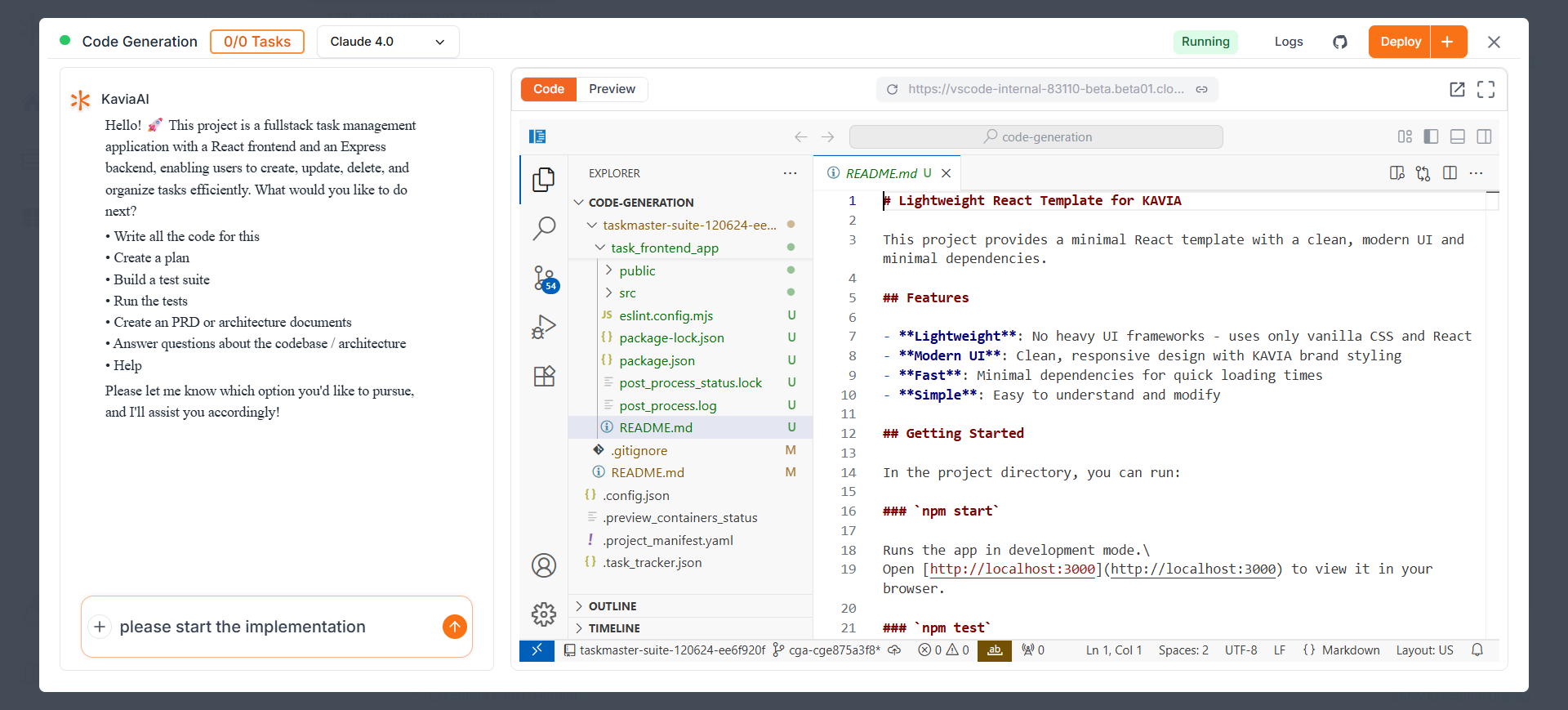
Click Start Implementation to let Kavia prepare your coding workspace. This may take a moment. When ready, the interface will appear for you to begin working.
1
Left side: A chat panel where Kavia communicates with you.
2
Right side: A VS Code-style editor where your application code is generated and organized and preview of the application.
3
In full Stack applications only difference is you get two previews for the front end and backend API.
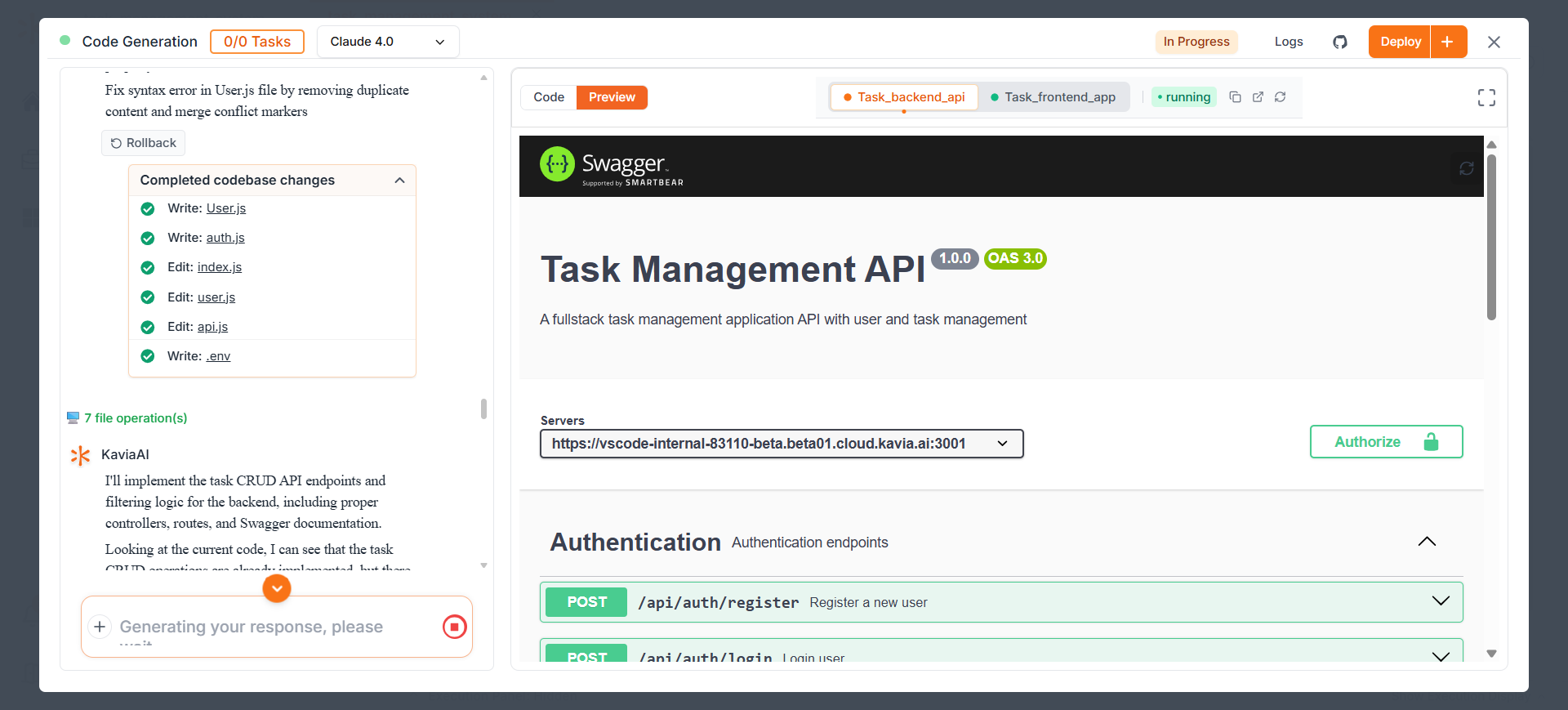
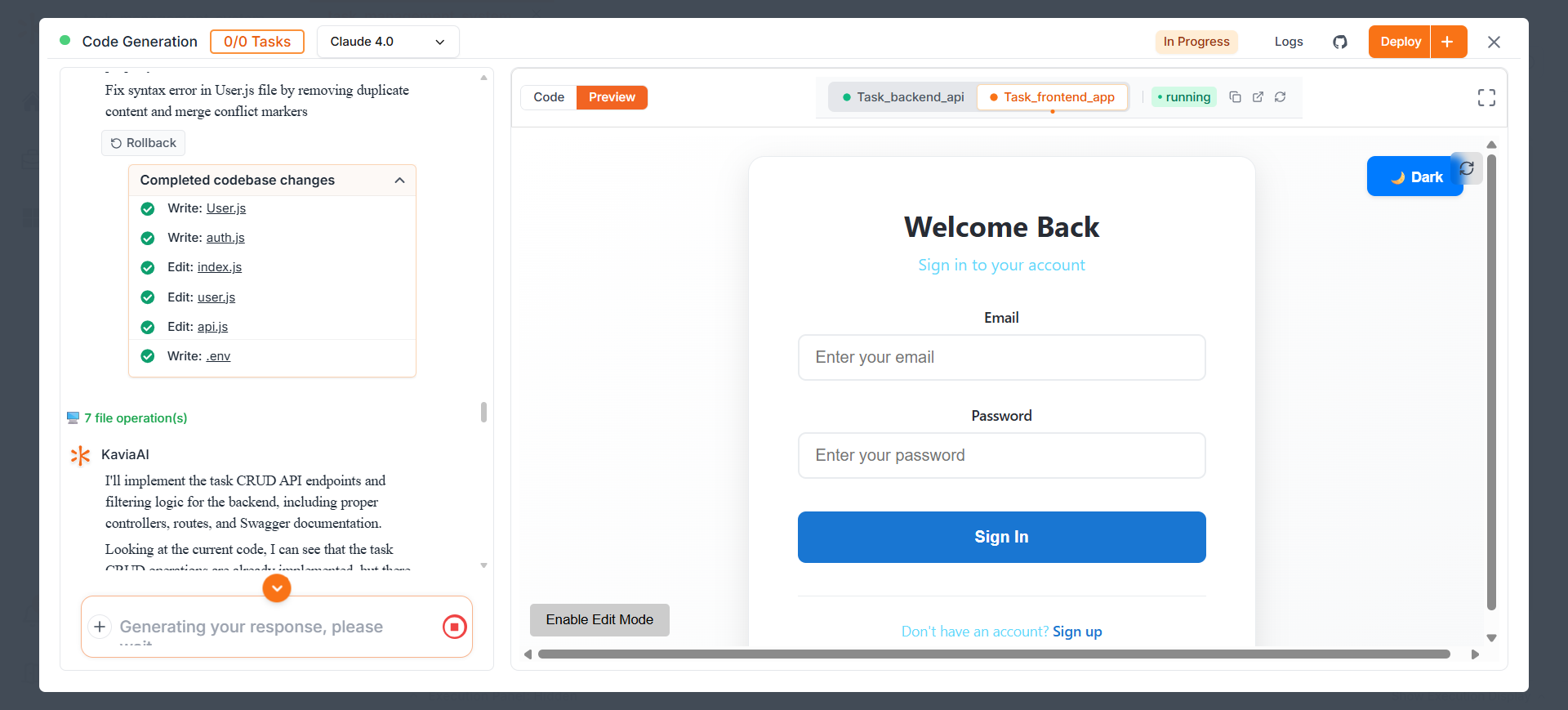
From here onwards you can follow starting from the Step 5 of the Web based App.
Previous
Review Project Overview