Dynamic Document Generation
Dynamic Document Generation allows you to create, update, and manage live documentation directly within Kavia. This feature enables teams to generate structured business and technical documents that stay aligned with your system architecture—without leaving the platform.
Open the Architecture Tab
Navigate to the Architecture tab in your project.
Within this section, you’ll find Dynamic Documentation Creation, which is dedicated to generating and managing project documentation.
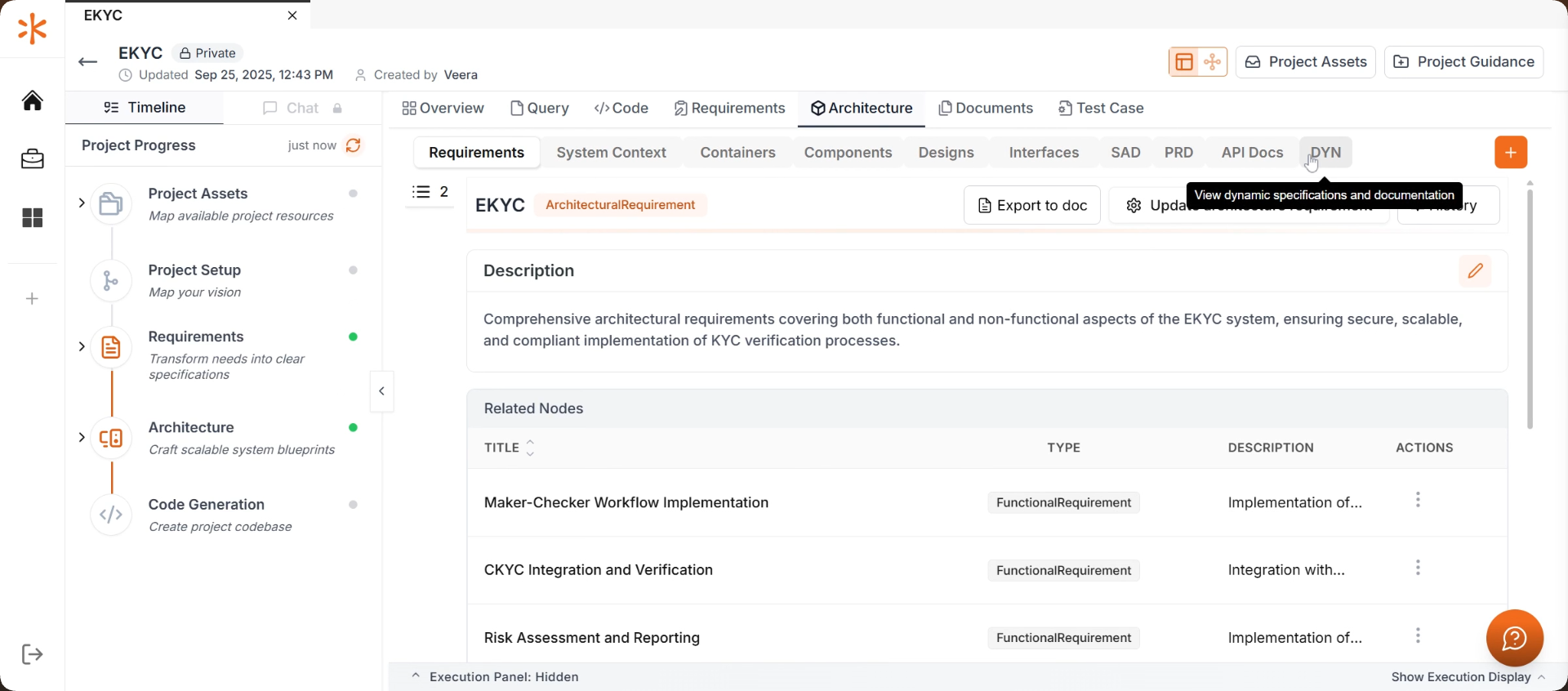
Create Dynamic Documentation
Click on Dynamic Documentation Creation and select Create Dynamic Documentation to begin.
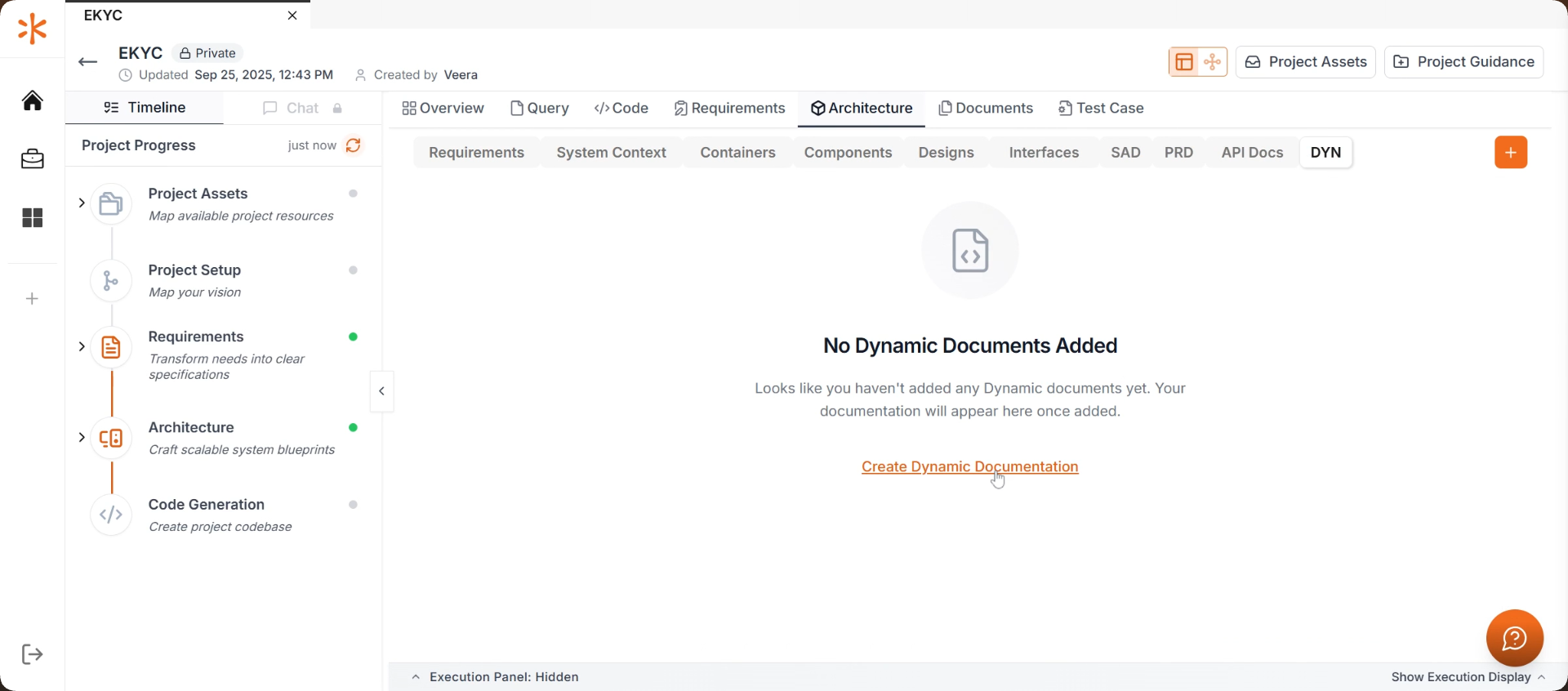
Update Documentation
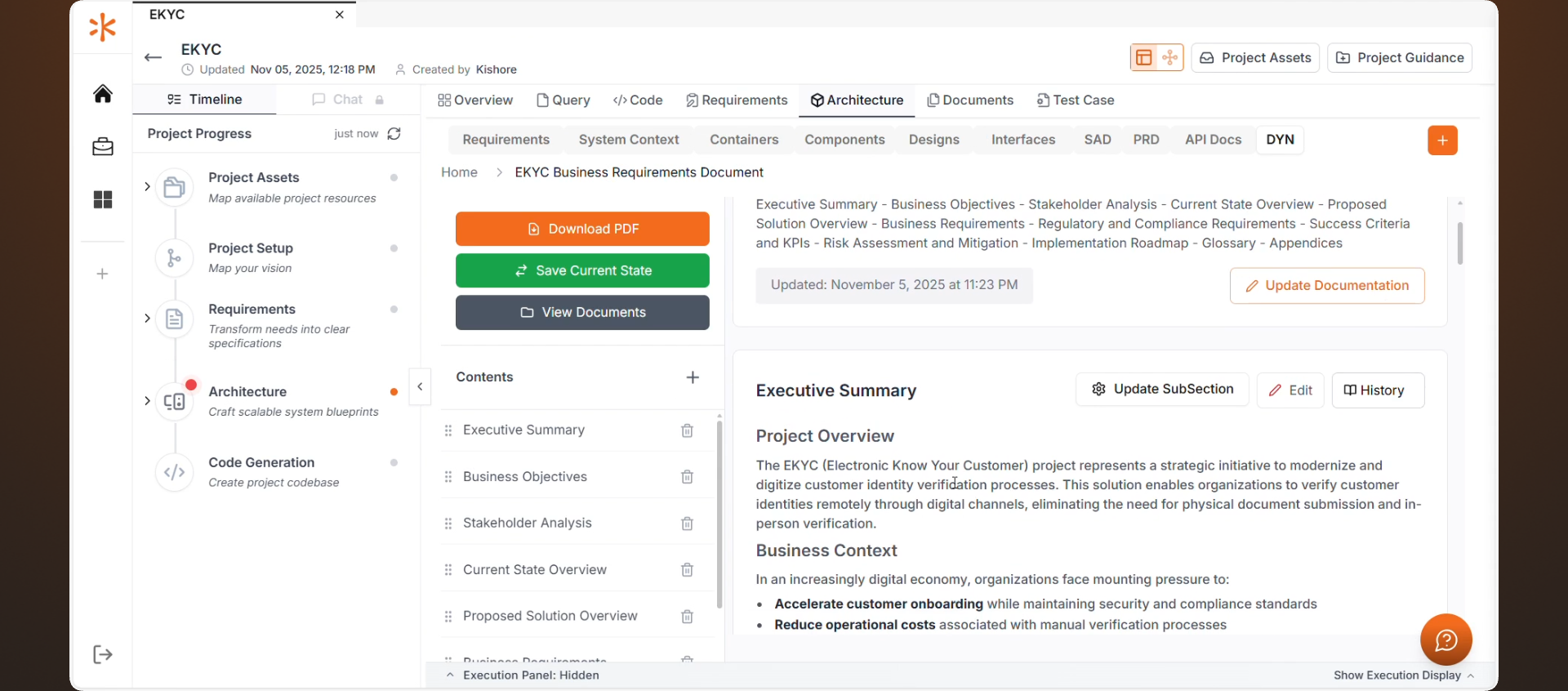
Choose Update Documentation.
Kavia will automatically suggest multiple documentation fields based on your project’s architecture, structure, and context. These suggestions help you build well-organized and relevant documentation quickly.
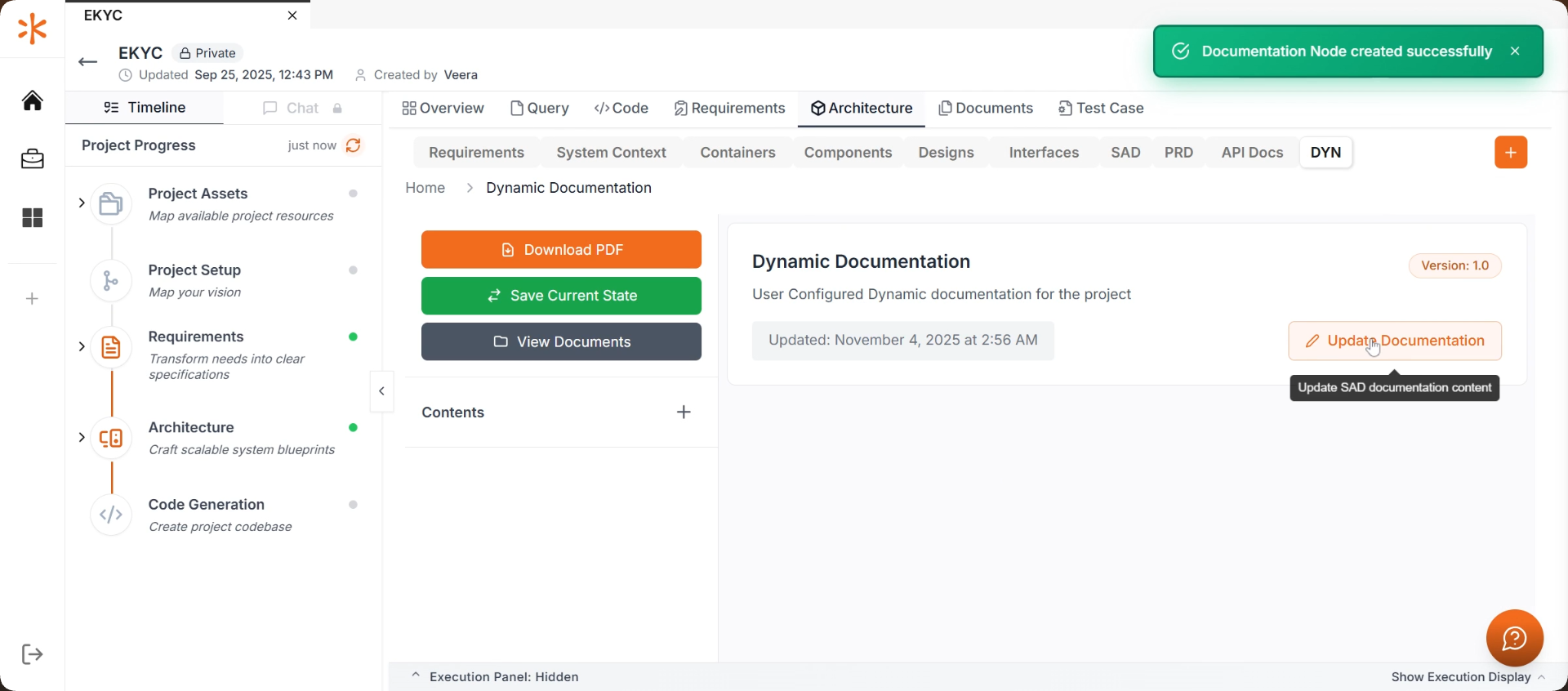
Generate a Document
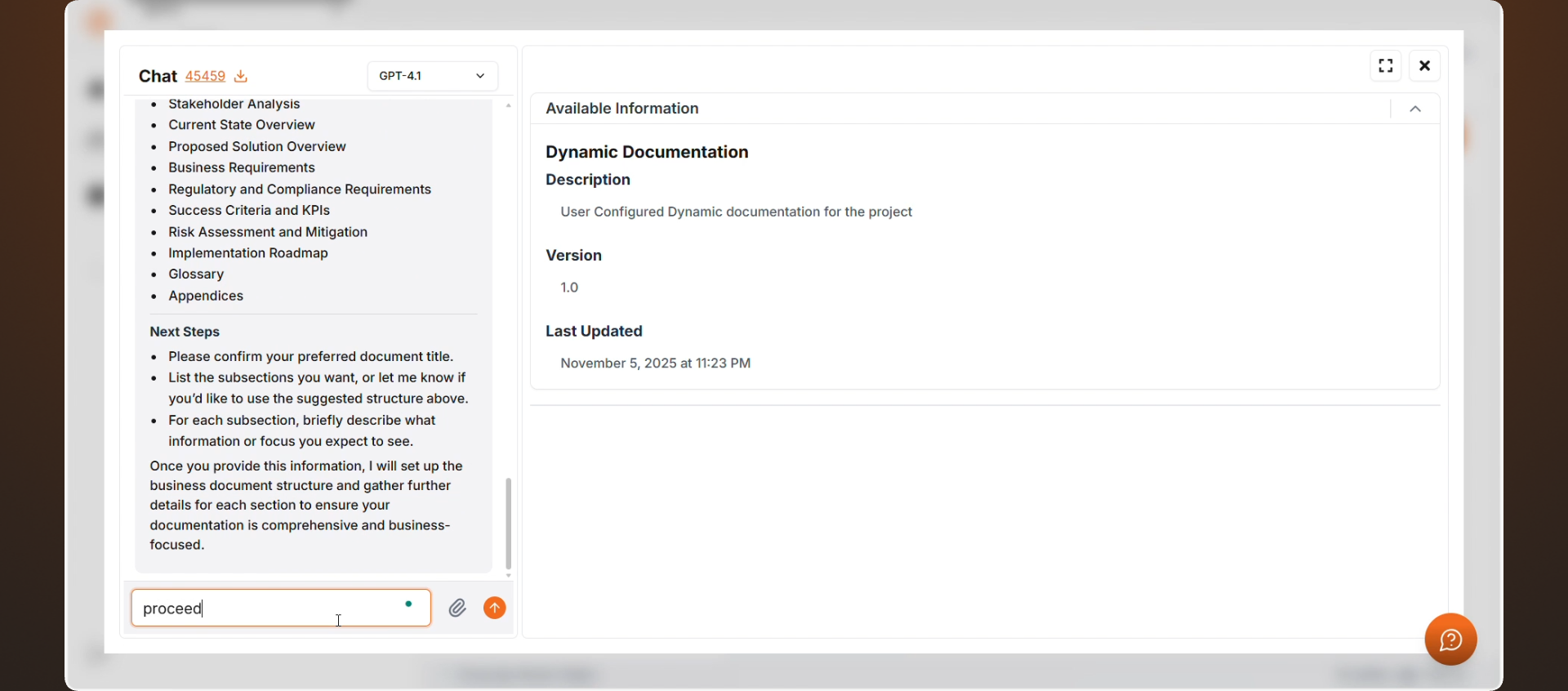
Type “Generate a Business Document” or the document that you need in the chat.
Kavia will immediately start creating the document based on the selected fields and your project context.
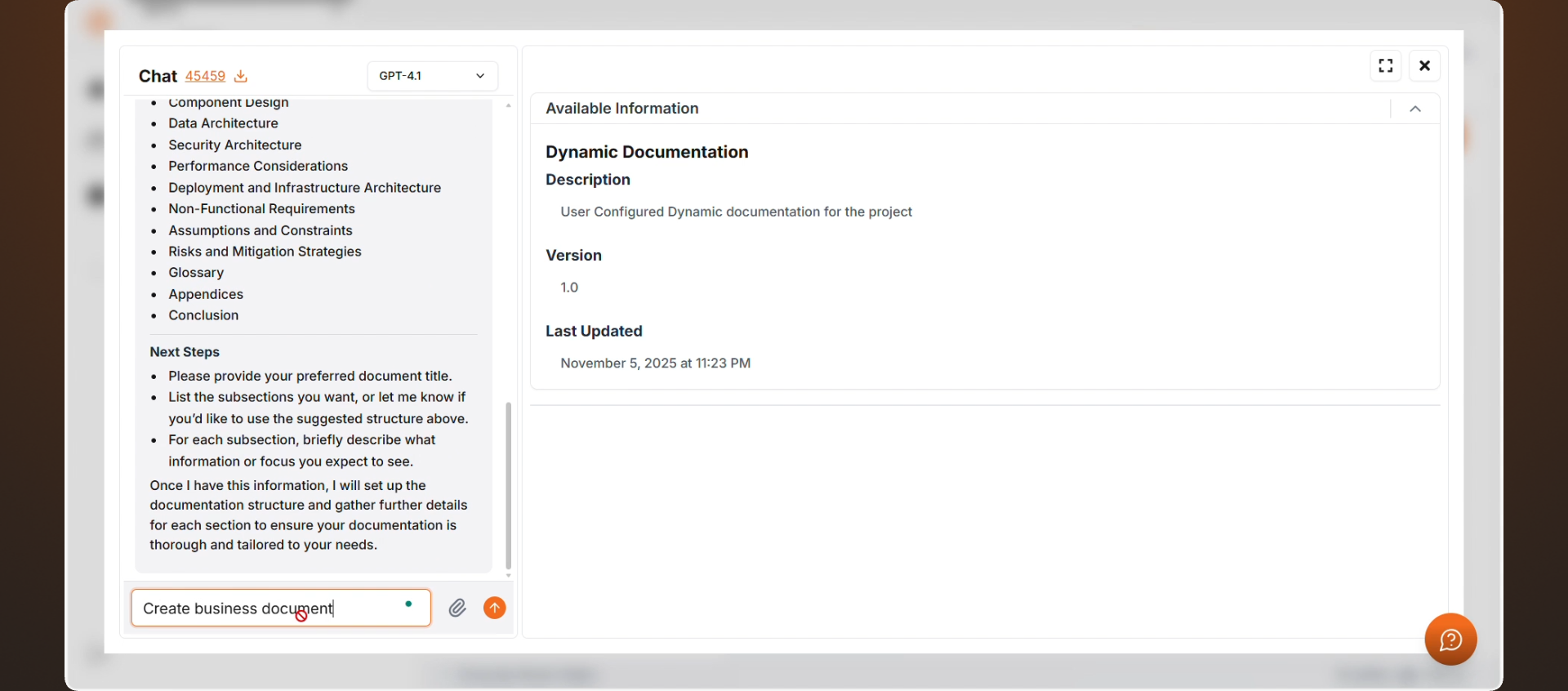
During this process, Kavia may request additional information to improve accuracy. You can review the request and select Proceed to continue.
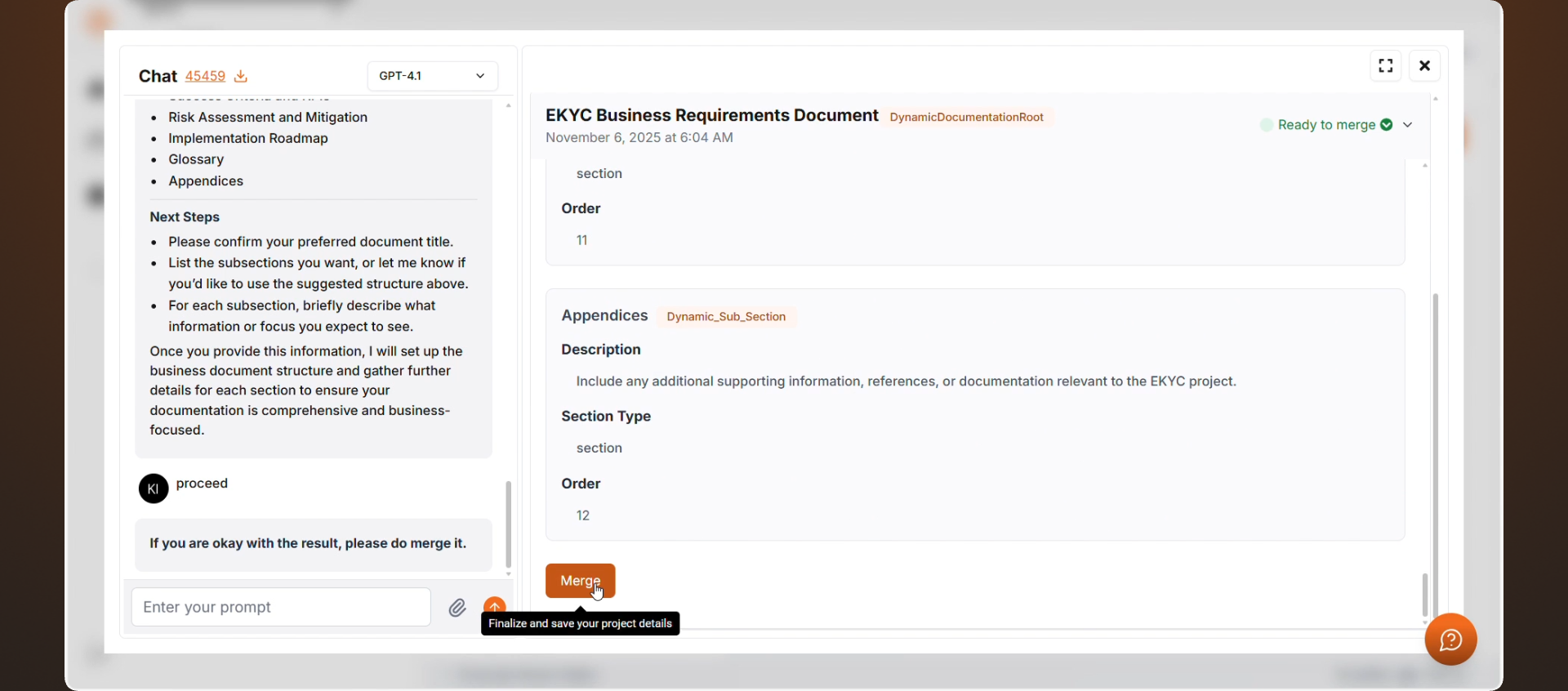
After generating the document click “Merge” to merge the updated document.
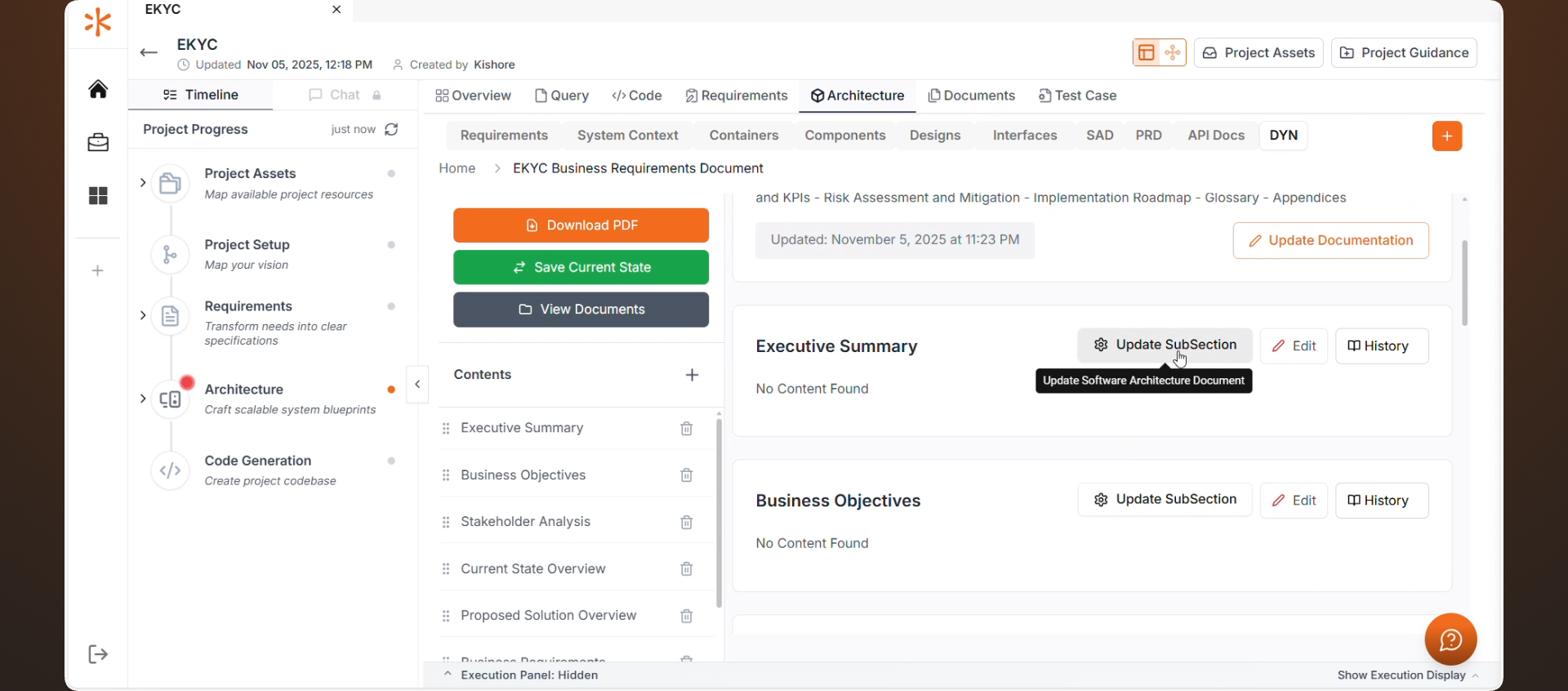
Update Subsections
To add or refine sections within your document, click Update Subsection.
This action opens the discussion panel, allowing you to:
- Generate detailed subsections
- Refine content through chat
- Expand or adjust documentation interactively
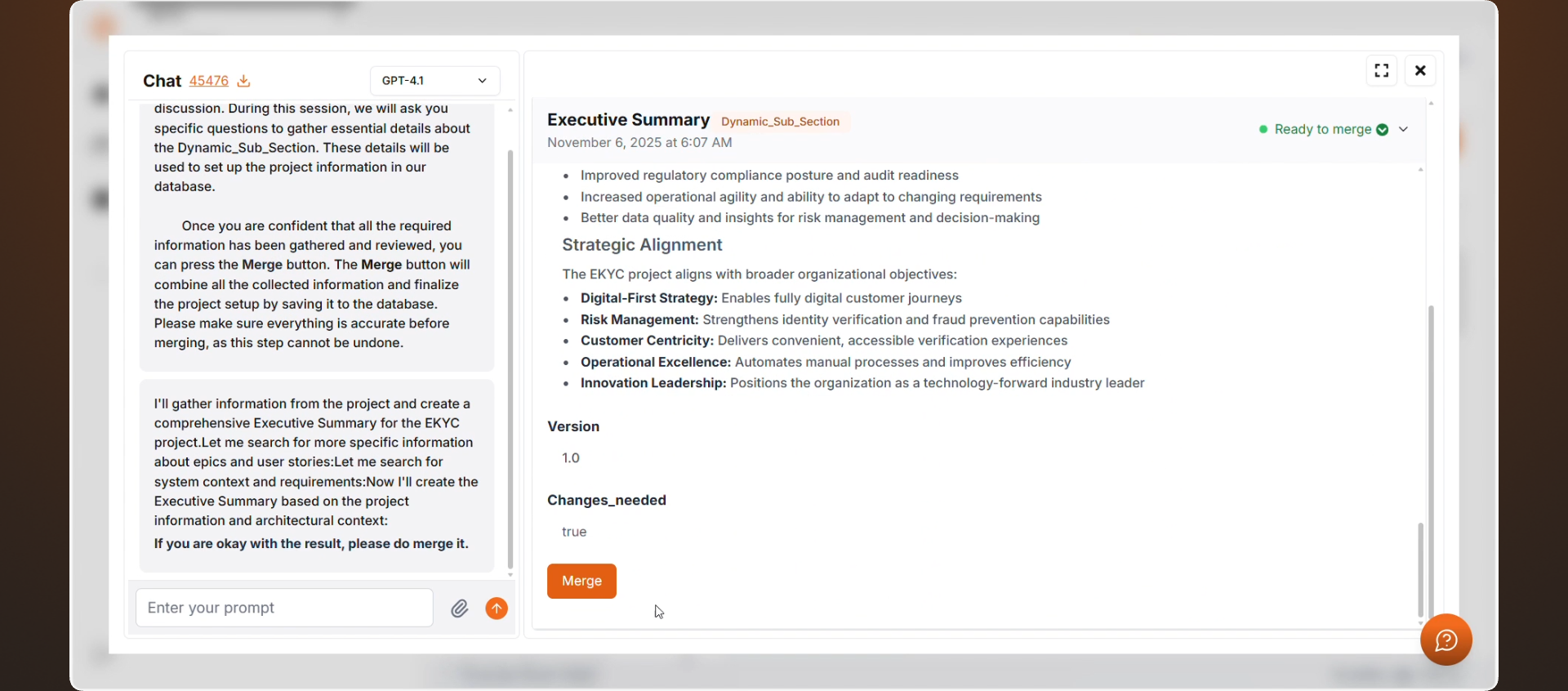
Kavia will generate the subsection content in real time based on your inputs and project details.
After updating the sub section click “Merge” to merge the update it.
Download Your Documentation
Why Use Dynamic Document Generation?
- Create documentation directly from your architecture
- Keep documentation synchronized with project changes
- Generate business and technical documents quickly
- Modify sections interactively using AI-powered discussions
- Eliminate manual documentation workflows