Connect GitHub & Supabase
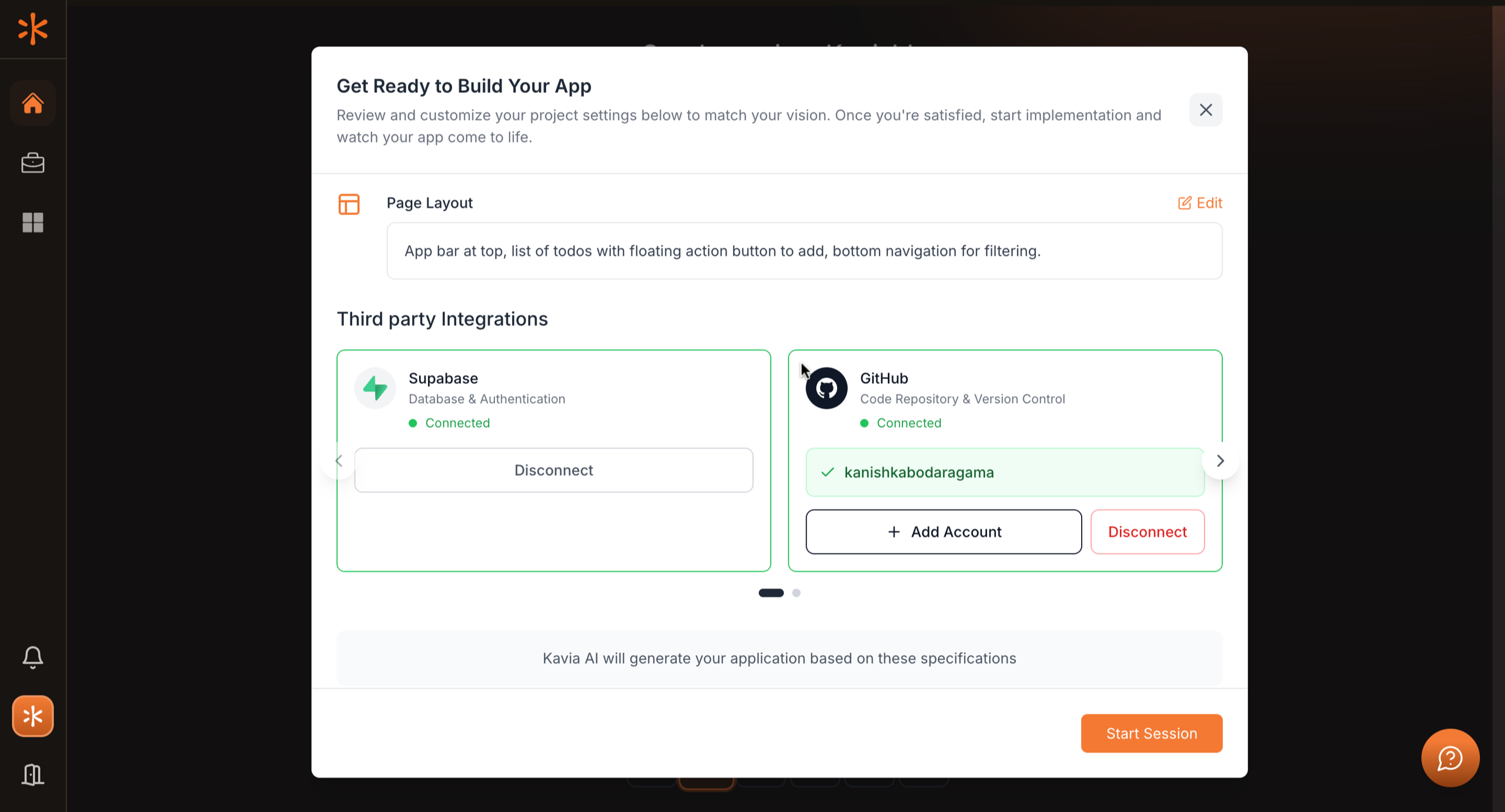
Connect your GitHub account by selecting it from the dropdown (or use Add Account to link a new one). Then, connect your Supabase account to configure the project’s database environment. Once both integrations are established, click Start Session to initialize the workspace and link your repositories with the database layer.
Previous
Customize Tech Stack & Style