Preview the Frontend Containers
Next, preview your frontend containers to see the application in action.
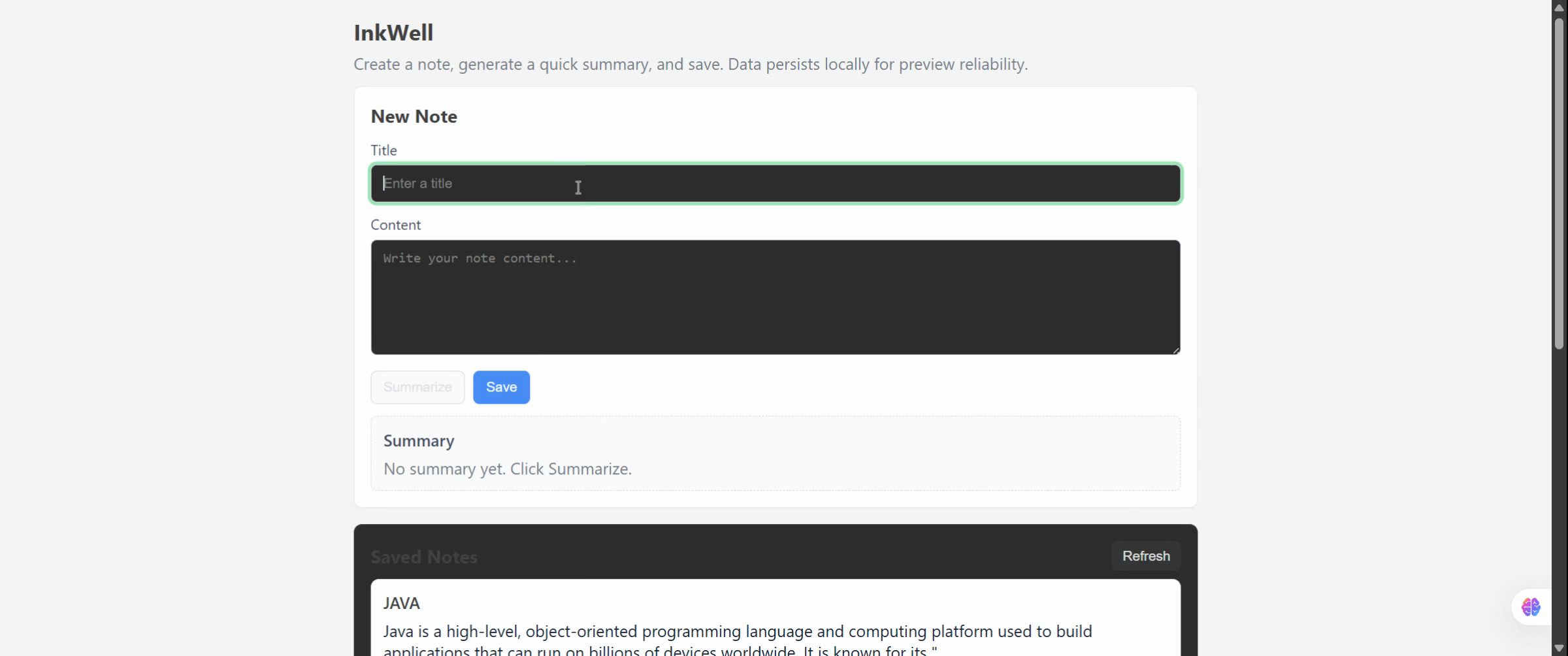
Set the Preview Title to “AI”, paste your desired content, and click the Summarize button to generate a condensed result view.
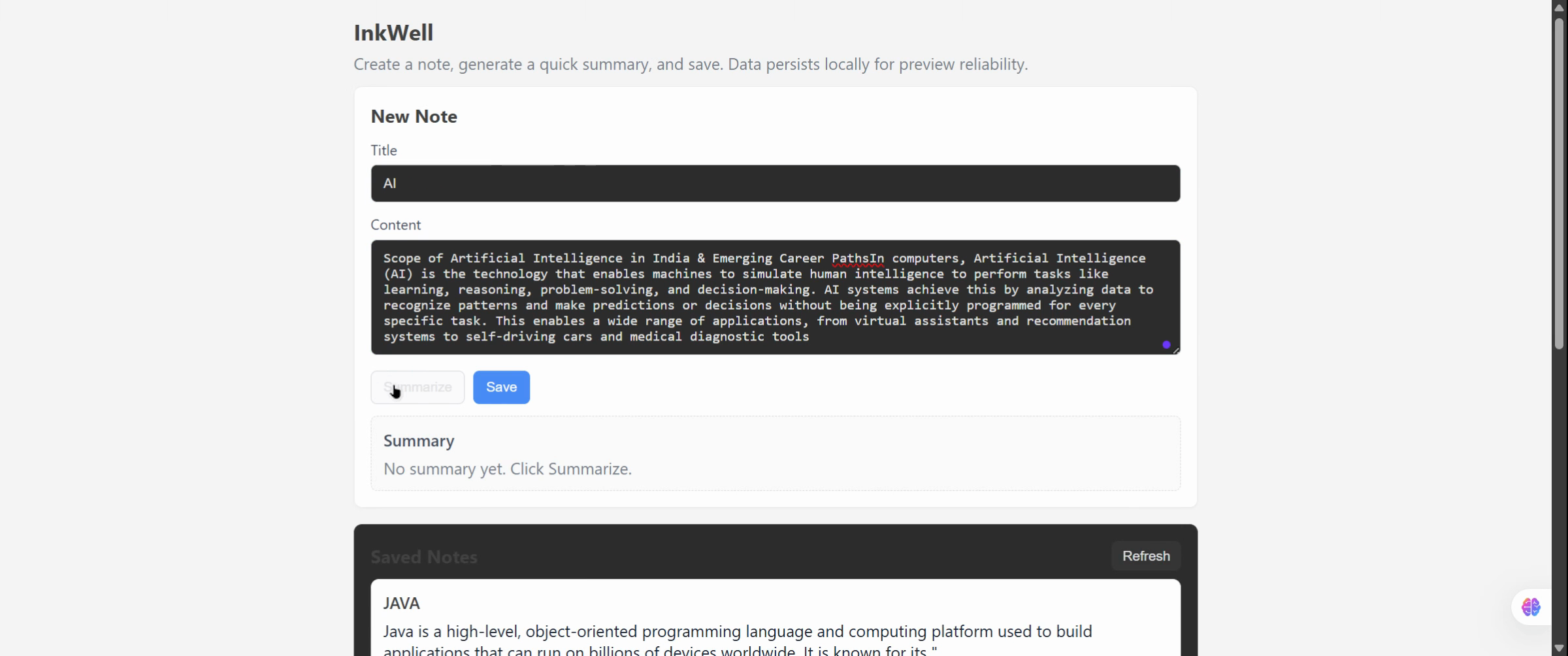
This step allows you to validate both the frontend rendering and the container’s live behavior. Click Save Note to store your results.
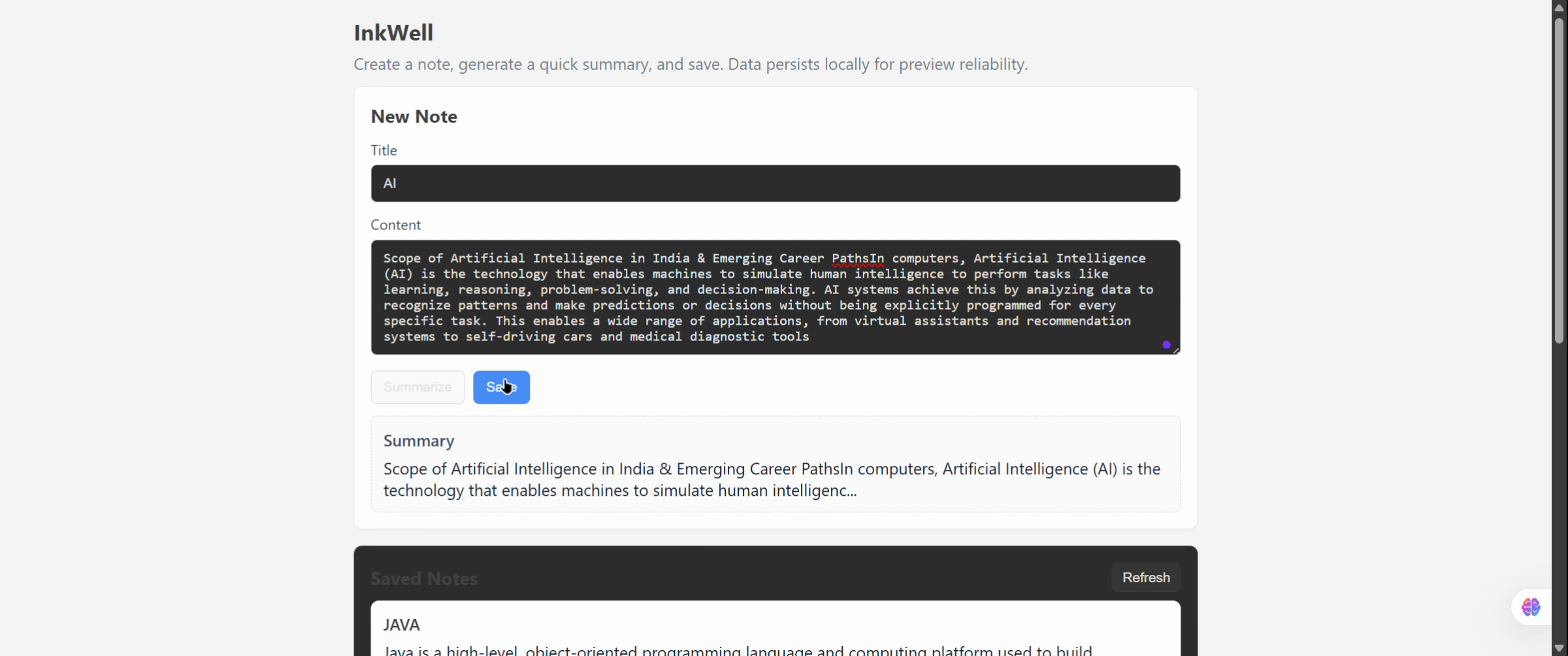
At this stage, your project is now running multiple containers — each independently configured but integrated within one unified application environment.
Previous
Review Generated Files