Switch to Auto-Configuration
After completing your manual setup, switch to Auto-Configuration for a more streamlined configuration process.
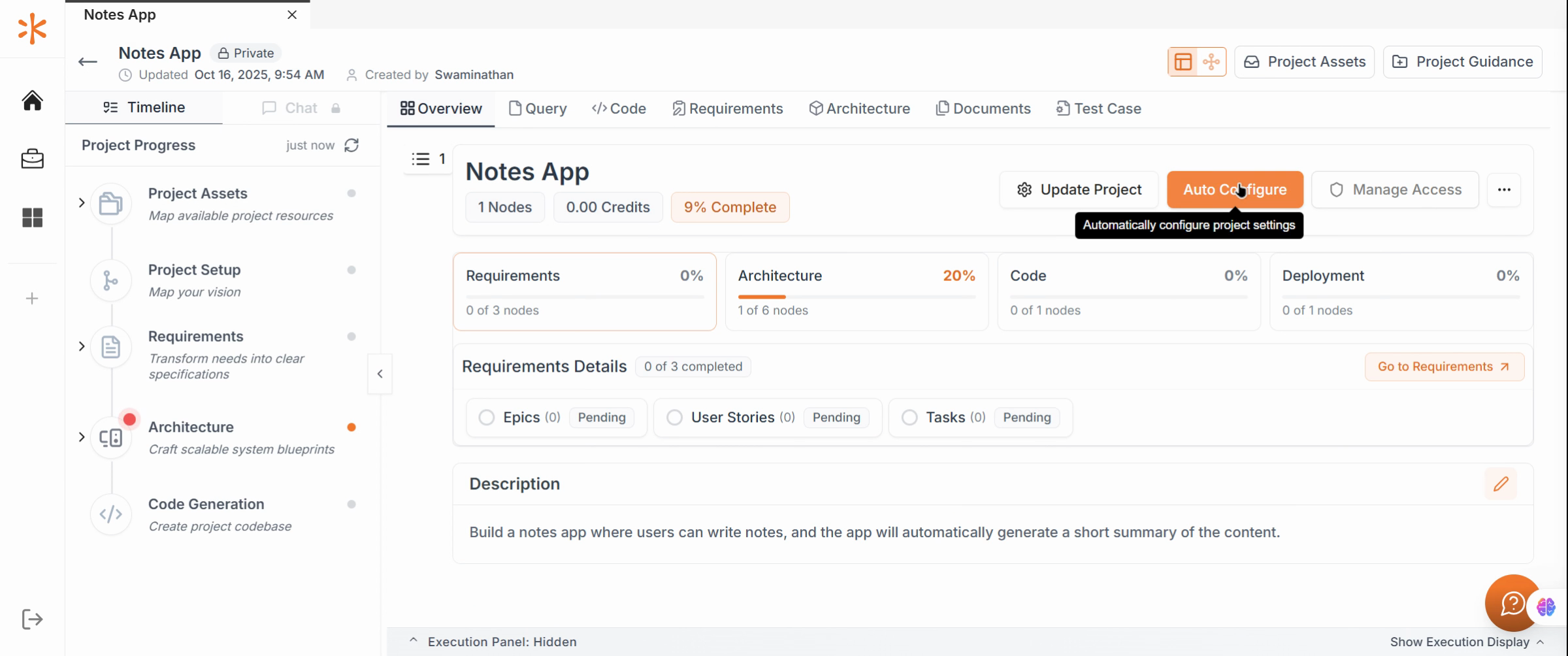
Click Submit to let Kavia automatically generate optimized configurations for your project’s containers. The system will display an estimated configuration timeestimated configuration time — allow the process to finish before proceeding.
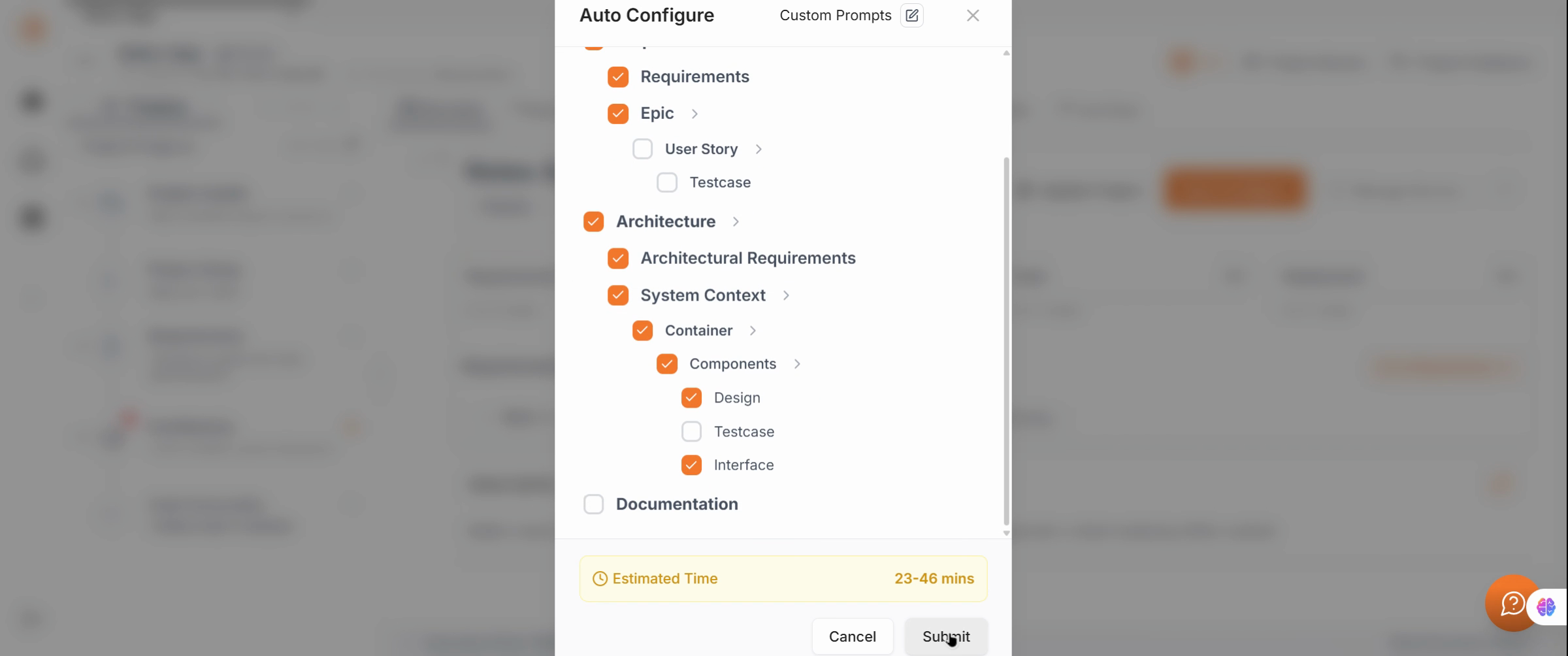
When complete, your project will be fully prepared with container placeholders and ready for code generation.
Previous
Choose Manual Configuration Mode