Import
In this article, you'll learn how to import and make changes to existing code from GitHub. Follow these steps to achieve this.
1
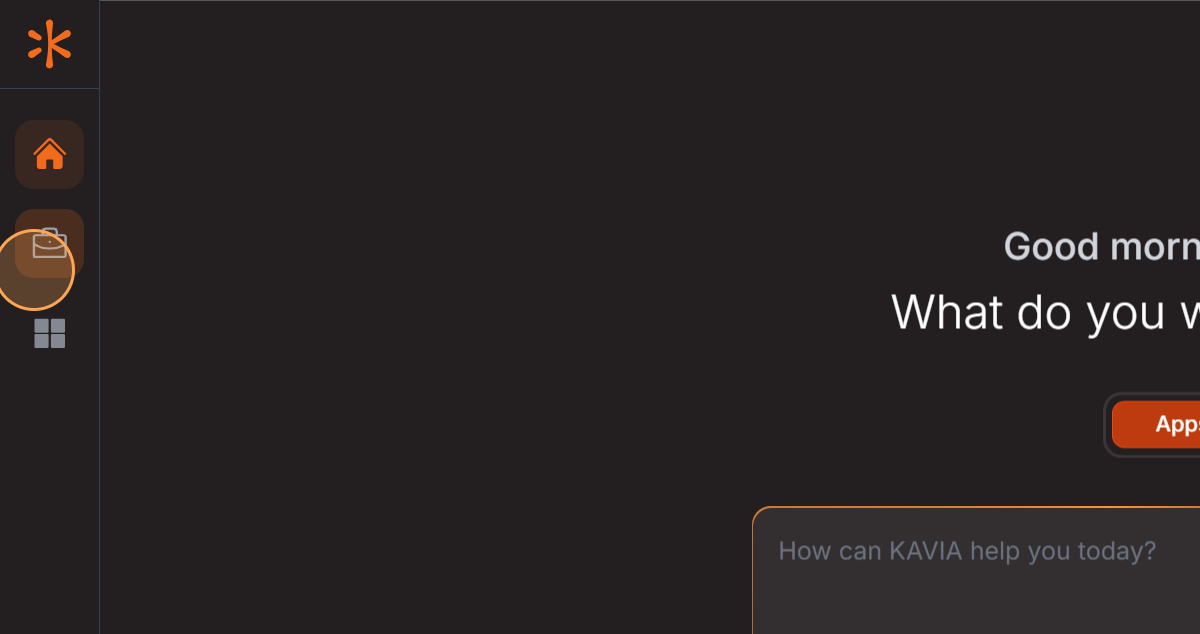
Step 1: Start by clicking on ''.
2
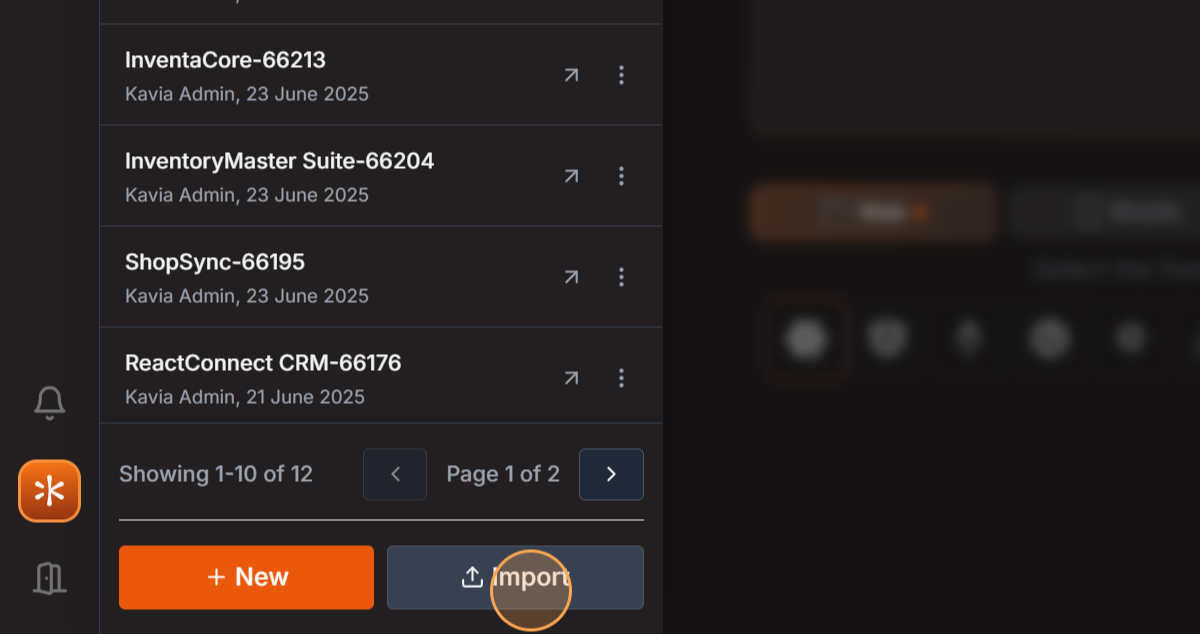
Step 2: Next, select the Import option.
3
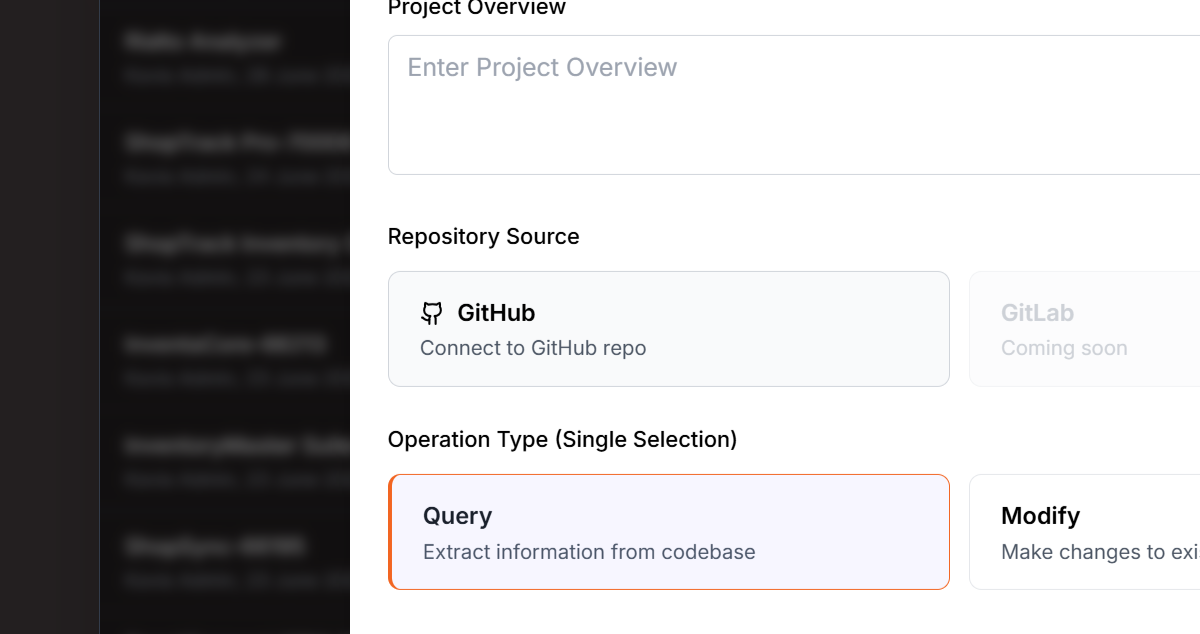
Step 3: Choose GitHub from the available options.
4
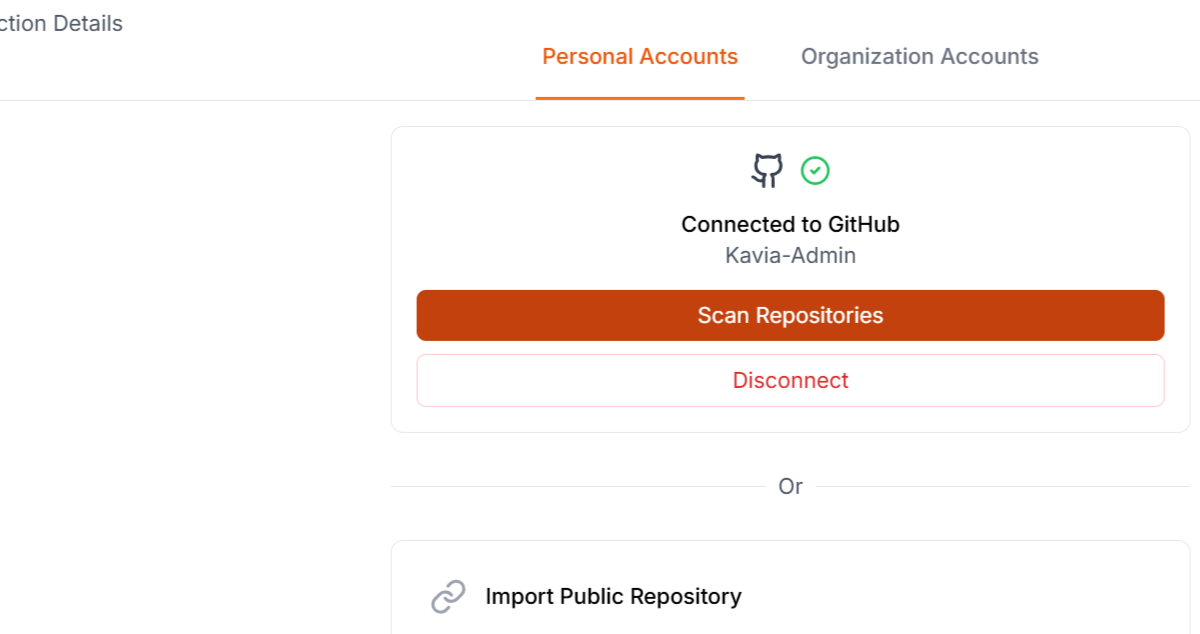
Step 4: Wait for the Scanning... process to complete.
5
Step 5: Enter the required information in the first field.
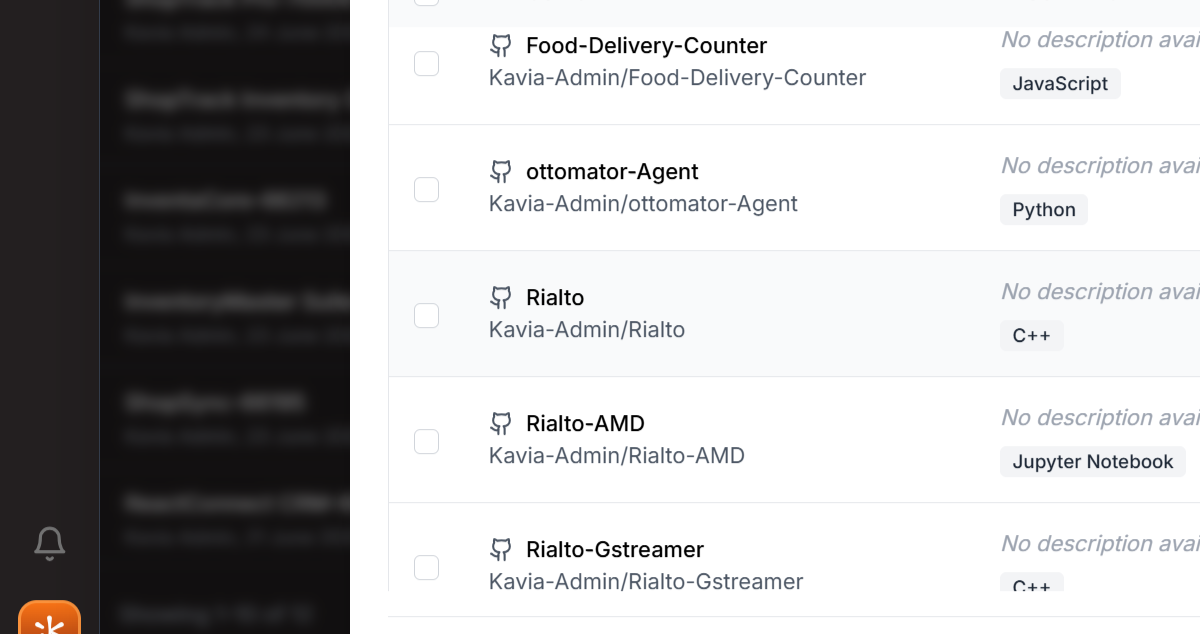
6
Step 6: Proceed to the next field and input the necessary details.
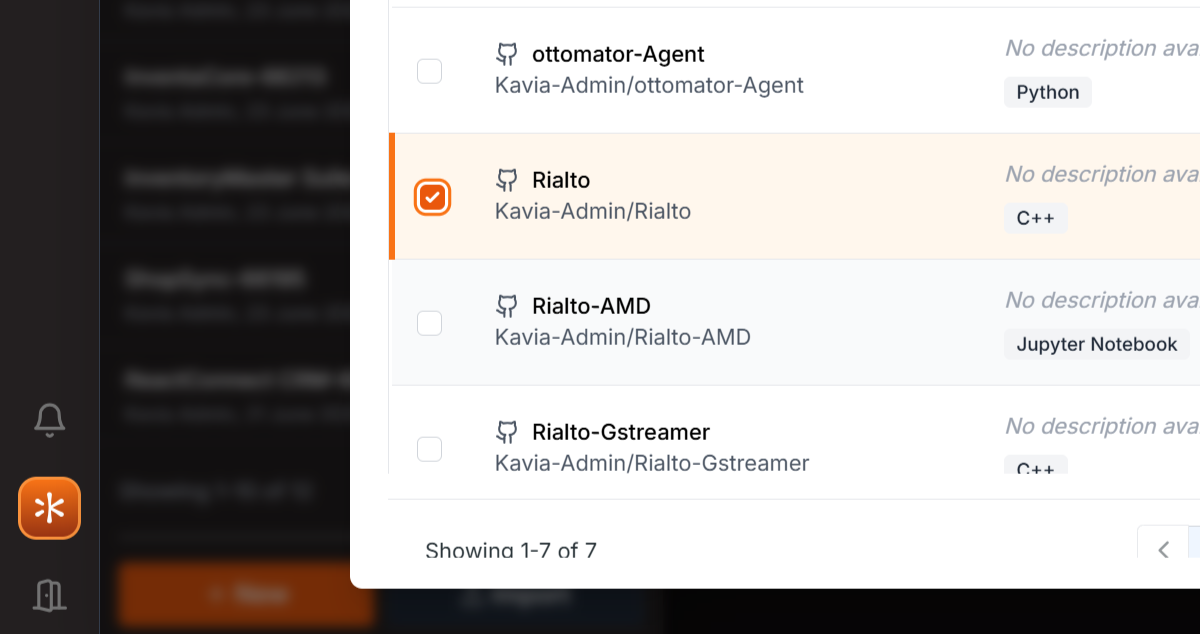
7
Step 7: Continue to the third field and type in the required information.
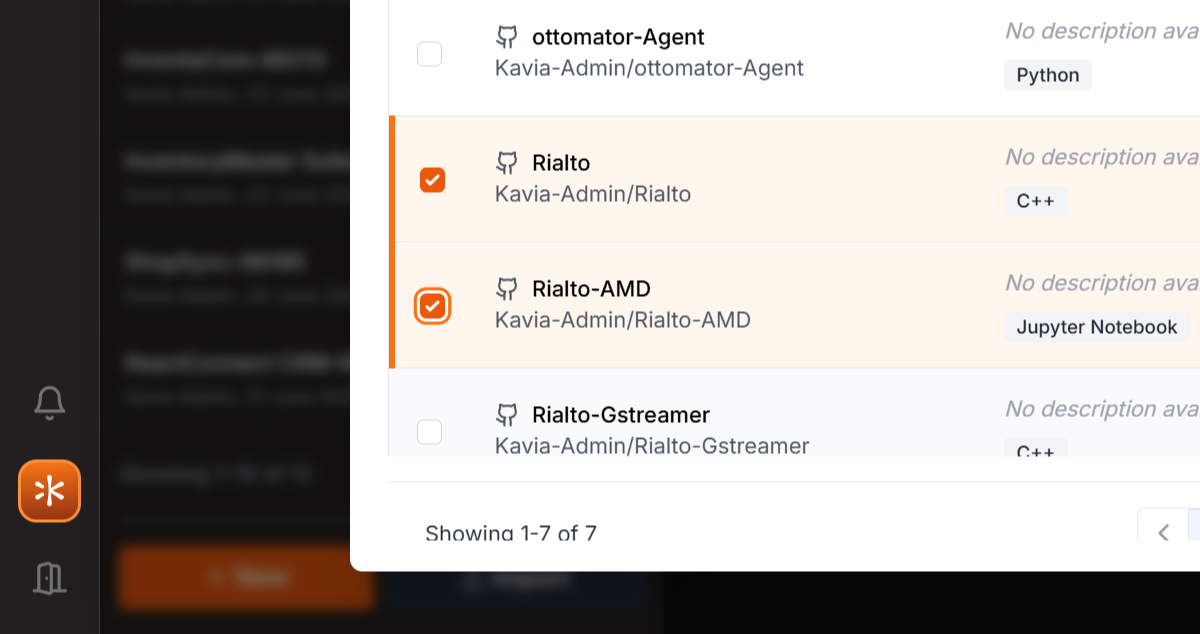
8
Step 8: After filling in the details, click on the indicated area.
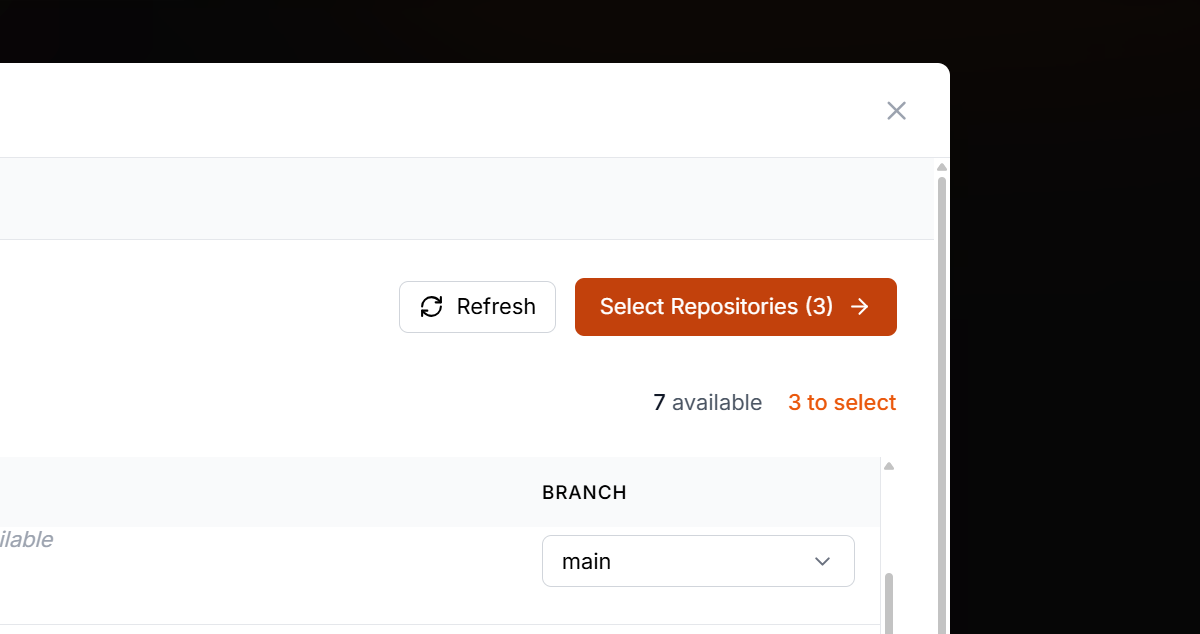
9
Step 9: In the next field, enter the necessary information.

10
Step 10: Fill in the last field with the required details.
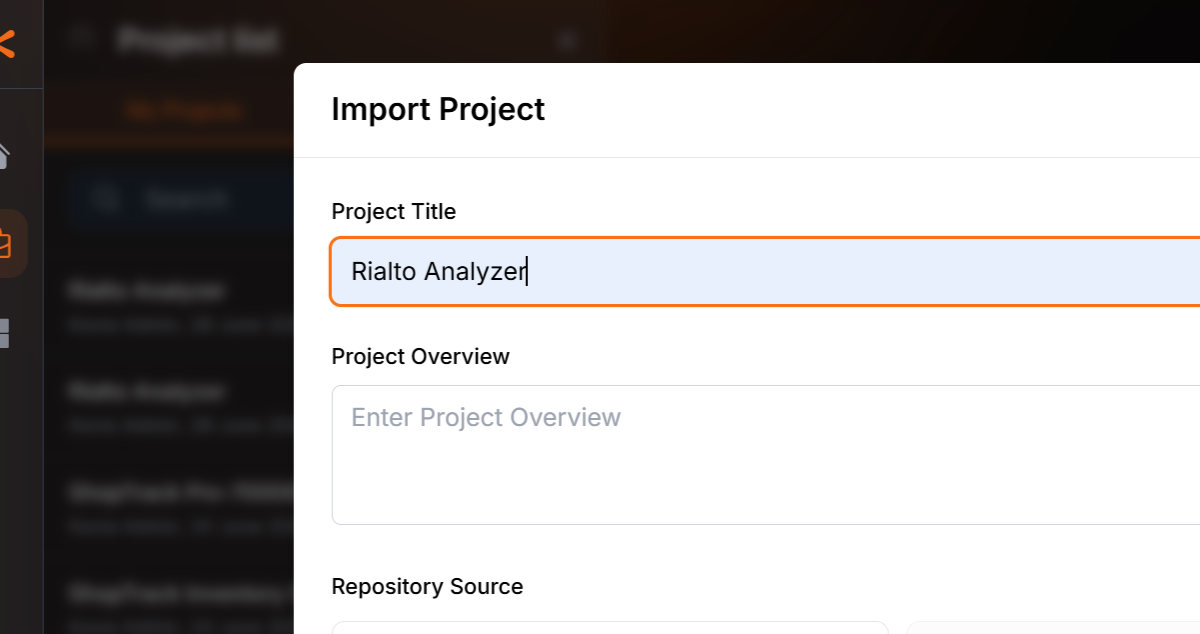
11
Step 11: Once you've filled out all the fields, click on the indicated area.
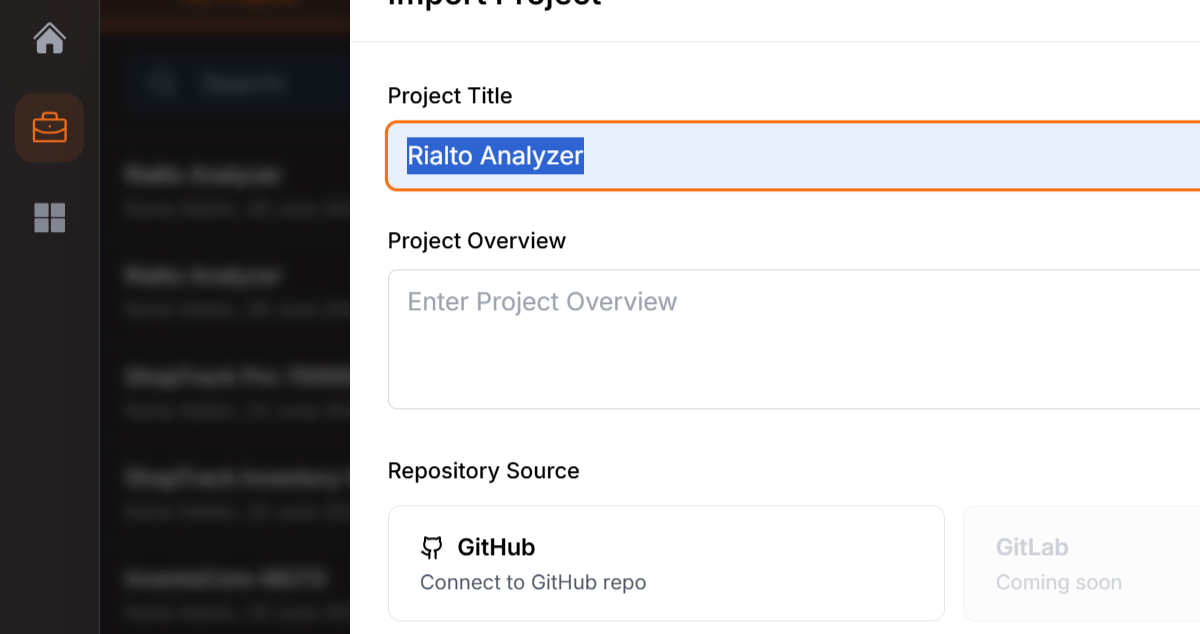
12
Step 12: Choose the Make changes to existing code option.
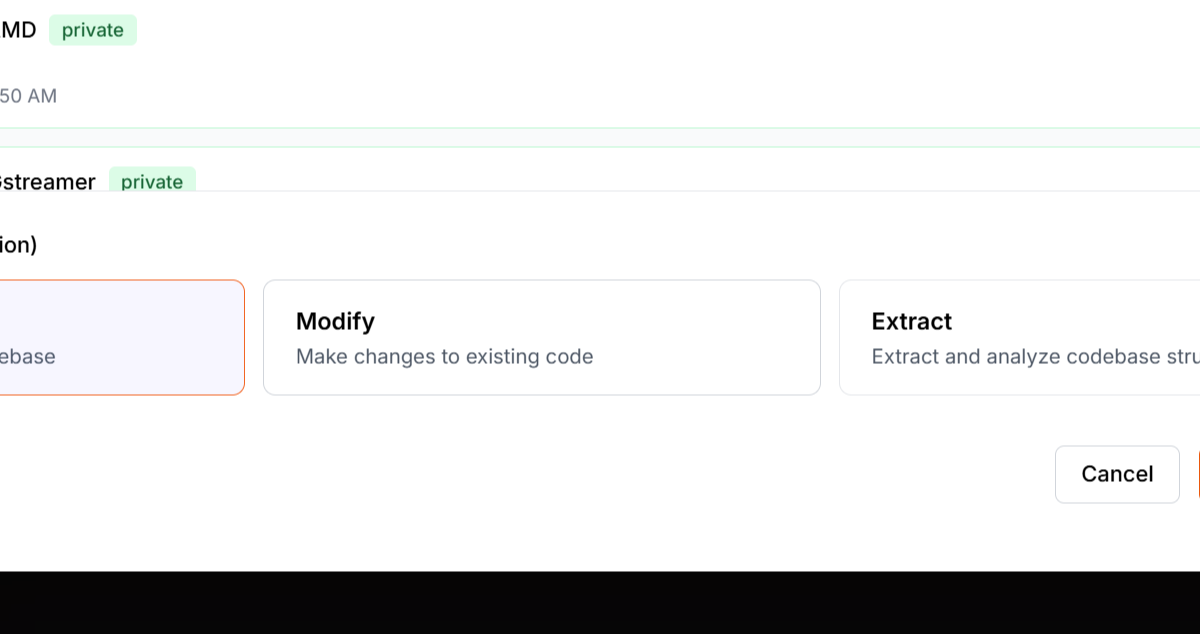
13
Step 13: Wait for the Importing... process to finish.
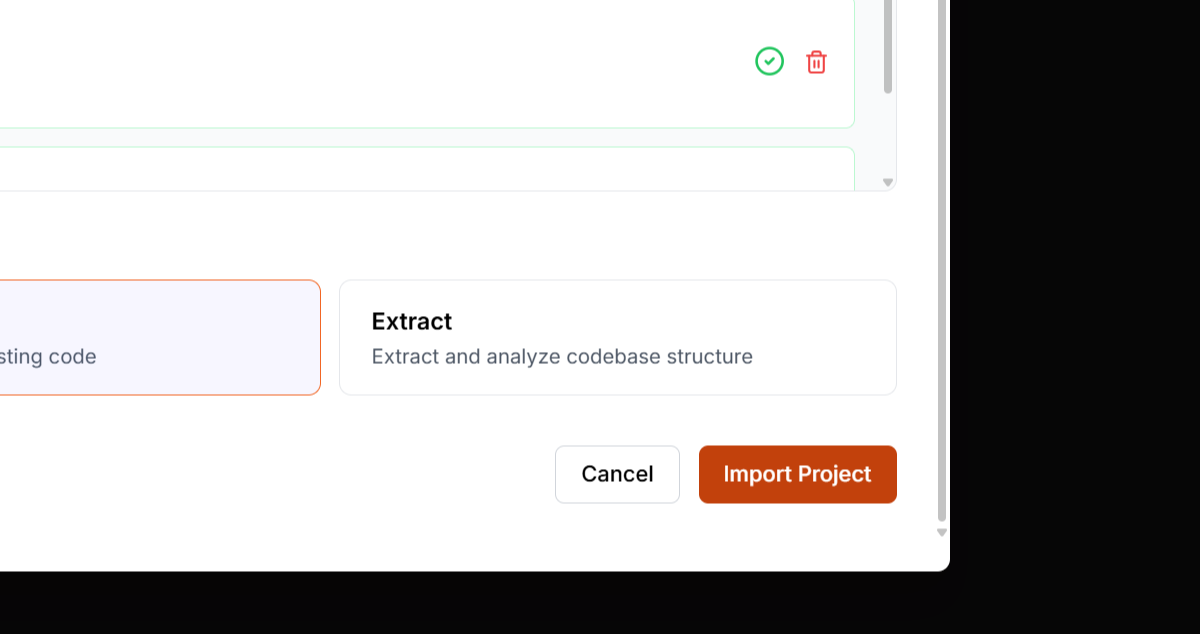
By following these steps, you'll be able to import and modify existing code from GitHub efficiently.
Previous
DeployNext
Query