Review Project Overview
Kavia shows a summary of your app based on your prompt. Review it carefully. If anything is missing or incorrect, click Edit to make changes.
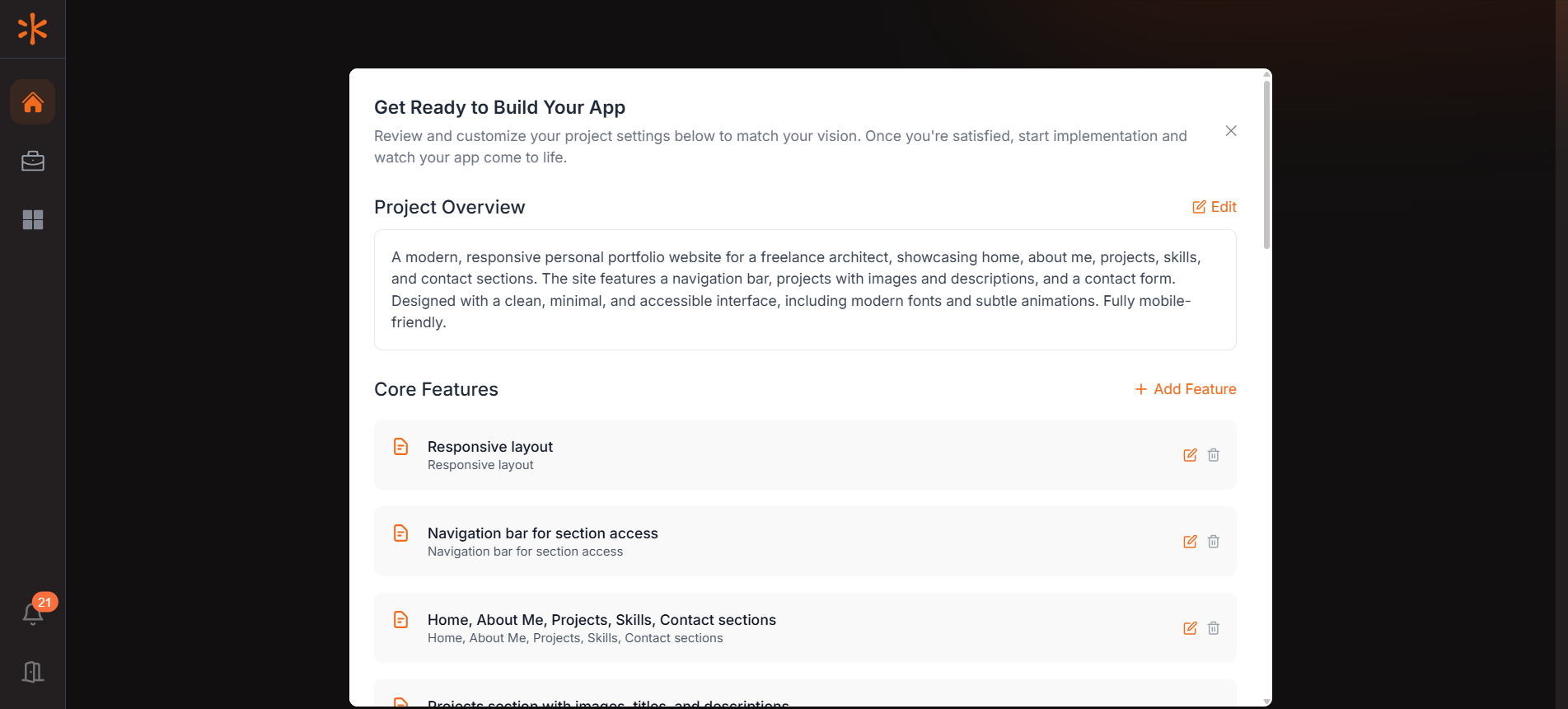
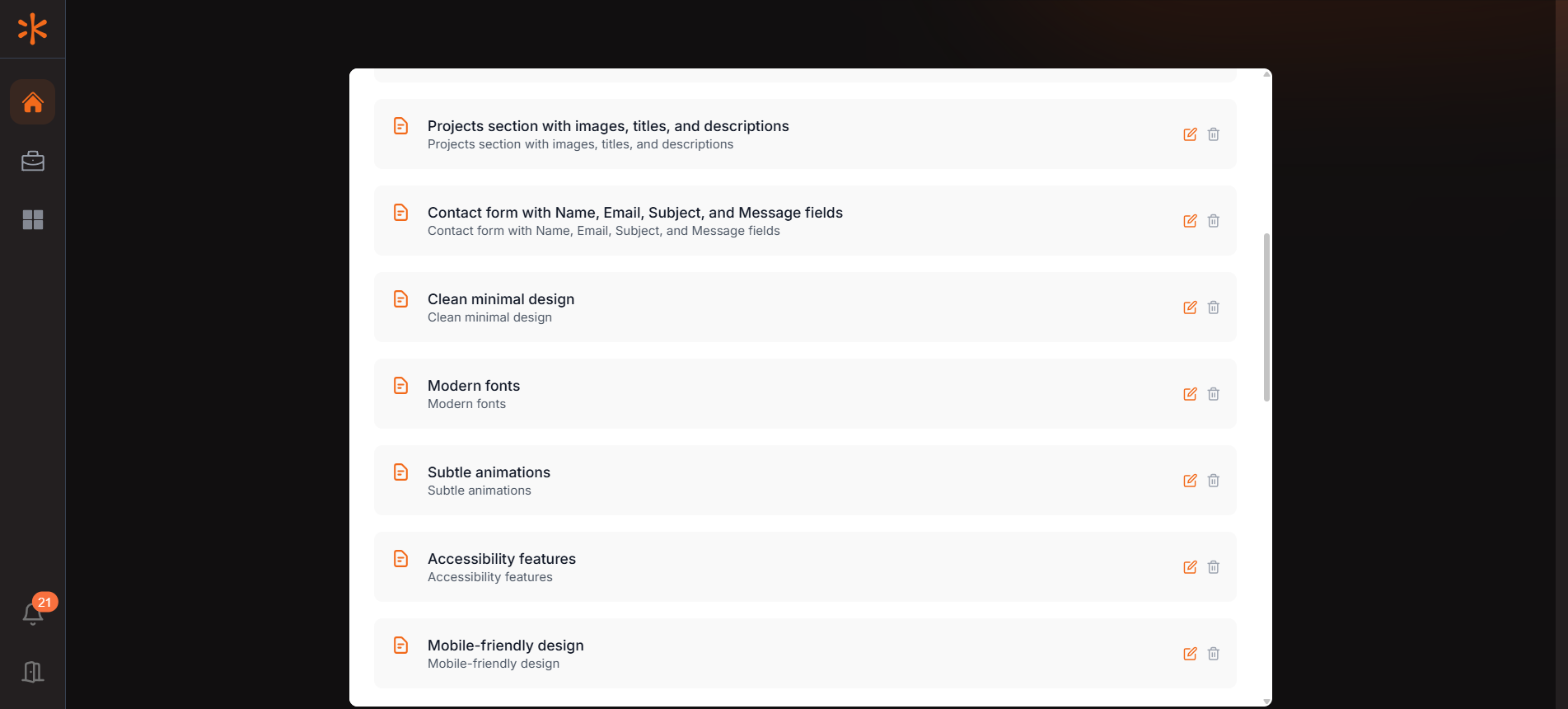
Kavia automatically converts your prompt into a list of core features. Review each one carefully. You can edit, delete, or add features as needed. Finalizing this list early is important, as it directly influences how Kavia builds your application.
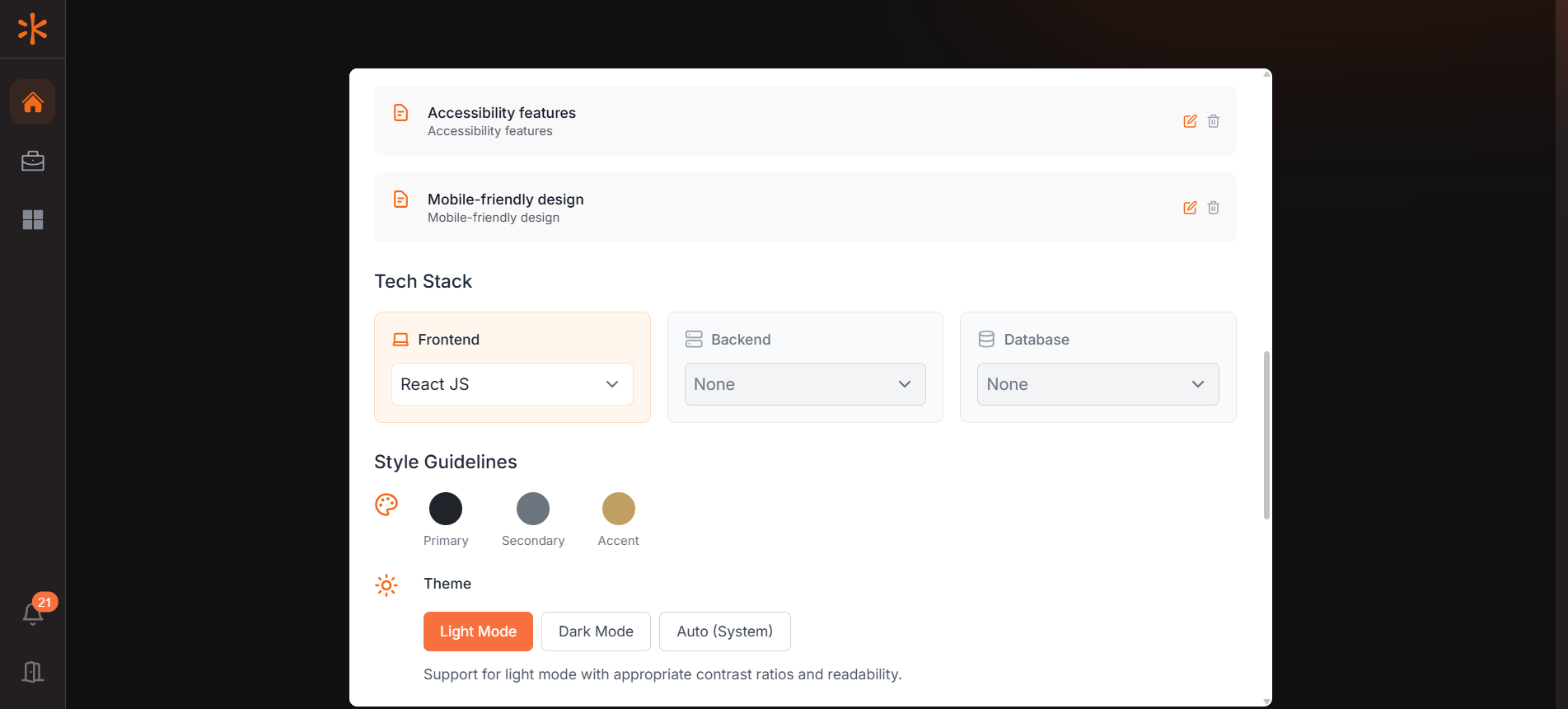
Customize your app by choosing the frameworks and libraries you prefer in the Tech Stack section. In Style Guidelines, set your app’s colors, theme, and layout to match your brand or design preferences.
Connect your GitHub account by selecting it from the dropdown. If it’s not available, click “Add Account” to link it. Make sure the correct account is selected before continuing.
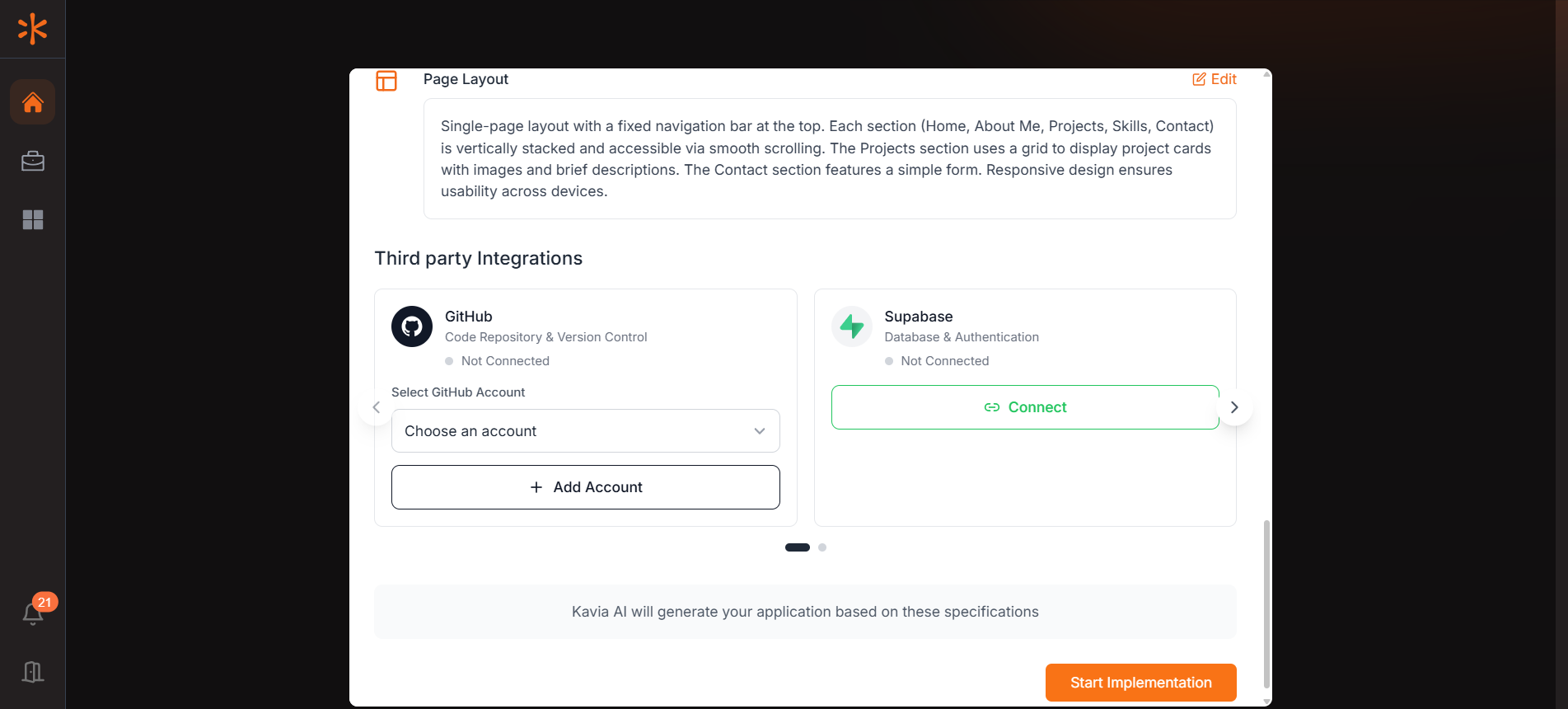
To provision your app’s database, connect your Supabase account by clicking the “Connect” button in the Supabase section. Supabase will handle database setup and management for your application.
- A popup will appear—click “Continue to Supabase” and complete the authentication process. Completing the process will Open another popup from kavia to select a project from Supabase.
- Once connected, create a Supabase project by assigning a name and password.
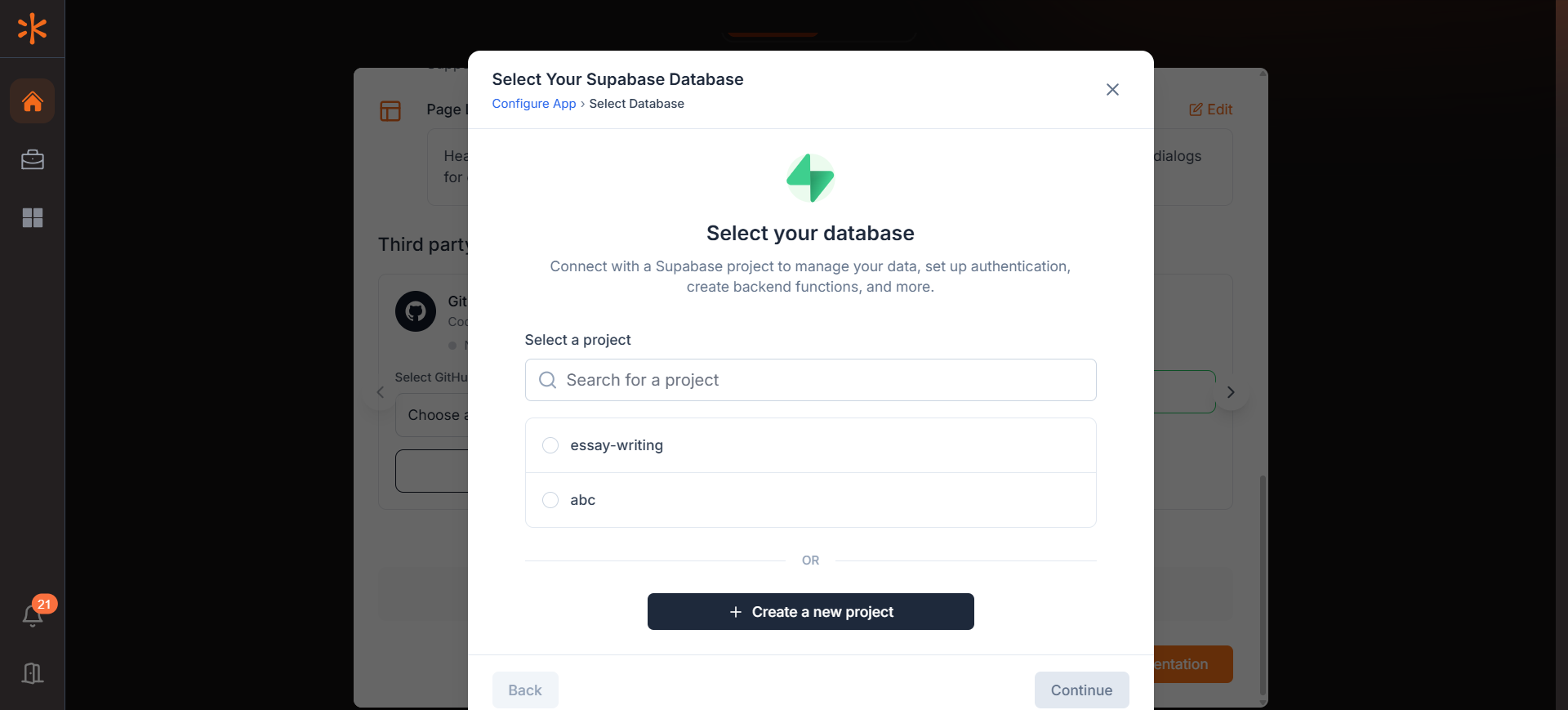
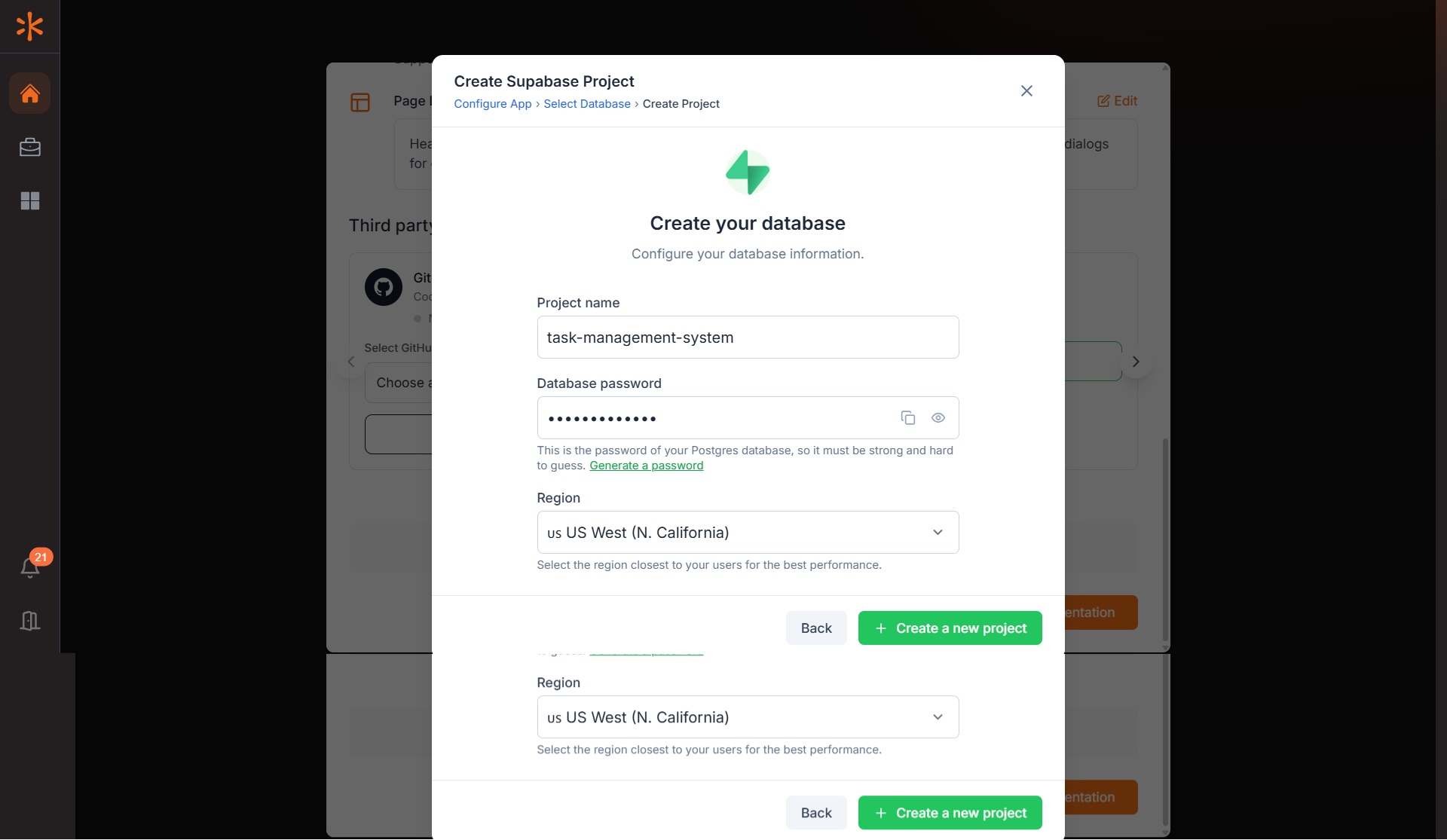
After connecting both your GitHub and Supabase accounts, click Start Implementation to begin building your application with Kavia.