Start Implementation and Workspace Setup
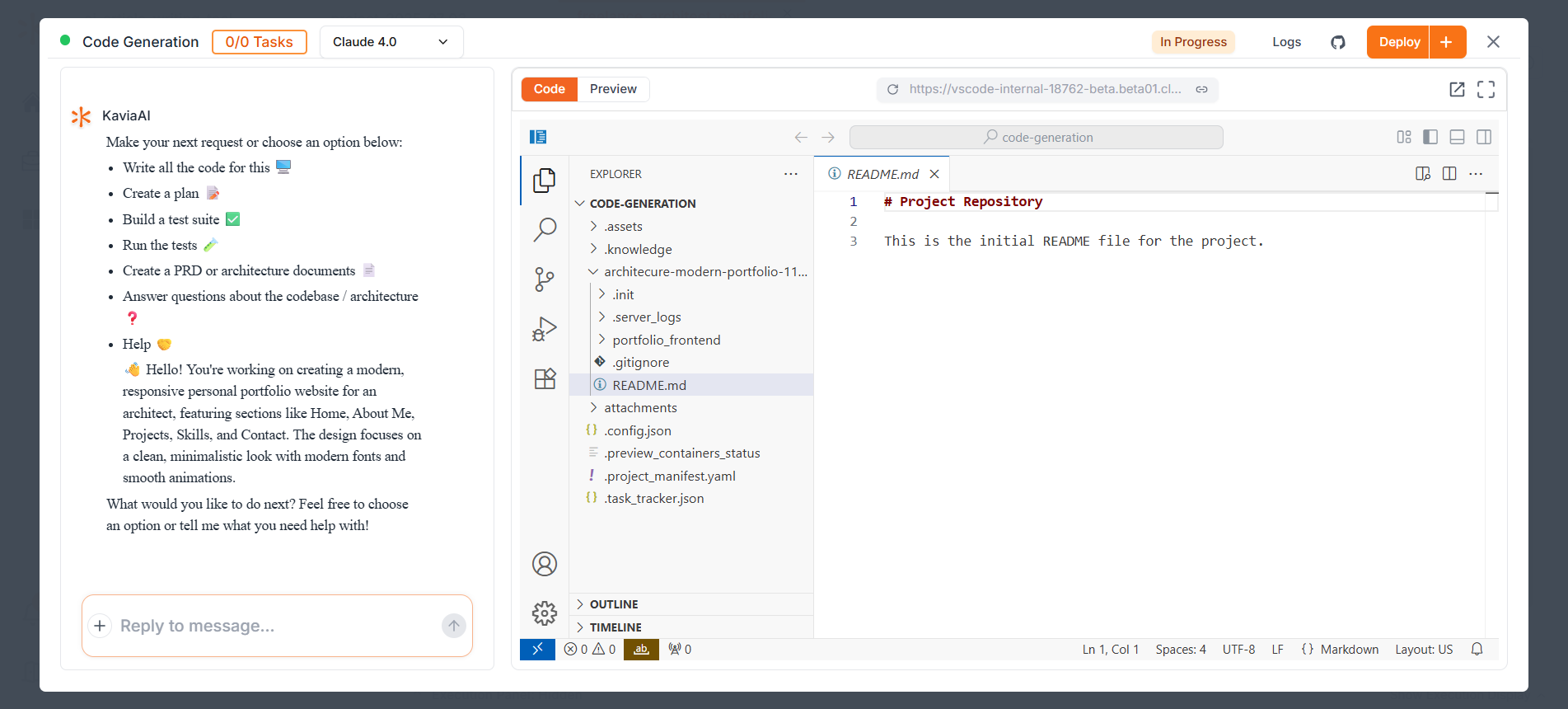
Click Start Implementation to let Kavia set up your coding workspace. When ready, the screen splits into two panels: a chat on the left for interacting with Kavia, and a VS Code-style editor on the right showing your app’s code.