Choose App Type and Framework
From the Home screen, select the Apps tab. Scroll down and choose Web as the app type and React as the framework.
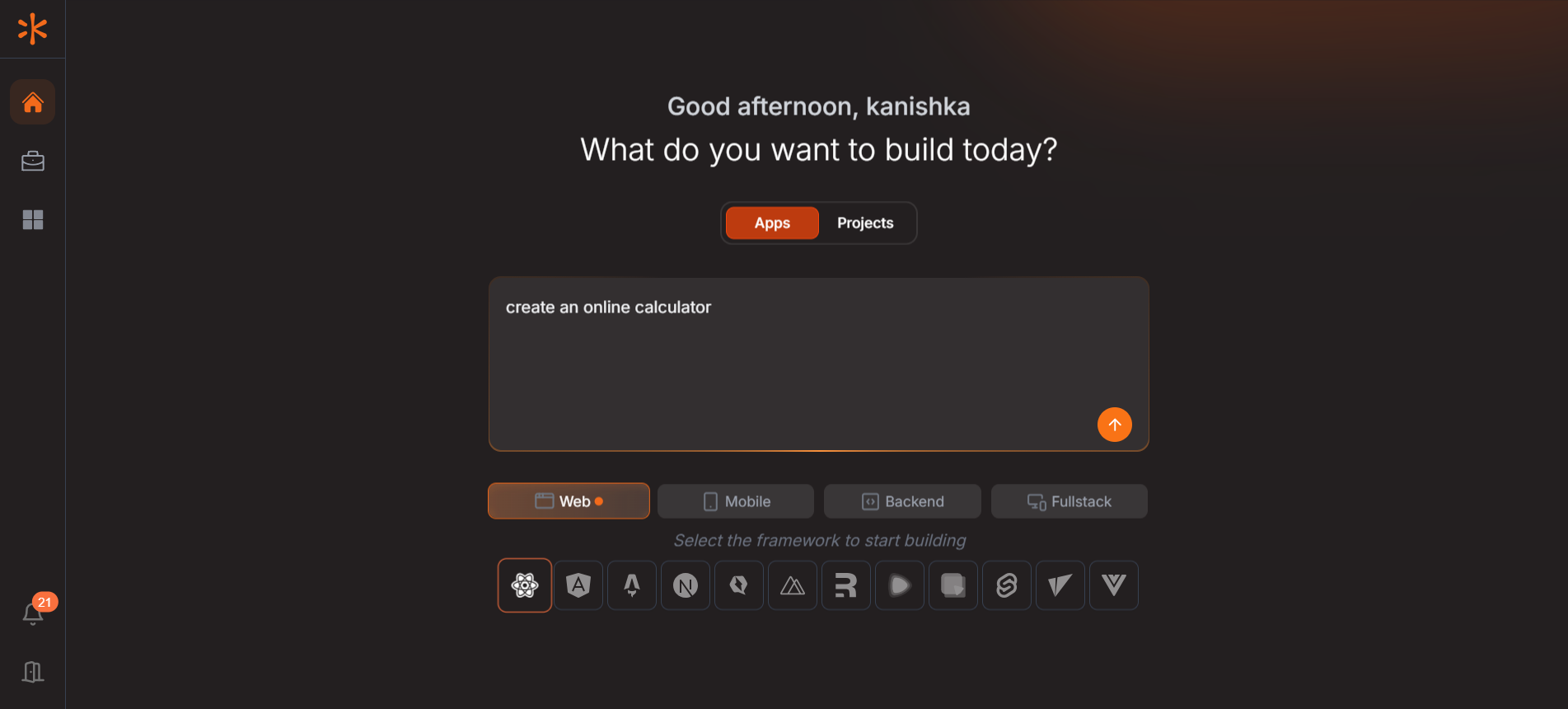
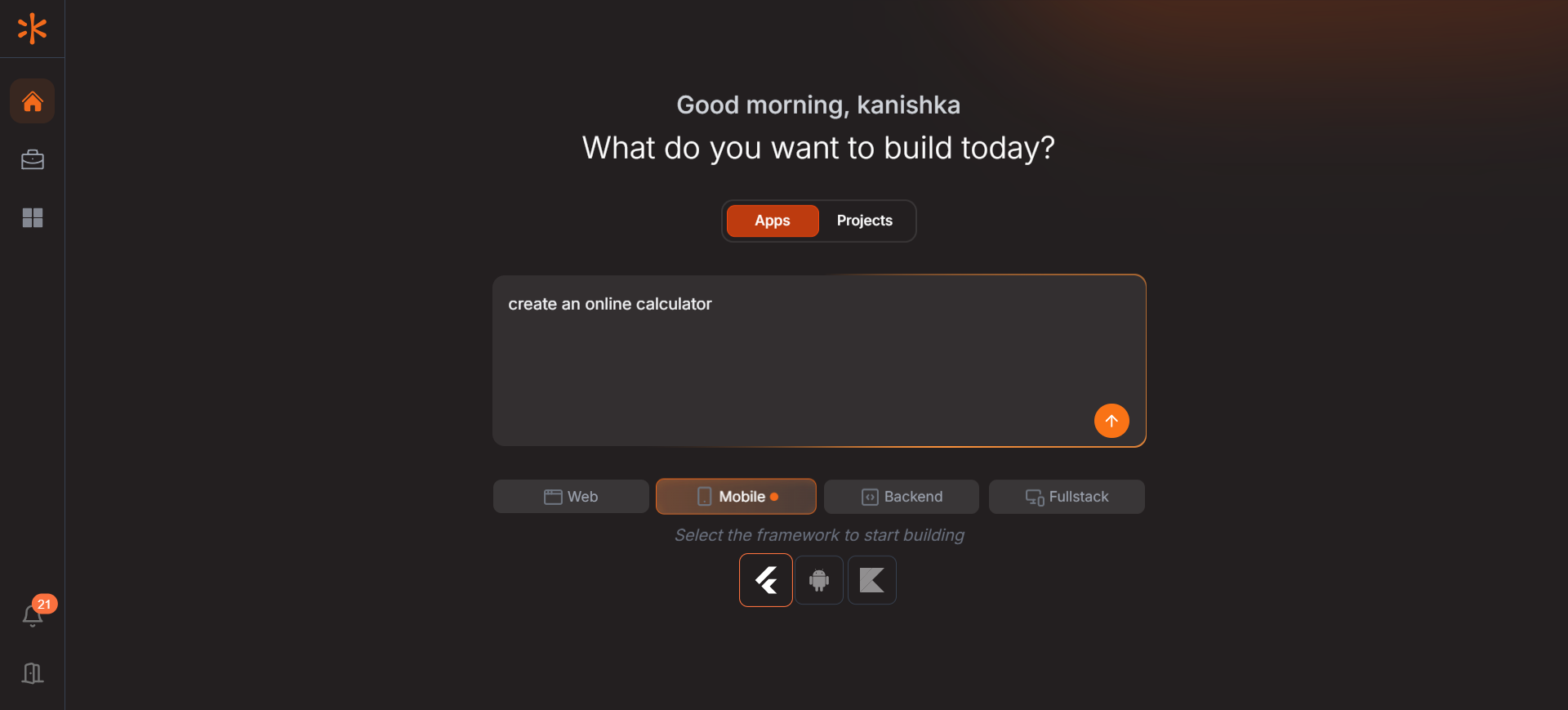
If you are building a mobile app you need to select Mobile and then framework.
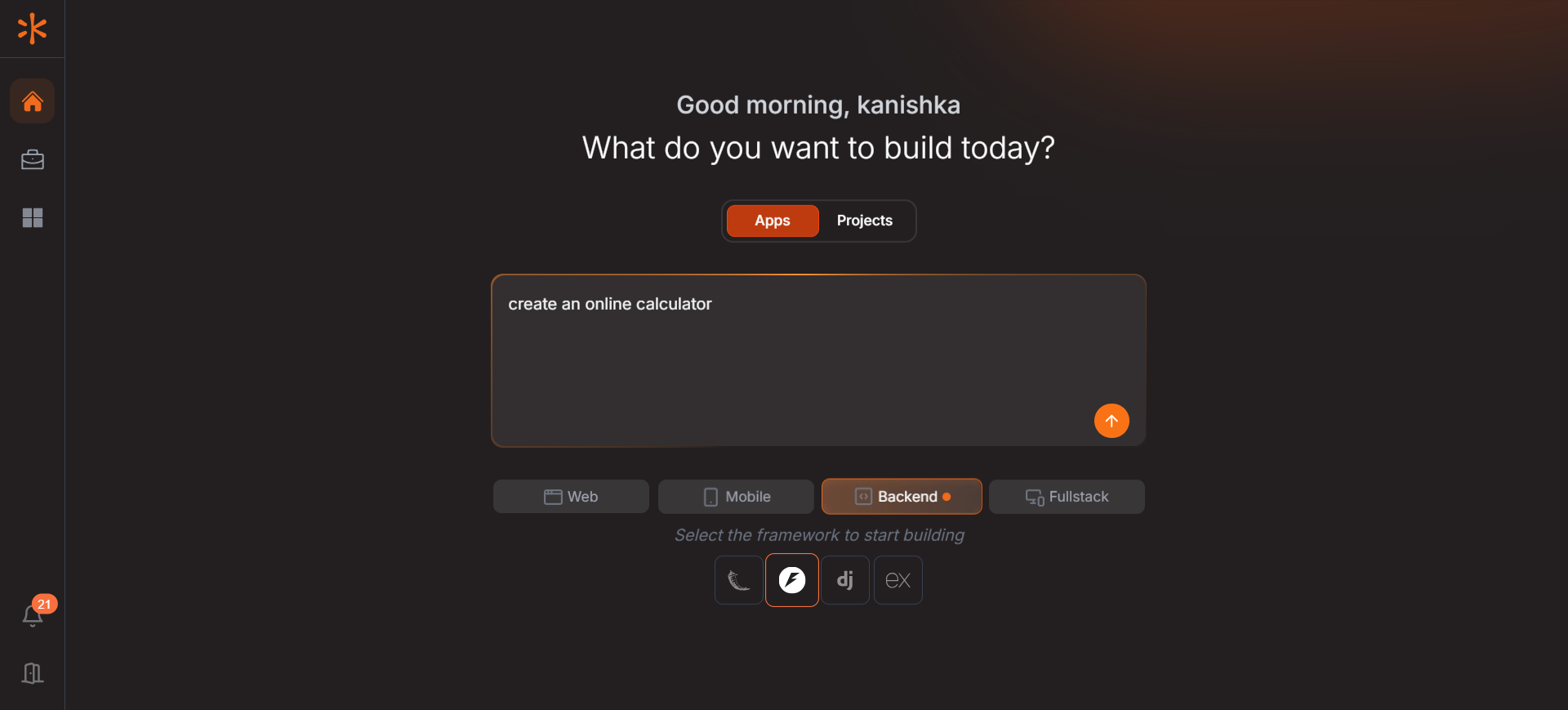
If you are building a backend for an application you need to select Backend and then framework.
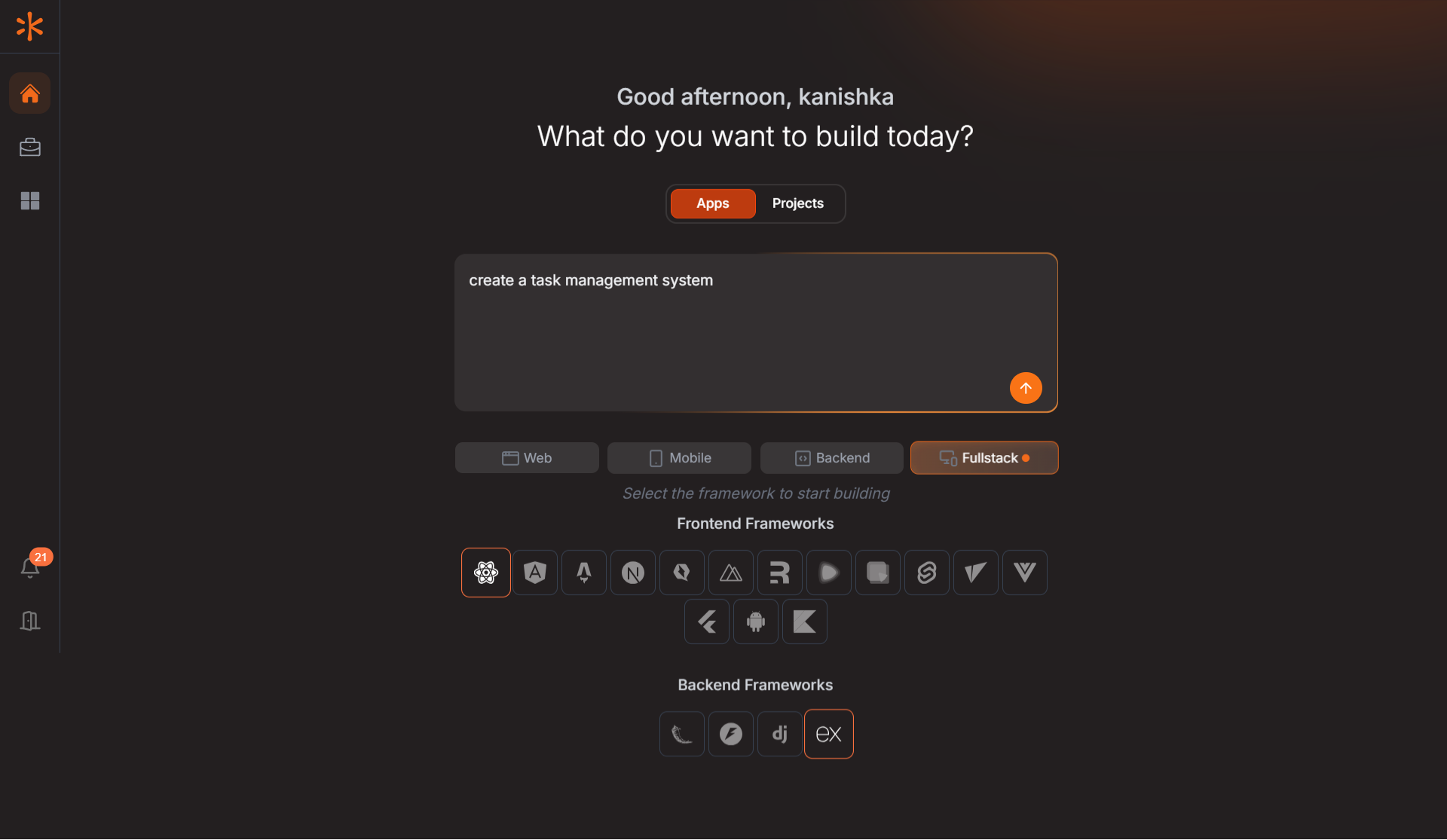
If you are building a full stack application, You need to select Full stack and the relevant Frameworks for the project. Please follow this link for the tutorial or scroll down to topic 5.2.
Previous
Build Your First App